> ## Documentation Index
> Fetch the complete documentation index at: https://sitespeak.ai/docs/llms.txt
> Use this file to discover all available pages before exploring further.
# Create your AI chatbot
> Get your custom trained AI chatbot up and running in 5 simple steps
Creating your first chatbot is very easy and involves 5 simple steps to get up and running.
After signing up you will land on the Get Started page that will guide you through the steps:
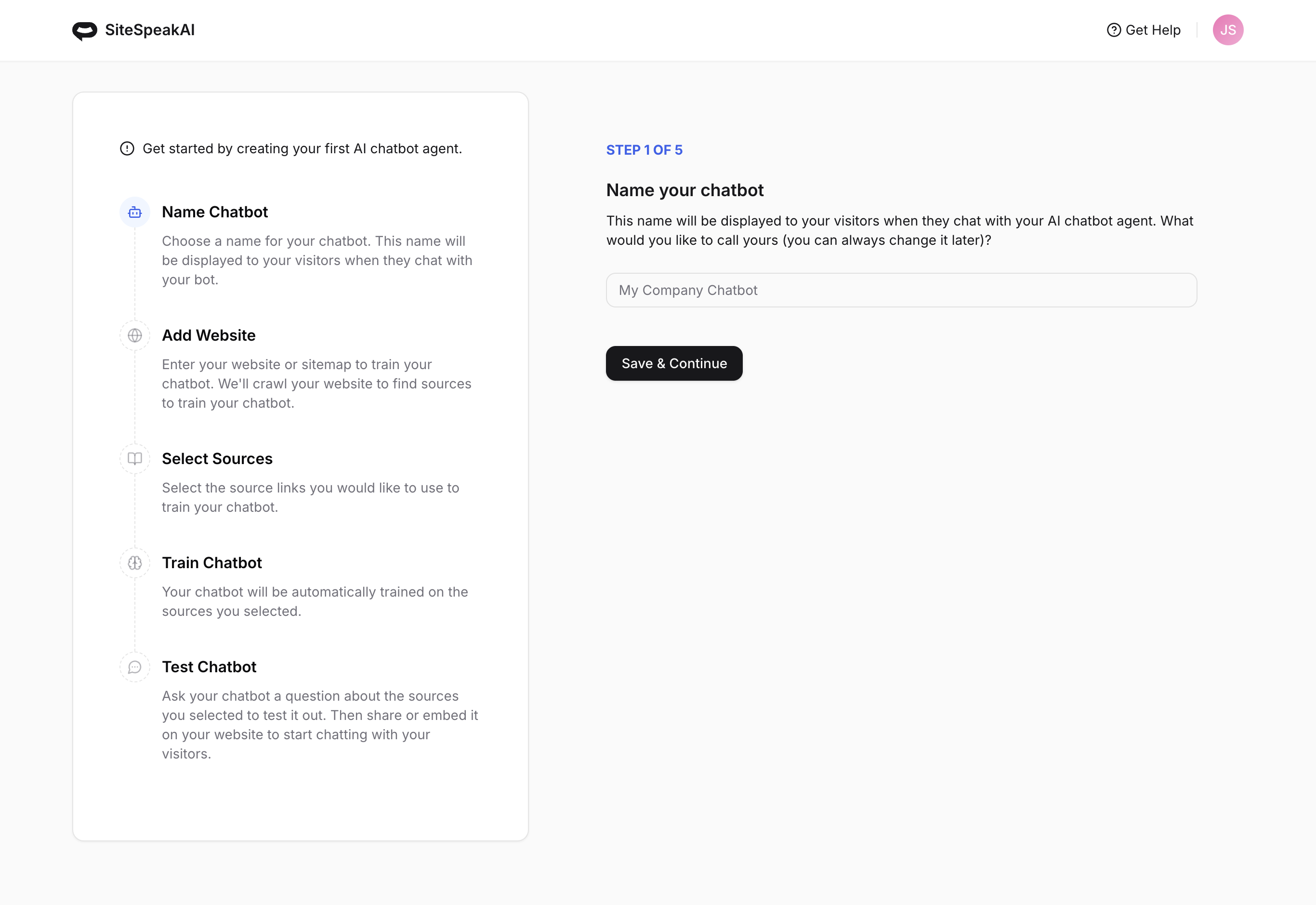 Choose a name for your chatbot. You can always change this later.
Add your website URL or sitemap so we can crawl it for source links to train your chatbot. You can add more later or even change the links to a different site. You can also use PDFs to train your chatbot.
Select the source links from your website you would like to use to train your chatbot. You can add more later.
Your chatbot will now be trained. This can take a minute or two depending on the number of links you selected, but should normally only take a few seconds.
You can now test your chatbot and ask it questions about the content you used to train it.
Choose a name for your chatbot. You can always change this later.
Add your website URL or sitemap so we can crawl it for source links to train your chatbot. You can add more later or even change the links to a different site. You can also use PDFs to train your chatbot.
Select the source links from your website you would like to use to train your chatbot. You can add more later.
Your chatbot will now be trained. This can take a minute or two depending on the number of links you selected, but should normally only take a few seconds.
You can now test your chatbot and ask it questions about the content you used to train it.
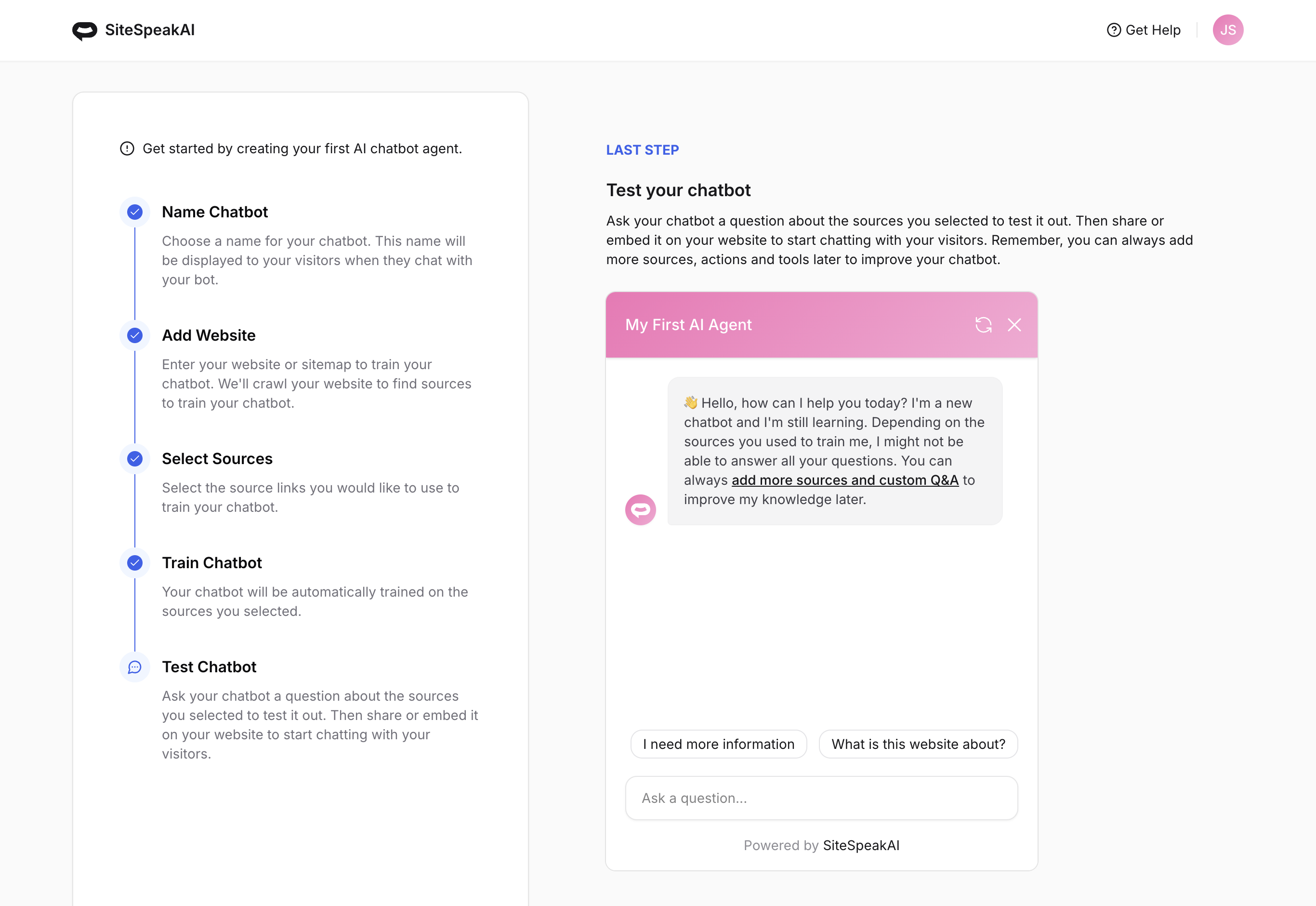 And that's it! Your custom trained AI support agent is now ready to be customized and installed 🎉
## Next steps
Match your chatbot's appearance to your brand
Add the chatbot widget to your website
***
Join over 1000+ businesses, websites and startups automating their customer service and other tasks with a custom trained AI agent.
And that's it! Your custom trained AI support agent is now ready to be customized and installed 🎉
## Next steps
Match your chatbot's appearance to your brand
Add the chatbot widget to your website
***
Join over 1000+ businesses, websites and startups automating their customer service and other tasks with a custom trained AI agent.