> ## Documentation Index
> Fetch the complete documentation index at: https://sitespeak.ai/docs/llms.txt
> Use this file to discover all available pages before exploring further.
# Train Your Chatbot on Audio Files
> Upload audio files to train your chatbot. SiteSpeakAI will transcribe the audio and use the content for training.
Upload audio files to train your chatbot on podcasts, recorded calls, voice memos, or any other audio content. SiteSpeakAI will automatically transcribe the audio and use the extracted text for training.
## Uploading Audio Files
In your chatbot dashboard, click **Training & Content** in the sidebar.
Click on **Sources**.
Click the **+ Add Sources** button.
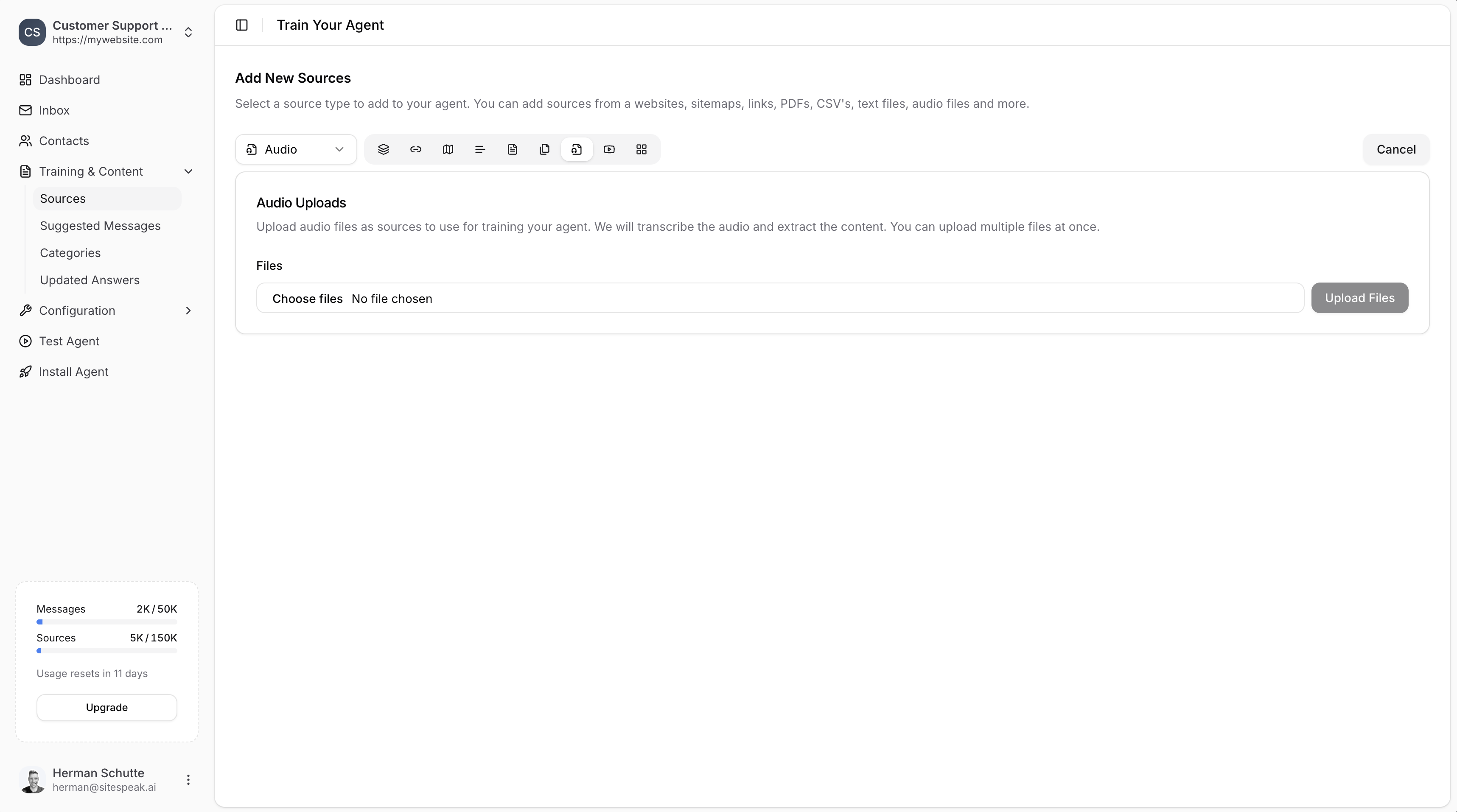
From the source type dropdown, select **Audio**.
Click **Choose files** to browse and select audio files from your computer. You can upload multiple files at once.
Click the **Upload Files** button to start the transcription and training process.
 ***
## How It Works
1. **Upload**: Select one or more audio files from your computer.
2. **Transcription**: SiteSpeakAI automatically transcribes the audio content.
3. **Training**: The transcribed text is used to train your chatbot.
***
## Best Practices
* **Clear audio**: Use audio files with clear speech and minimal background noise for better transcription accuracy.
* **Relevant content**: Upload audio that contains information your chatbot should know about.
* **Review sources**: After training, check the transcribed content in your sources list to ensure accuracy.
Audio transcription works best with spoken content like interviews, webinars, tutorials, and customer calls.
***
Join over 1000+ businesses, websites and startups automating their customer service and other tasks with a custom trained AI agent.
***
## How It Works
1. **Upload**: Select one or more audio files from your computer.
2. **Transcription**: SiteSpeakAI automatically transcribes the audio content.
3. **Training**: The transcribed text is used to train your chatbot.
***
## Best Practices
* **Clear audio**: Use audio files with clear speech and minimal background noise for better transcription accuracy.
* **Relevant content**: Upload audio that contains information your chatbot should know about.
* **Review sources**: After training, check the transcribed content in your sources list to ensure accuracy.
Audio transcription works best with spoken content like interviews, webinars, tutorials, and customer calls.
***
Join over 1000+ businesses, websites and startups automating their customer service and other tasks with a custom trained AI agent.