Your support team is overwhelmed. Response times are slipping, and customers keep asking the same questions you've answered hundreds of times.
AI chatbots can handle these repetitive conversations instantly, freeing your team to focus on complex issues that need human expertise.
This guide shows you how to implement AI-powered ticket deflection that actually works.
The Economics of Support Tickets
Support costs vary dramatically by industry and complexity:
Average cost per assisted support ticket (2025 benchmarks):
- Retail & E-commerce: $2.70-5.60 per ticket
- Travel & Hospitality: $10-25 per ticket
- Telecom & Utilities: $20-30 per ticket
- SaaS & Software: $25-35 per ticket
- High-tech product support: $28-35 per ticket
- Complex technical issues: $50-100+ per ticket
AI chatbot/self-service cost: $0.50-2.50 per resolution
The math is clear: deflecting even a portion of tickets to self-service or AI creates significant savings.
Sources: LiveChatAI 2025 Benchmarks, MatrixFlows
Realistic Deflection Expectations
Not every chatbot delivers the same results:
- Standard chatbots: 20-40% deflection rate
- Well-implemented AI chatbots: 45-60% deflection rate
- Top performers with optimization: 80%+ deflection rate
Your results depend on knowledge base quality, implementation approach, and the types of questions your customers ask.
Source: Alhena AI
Why Speed Matters
According to HubSpot research:
- 90% of customers rate an "immediate" response as important when they have a support question
- 60% of those customers define "immediate" as 10 minutes or less
- 89% say quick response influences their purchase decisions
AI chatbots answer in seconds. That's a competitive advantage.
Source: HubSpot Research
The Real Benefits of AI Ticket Deflection
1. Instant Responses, 24/7
Your customers don't work 9-5. AI chatbots answer questions immediately, any time of day, with no queue and no wait.
2. Happier Support Agents
When AI handles password resets, shipping status, and return policy questions, your team can focus on:
- Complex technical issues
- High-value customer relationships
- Problems that need human judgment
The result: lower turnover and better service for tickets that actually need human attention.
3. Consistent, Accurate Answers
An AI chatbot trained on your knowledge base gives the same accurate answer every time. No variations between agents, no forgotten details.
How Modern AI Chatbots Work
The RAG Pipeline
Modern AI chatbots use RAG (Retrieval Augmented Generation):
- Your content gets indexed - Help docs, FAQs, product pages are processed and stored
- Customer asks a question - "How do I reset my password?"
- AI searches your knowledge - Finds relevant content from your indexed documents
- AI generates a response - Crafts a natural answer using retrieved information
- Customer gets instant help - No ticket created, no agent needed
Unlike old keyword-matching chatbots, RAG-powered AI understands context and intent.
Good Deflection vs. Bad Deflection
Good deflection:
- Customer's question fully answered
- They leave satisfied
- No follow-up needed
Bad deflection:
- Vague or unhelpful response
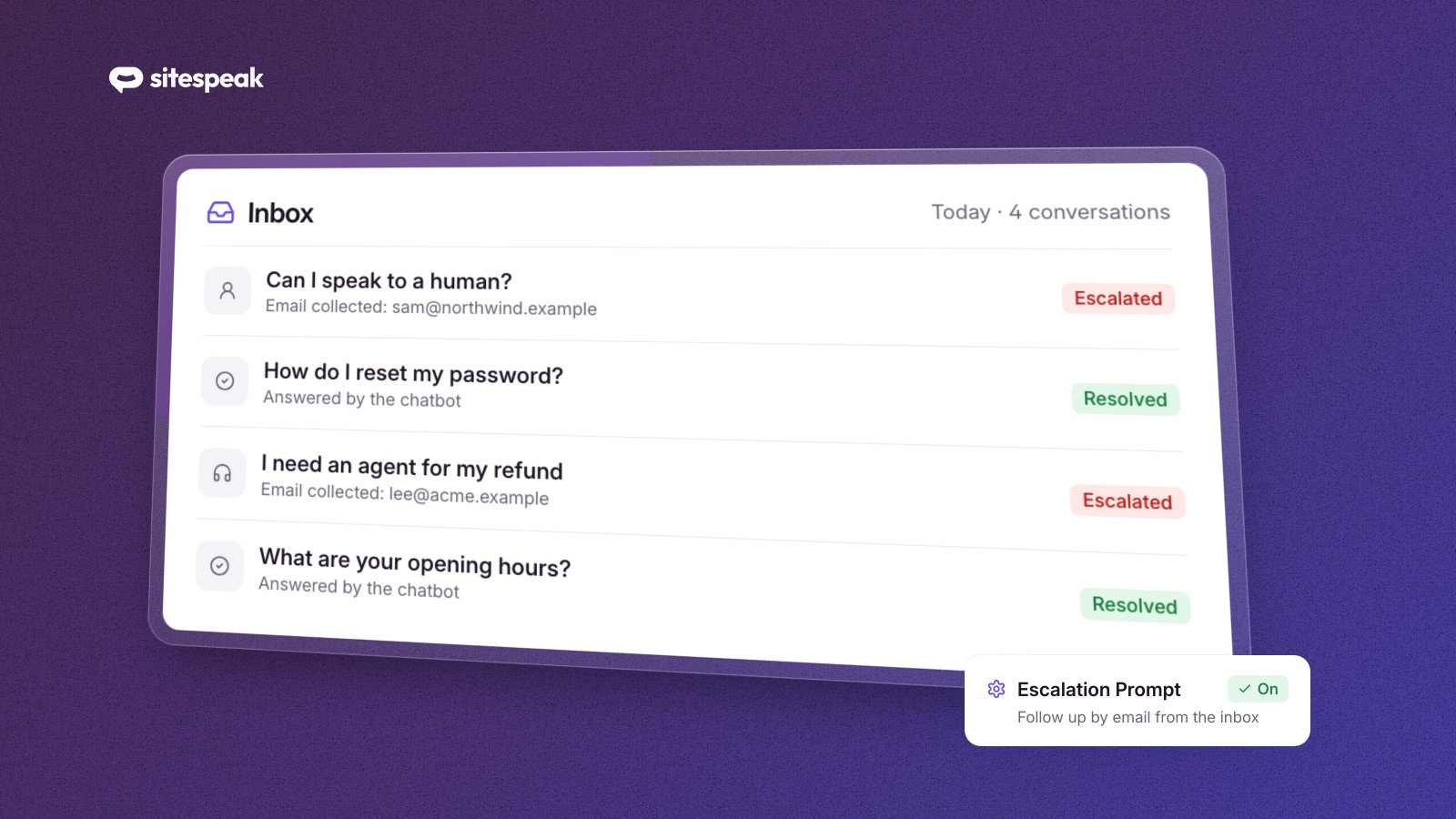
- Customer has to repeat themselves when escalated
- Frustration increases
The difference: knowledge base quality, proper escalation paths, and knowing when to hand off to humans.
Step-by-Step Implementation
Step 1: Audit Your Current Tickets
Pull your last 500 support tickets and categorize them:
| Category | Typical % | Automatable? |
|---|---|---|
| Password/login issues | 15-20% | Yes |
| Order status inquiries | 20-25% | Yes |
| Pricing questions | 10-15% | Yes |
| Return/refund requests | 10-15% | Partially |
| Technical troubleshooting | 15-20% | Partially |
| Complaints/escalations | 5-10% | No |
| Complex account issues | 5-10% | No |
Most businesses find 40-60% of tickets are fully automatable.
Step 2: Build Your Knowledge Base
Your AI is only as good as its training data. Our guide to building a knowledge base chatbot shows how to prepare your content and test the answers.
Start with:
- FAQ pages
- Help documentation
- Policy documents (returns, shipping, privacy)
- Product information
Structure matters: Break content into focused, single-topic pages. This helps the AI retrieve the right information for each question.
Step 3: Choose the Right Platform
Look for:
- RAG-powered responses - Not just keyword matching
- Easy knowledge base connection - Website crawling, document upload
- Customizable personality - Match your brand voice
- Seamless escalation - Hand off to humans gracefully
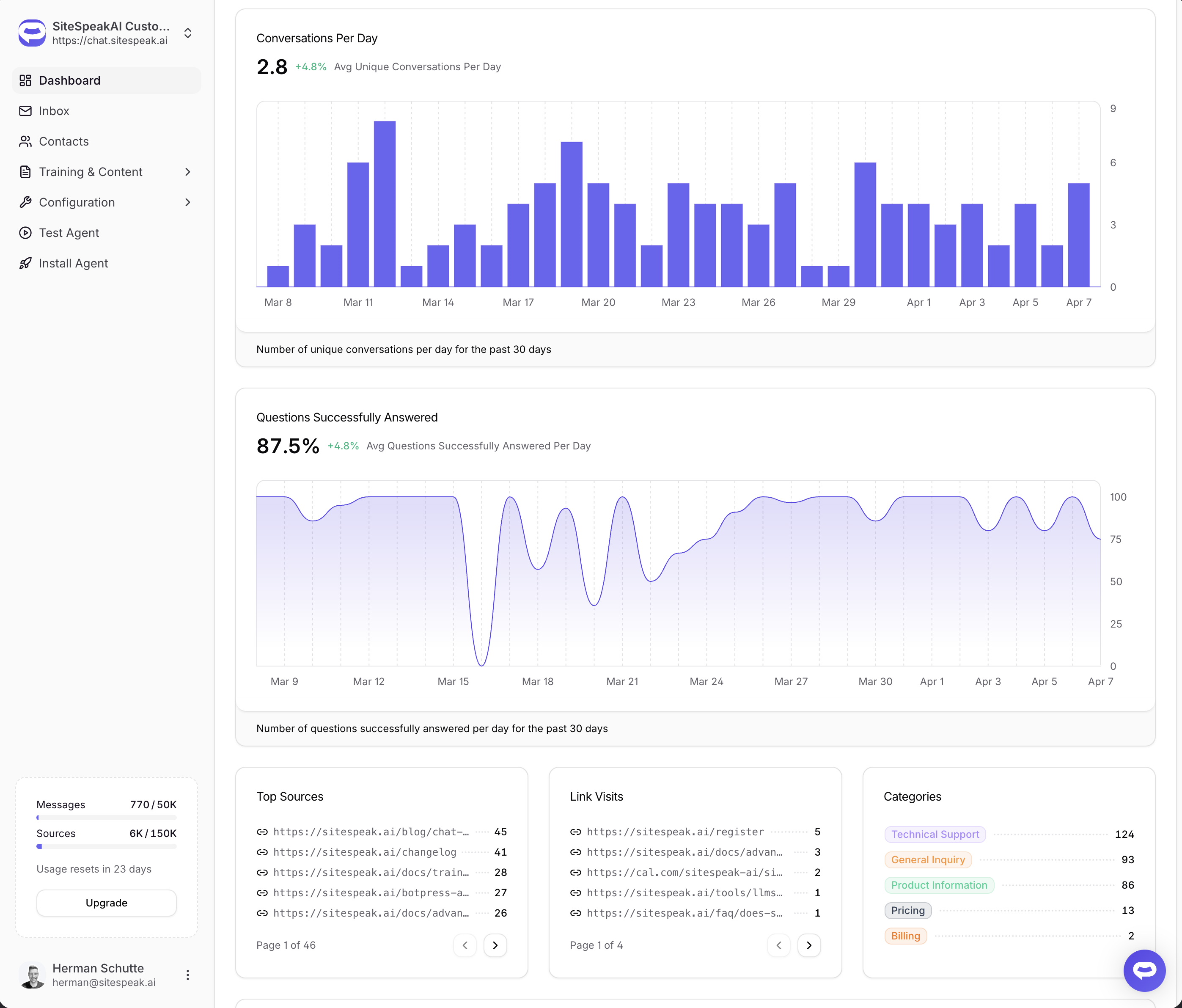
- Analytics - Track deflection rates and identify gaps
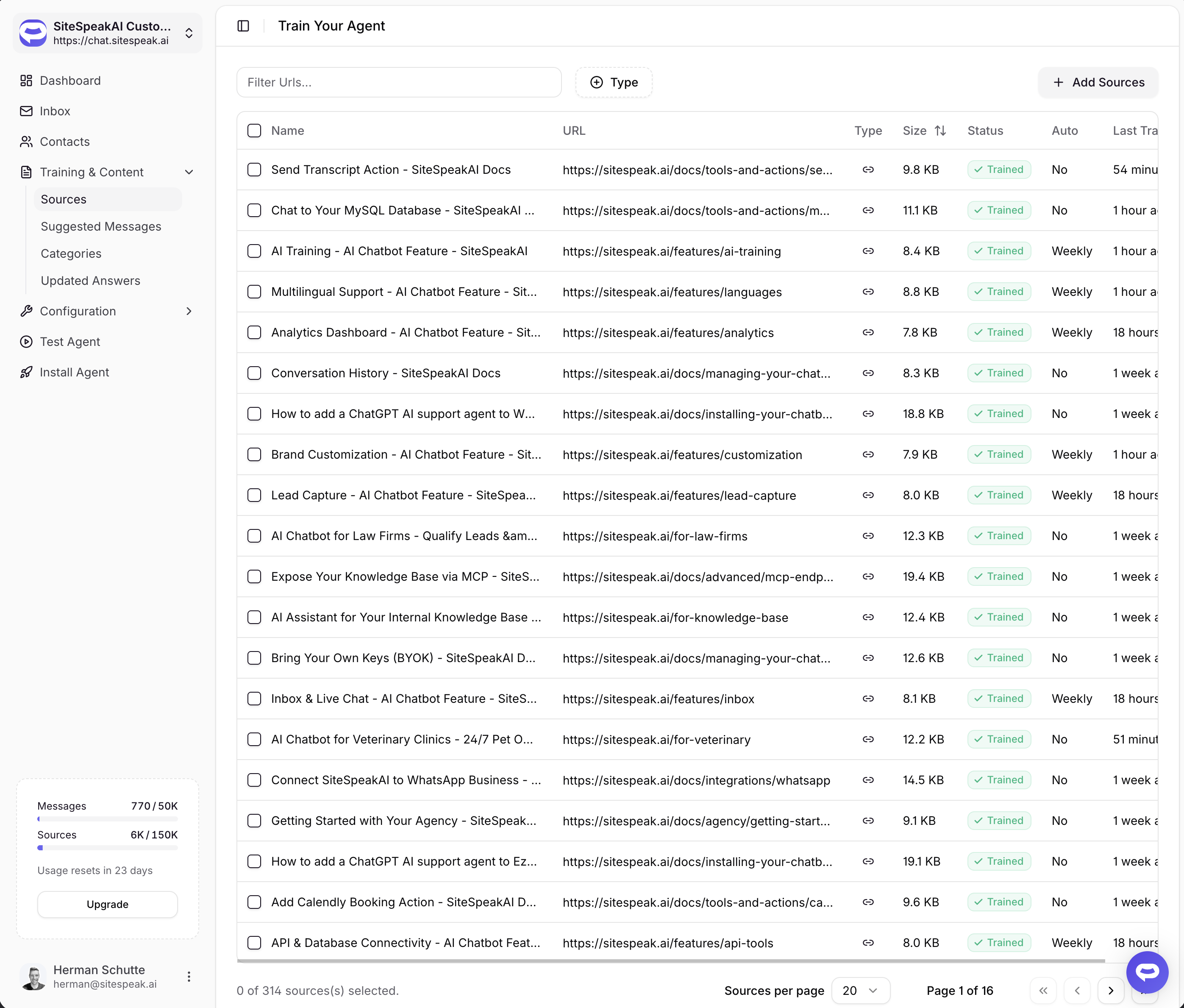
Step 4: Train and Test
Before going live:
- Test your top 50 question types
- Check edge cases - typos, multiple questions, off-topic queries
- Verify escalation works smoothly
- Review tone and personality
Involve your support team. They know how customers actually ask questions.
Step 5: Launch Gradually
Don't flip the switch all at once:
- Start with one channel (website chat, not email)
- Begin with one topic area
- Monitor during business hours initially
Watch for:
- Questions the AI can't answer well
- Frustrated customers needing faster escalation
- Gaps in your knowledge base
Step 6: Optimize Continuously
Review weekly:
- Which questions are being escalated most?
- Where are customers expressing frustration?
- What content needs to be added or updated?
The best results come from treating your chatbot as a living system.
Common Mistakes
Mistake 1: Hiding the Human Option
Always make it easy to reach a human. A visible "Talk to a person" button builds trust and actually improves satisfaction with the AI.
Mistake 2: Over-Automating Complex Issues
Some tickets shouldn't be deflected:
- Billing disputes
- Angry customers
- Complex technical problems
- High-value accounts
Train your AI to recognize these and escalate immediately.
Mistake 3: Neglecting Your Knowledge Base
When you launch products, change policies, or update pricing - update your knowledge base immediately. Stale content leads to wrong answers.
Mistake 4: Measuring Only Deflection Rate
Also track:
- Resolution rate - Did customers actually get answers?
- Customer satisfaction - Were they happy?
- Return contact rate - Do deflected customers come back with the same issue?
A 60% deflection rate means nothing if those customers are frustrated.
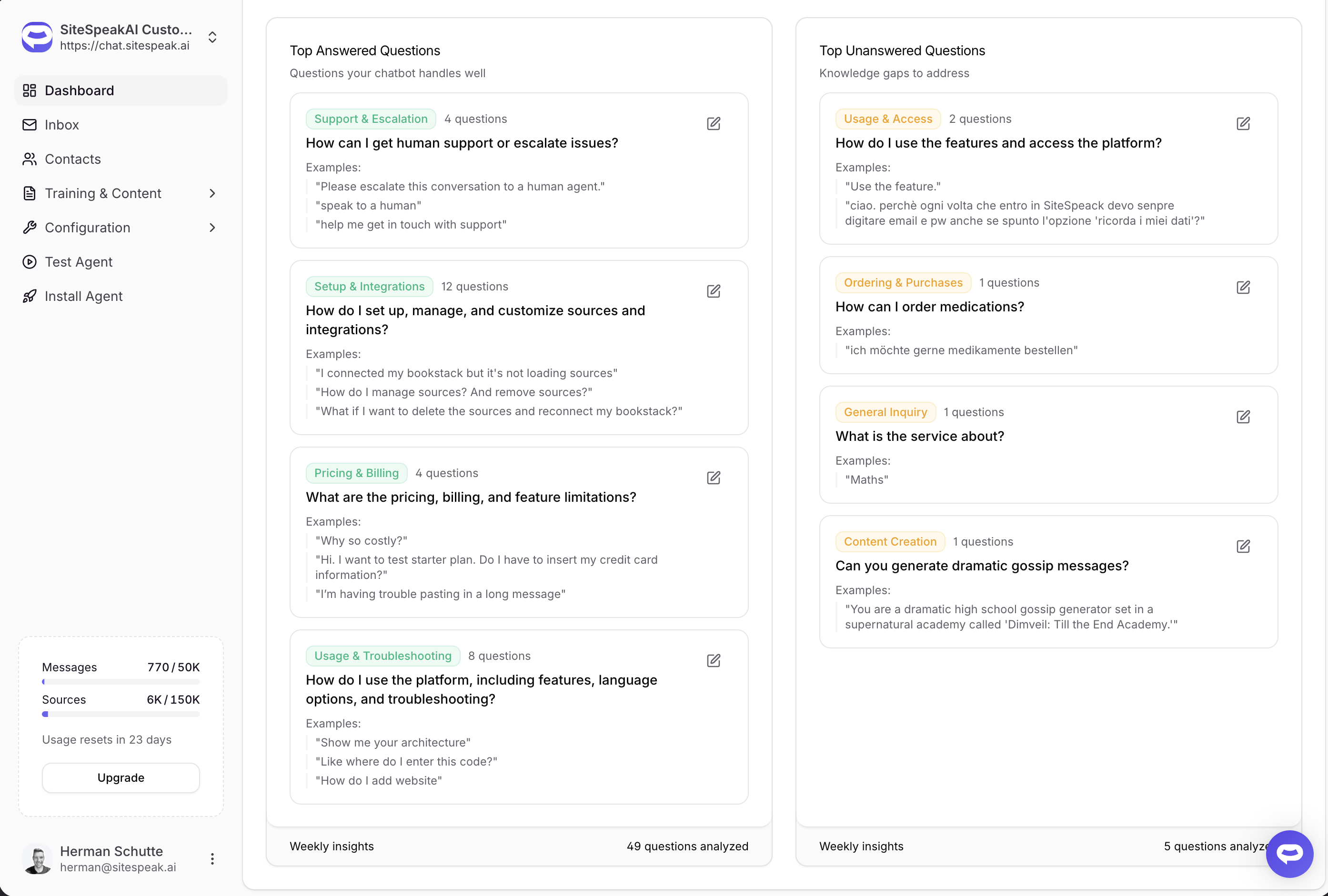
Realistic Timeline
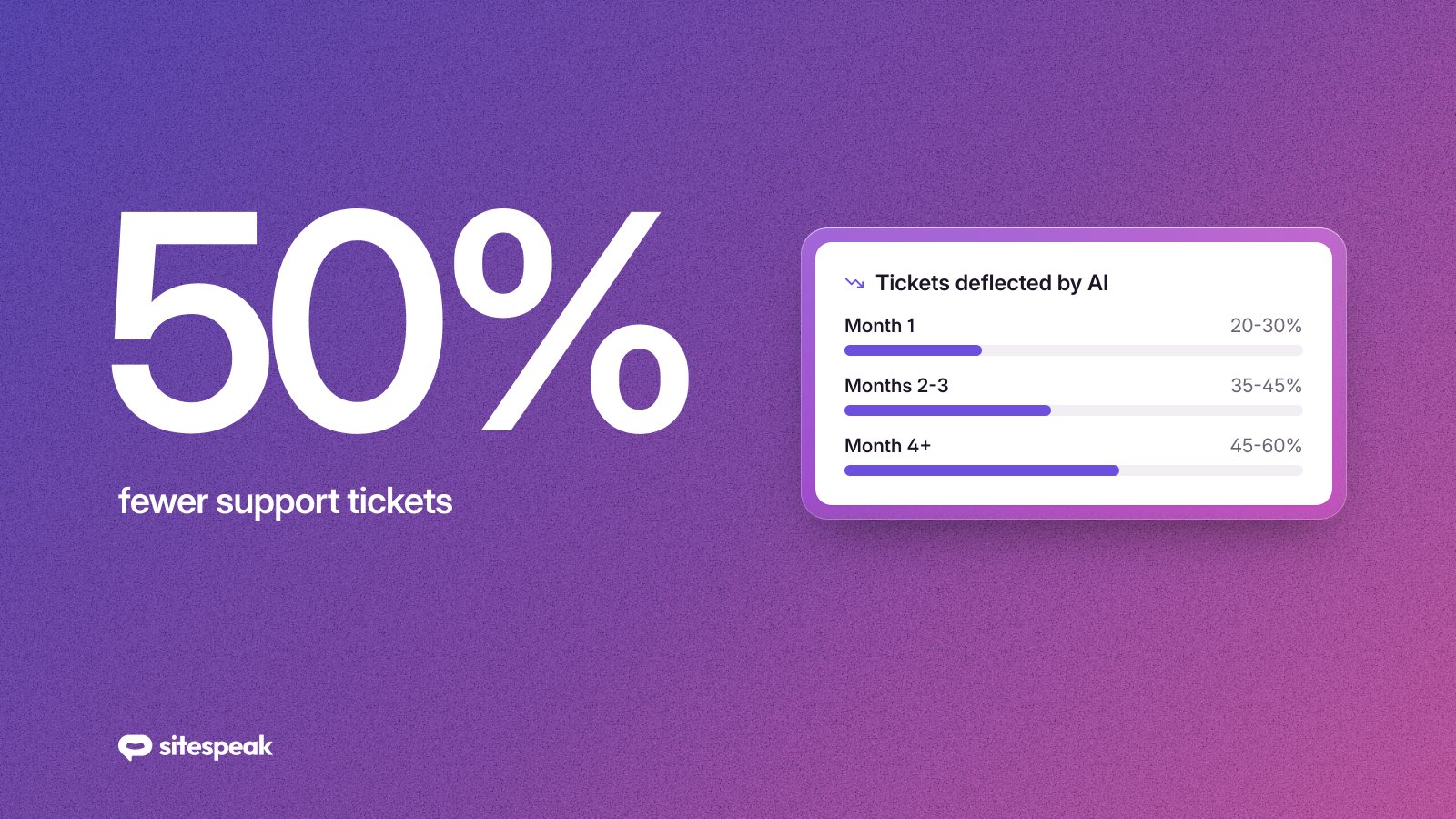
Month 1:
- 20-30% deflection (learning phase)
- Identifying knowledge gaps
- Team adjusting to new workflow
Months 2-3:
- 35-45% deflection
- Knowledge base improvements showing results
- Team focusing on complex issues
Month 4+:
- 45-60% deflection (with optimization)
- Continuous improvement
- Measurable cost savings
Results vary based on your starting knowledge base quality and ticket complexity.
Getting Started This Week
- Monday - Pull and categorize your last 500 tickets
- Tuesday - Identify most common automatable questions
- Wednesday - Audit existing help content
- Thursday - Research AI chatbot platforms
- Friday - Set up a trial and connect your knowledge base
Start Deflecting Tickets Today
SiteSpeak AI makes it easy to train an AI chatbot on your website and knowledge base. Connect your content, customize your chatbot, and start deflecting tickets in minutes.
Try SiteSpeak Free - No credit card required.