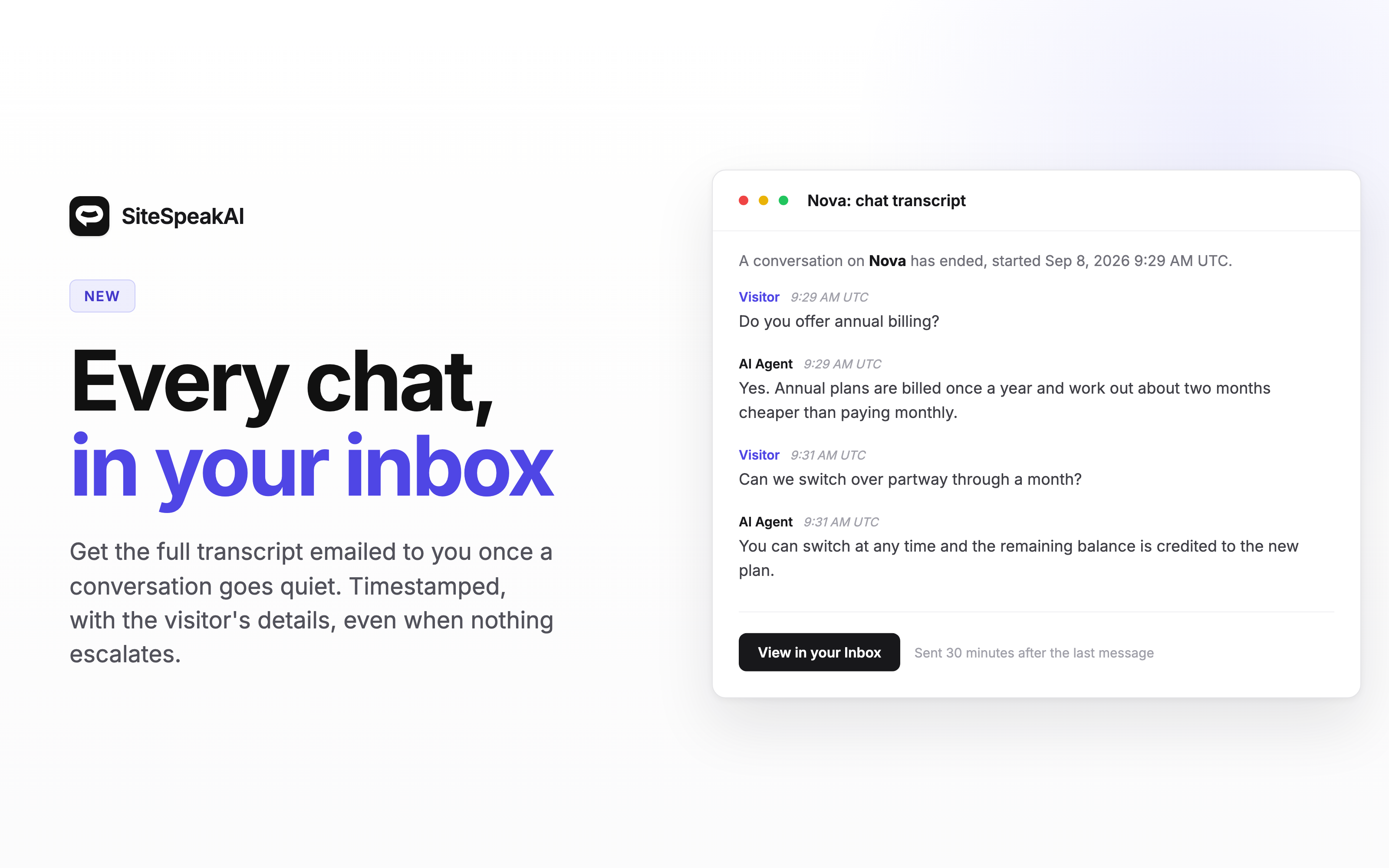
You can now customize and translate the escalation notification emails sent to your team. This update brings full localization support to email notifications, so your team receives emails in the language that works best for them.
How it works
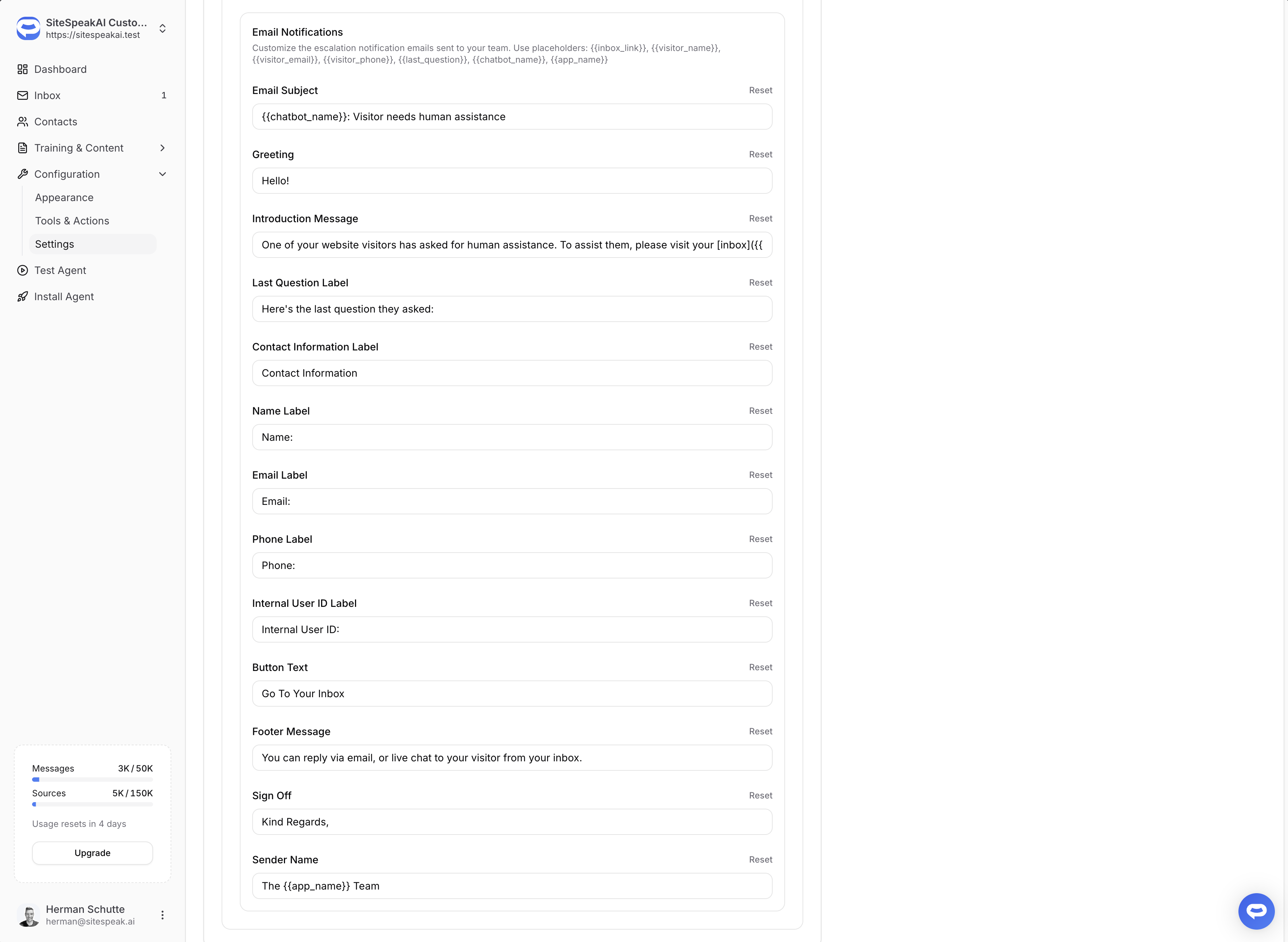
Head to Configuration > Settings > Localization and you'll find a new Email Notifications section. From there, you can customize every part of the escalation email for each language, including the subject line, greeting, introduction message, contact labels, button text, footer, and sign off.
The email language is determined by your chatbot's default language setting.
Placeholders
You can use dynamic placeholders in your email text that get replaced with real values when the email is sent:
{{chatbot_name}}- Your chatbot's name{{visitor_name}}- The visitor's name{{visitor_email}}- The visitor's email address{{visitor_phone}}- The visitor's phone number{{last_question}}- The visitor's last message{{inbox_link}}- A direct link to the visitor's conversation
The introduction message also supports markdown, so you can include clickable
links like [inbox]({{inbox_link}}).
For more details, check out our Languages & Localization documentation.