This update brings several improvements to how you train your chatbot, manage visitor privacy, and handle escalation notifications.
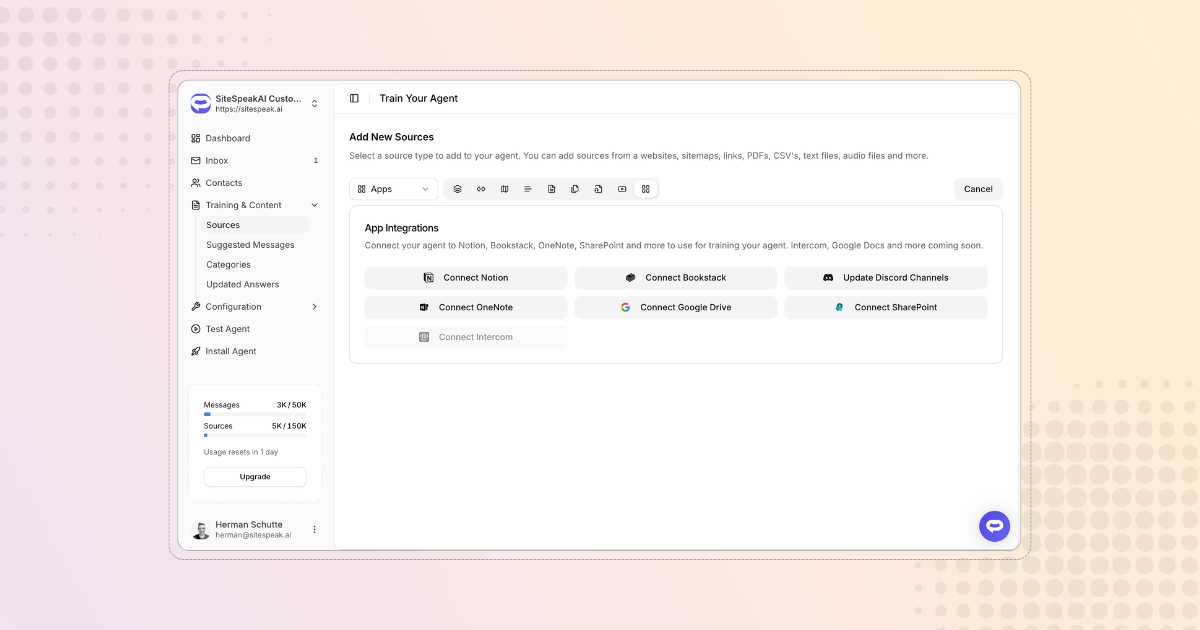
SharePoint: auto-sync libraries and index site pages
Two additions to the SharePoint integration. First, you can now auto-sync an entire document library. Instead of selecting individual files, toggle auto-sync on a library and new documents are picked up automatically on a daily schedule. Files that are removed from the library get cleaned up too.
Second, you can now index SharePoint site pages alongside documents. When you connect a SharePoint site, you'll see options for both document libraries and site pages. Select the pages you want and your chatbot will train on their content.
View the SharePoint documentation
Privacy control for visitor identity
A new toggle in Installation > Identity Verification lets you control whether visitor details like name and email are shared with AI providers. When disabled, lead capture and visitor tracking continue to work normally, but personal information is no longer included in prompts sent to OpenAI, Anthropic, or Google. Useful for teams with strict data privacy requirements like GDPR.
Exclude pages from crawling
When adding website sources, you can now specify URL patterns to exclude from crawling. This is helpful if parts of your site contain content you don't want your chatbot trained on, like admin pages, staging URLs, or duplicate content. Add exclusion patterns in the advanced options when setting up your sources.
Full conversation in escalation notifications
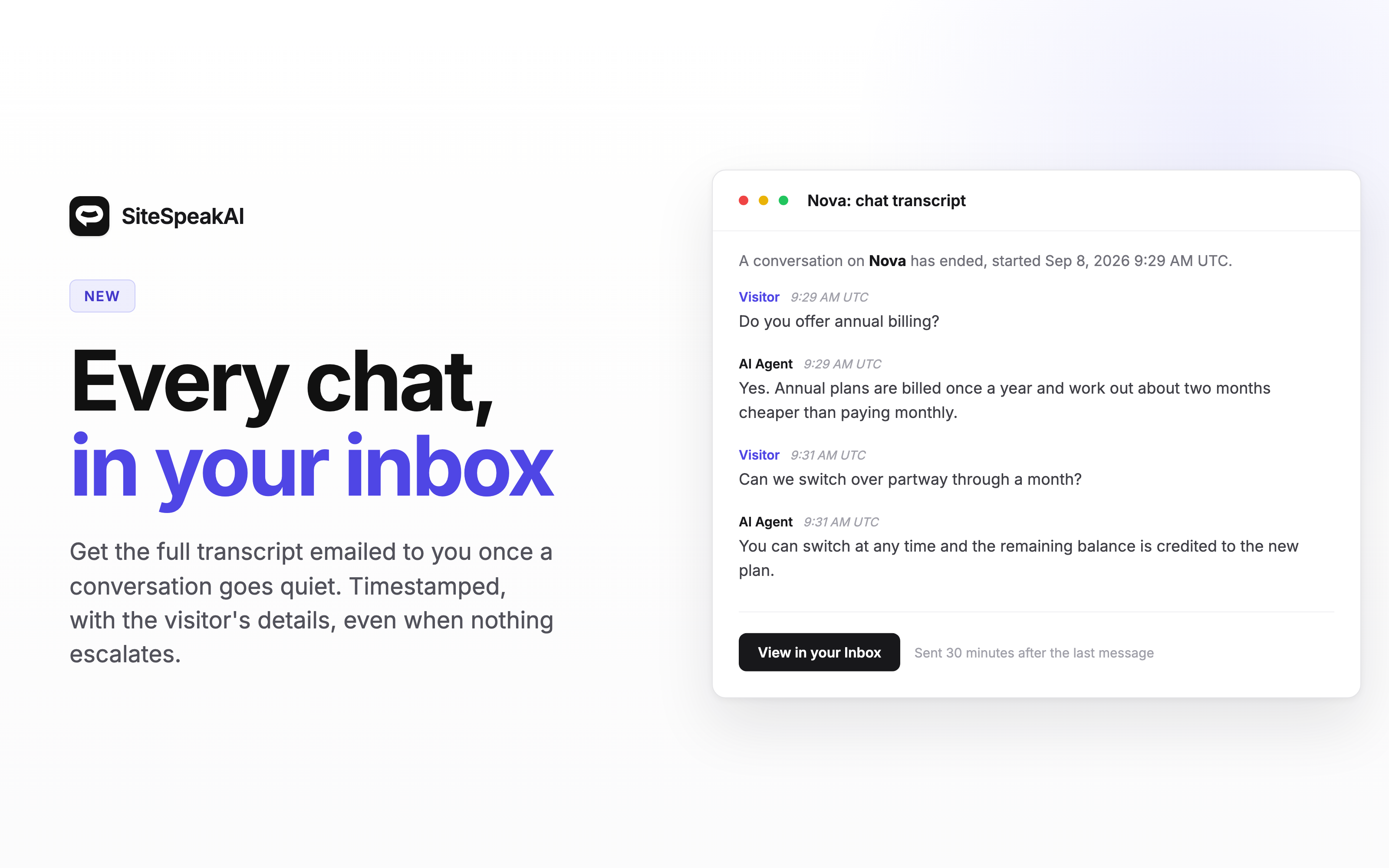
When a visitor escalates to a human agent, the email, Slack, and webhook notifications now include the full conversation thread instead of just the last message. Your support team gets complete context right in the notification without needing to open the inbox.
Polish language support
SiteSpeak now supports Polish. You can select Polish as the chatbot language in your settings, and the widget interface will display in Polish.
Bug fix: team message credits
Fixed an issue where chatbots created by different team members on the same subscription didn't receive the correct message credits. All bots on a team now properly share the team's plan limits.