Can I add my chatbot to Discord?
Yes, you can add your chatbot to Discord. You can do this by selecting the "Install Agent" option in the sidebar, and then selecting the Discord option. You can then add your chatbot to Discord by following the instructions in the chatbot installation screen.
There is also a step-by-step guide on how to add your chatbot to Discord here.
From the blog
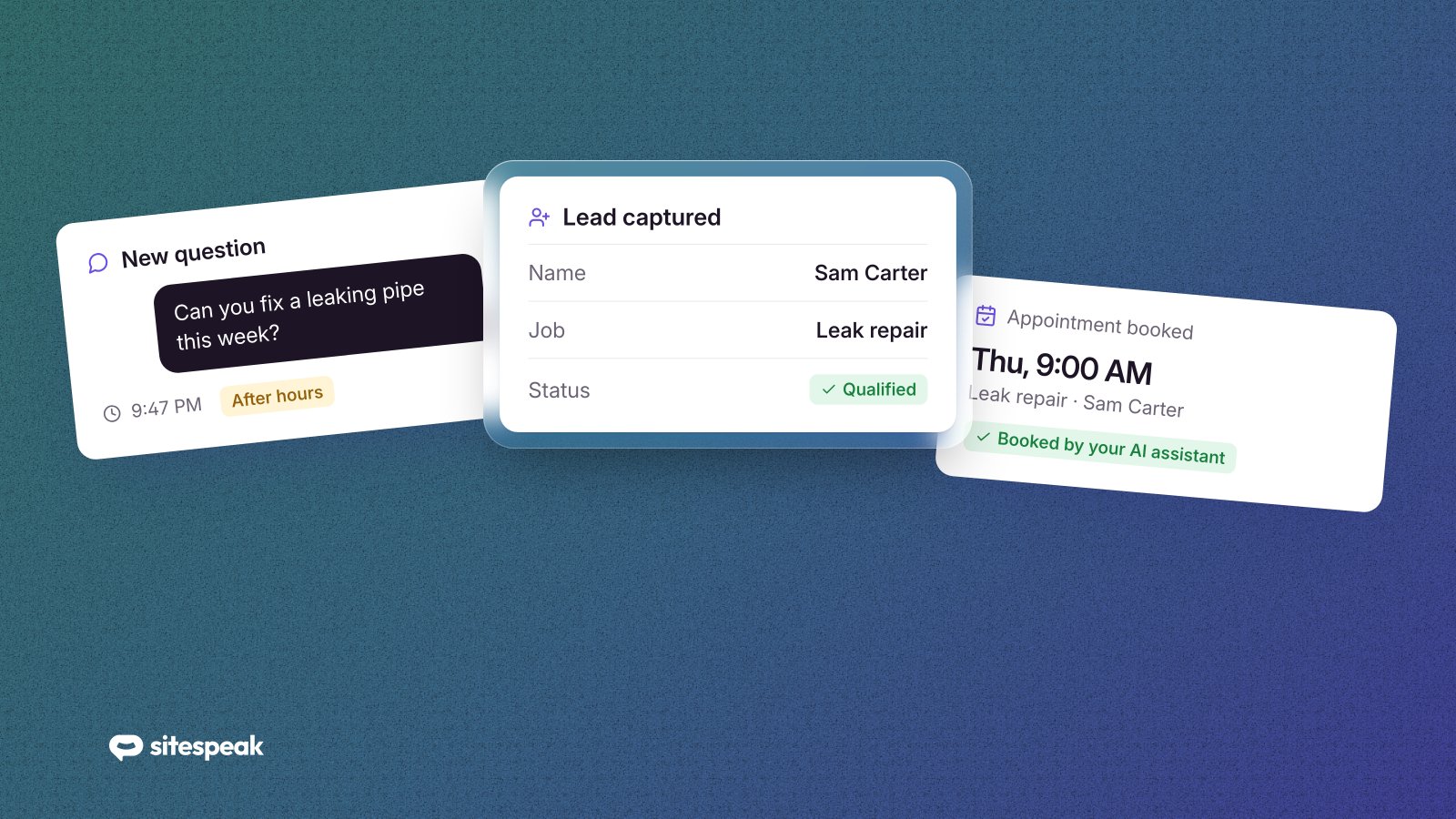
How AI Assistants Can Help Service Businesses Book More Jobs
Need more time and leads as a service business owner? An AI chatbot for your service business may be the solution. See how AI can help today.
 Herman Schutte
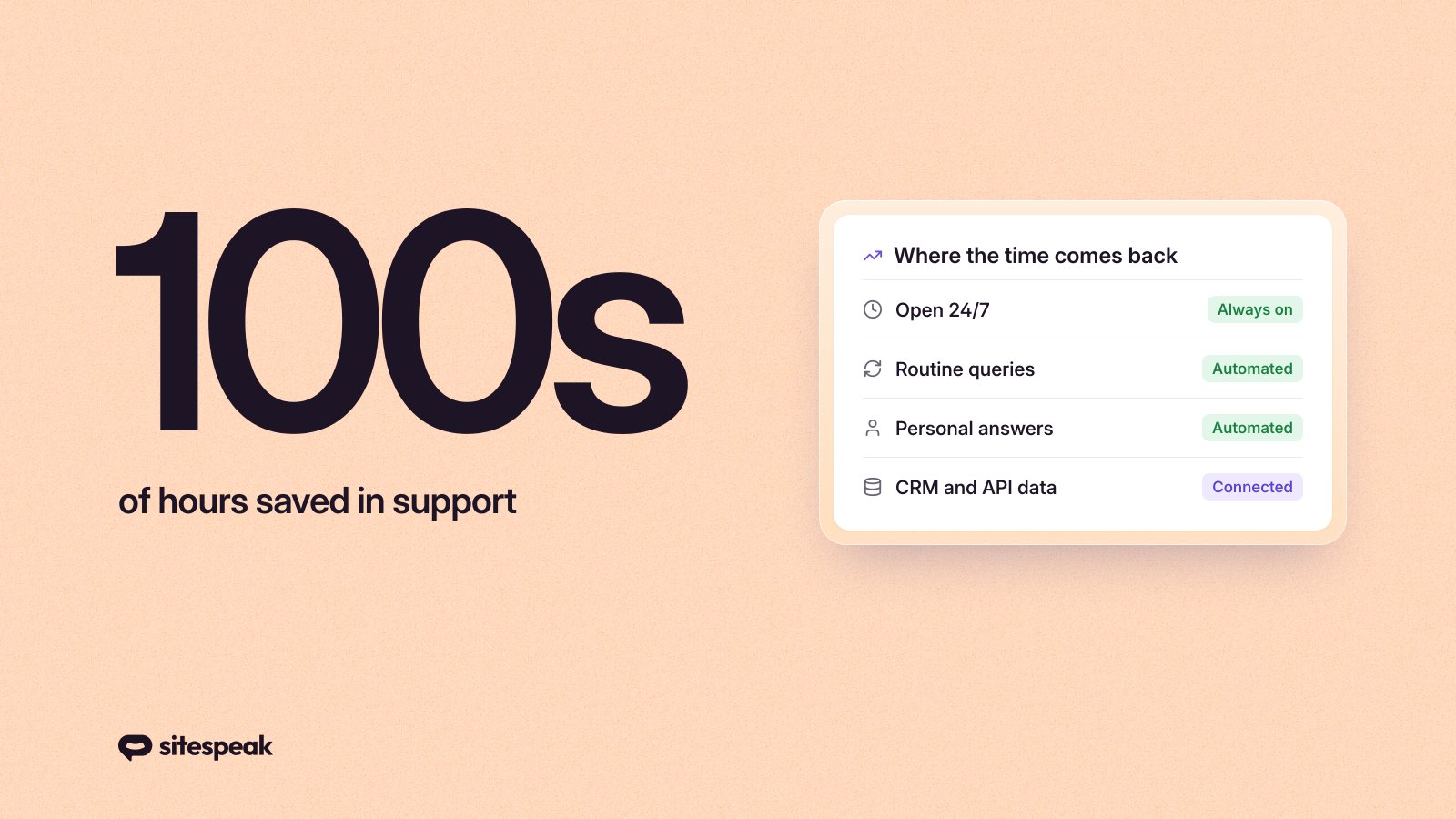
How AI Chatbots Can Save You 100s Of Hours In Customer Support
Dive into the transformative power of AI chatbots in customer support. Learn how businesses can save significant time and enhance customer satisfaction, with a look at tools like SiteSpeakAI.
 Herman Schutte