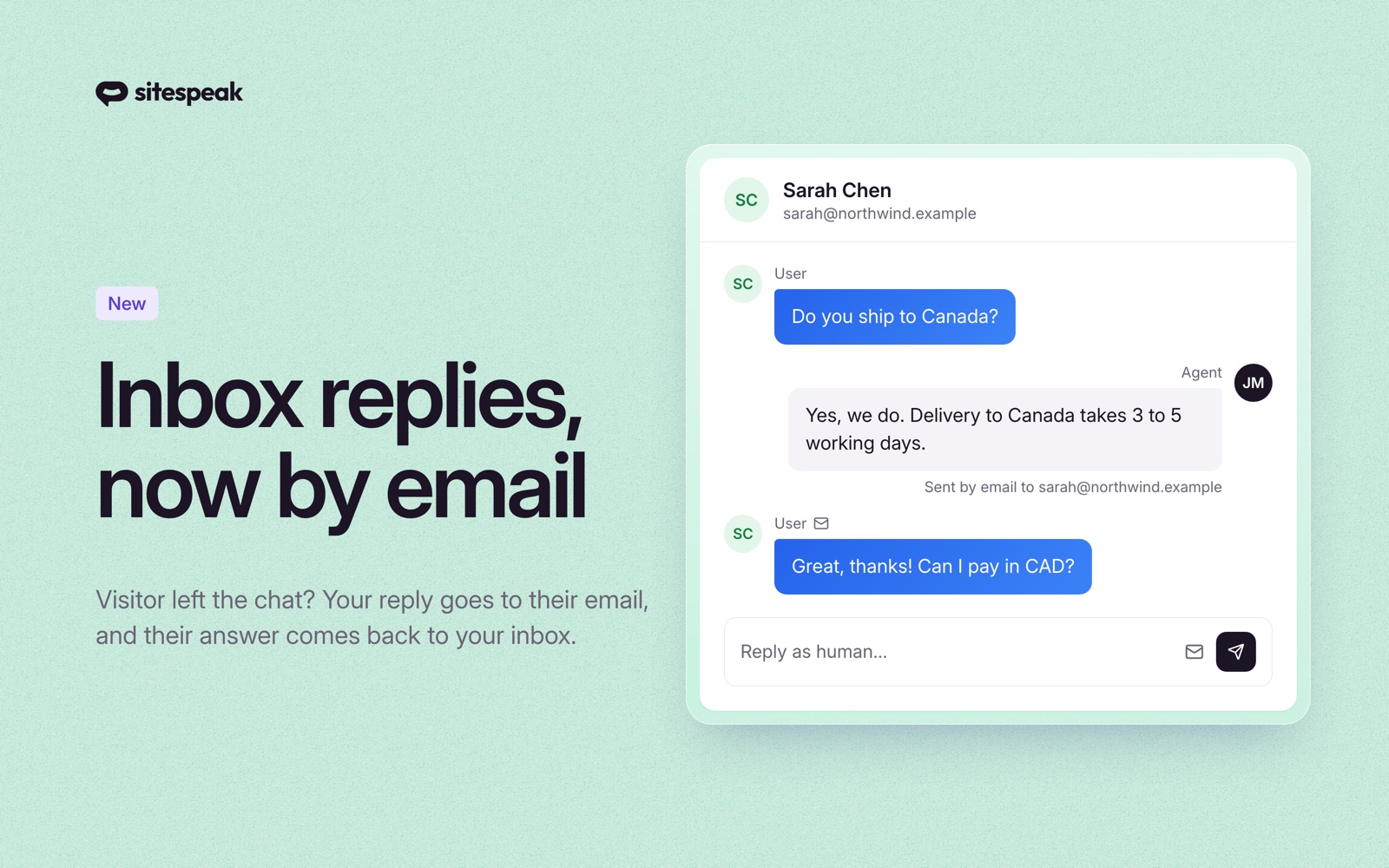
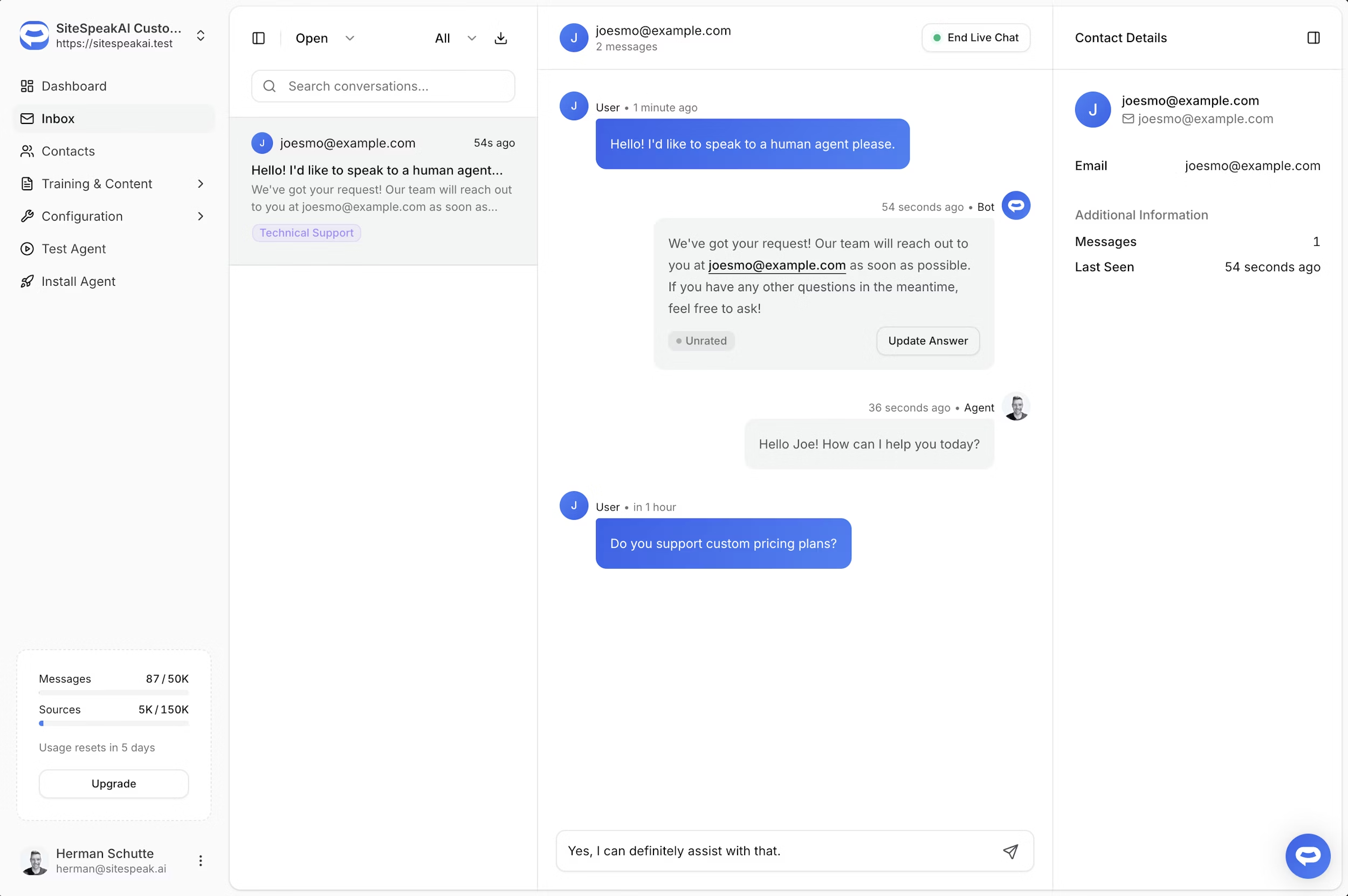
You can now respond to visitors in real-time directly from your Inbox. When a visitor escalates to human support, simply open their conversation and start typing. This automatically initiates a Live Chat session where you take over from the AI.
How it works
When you send a message as an agent, the conversation enters Live Chat mode. You'll see an End Live Chat button appear in the conversation header with a pulsating green indicator showing the session is active. While Live Chat is active, the AI assistant pauses and won't respond to messages, ensuring the visitor only communicates with your support team.
Ending the session
When you're finished helping the visitor, click the End Live Chat button to return control to the AI assistant. The AI will then resume responding to any new messages from the visitor.
You can also read more about this feature in our docs: https://sitespeak.ai/docs/managing-your-chatbot/human-handoff
Need help getting this feature set up? Let us know.