For the last ten weeks, a scheduled job on my Mac has run Claude Code at 6am with a single instruction file. It pulls our traffic, new production errors and uptime through MCP servers and emails me one report before I sit down. 67 runs so far. Boring and reliable, which is the point.
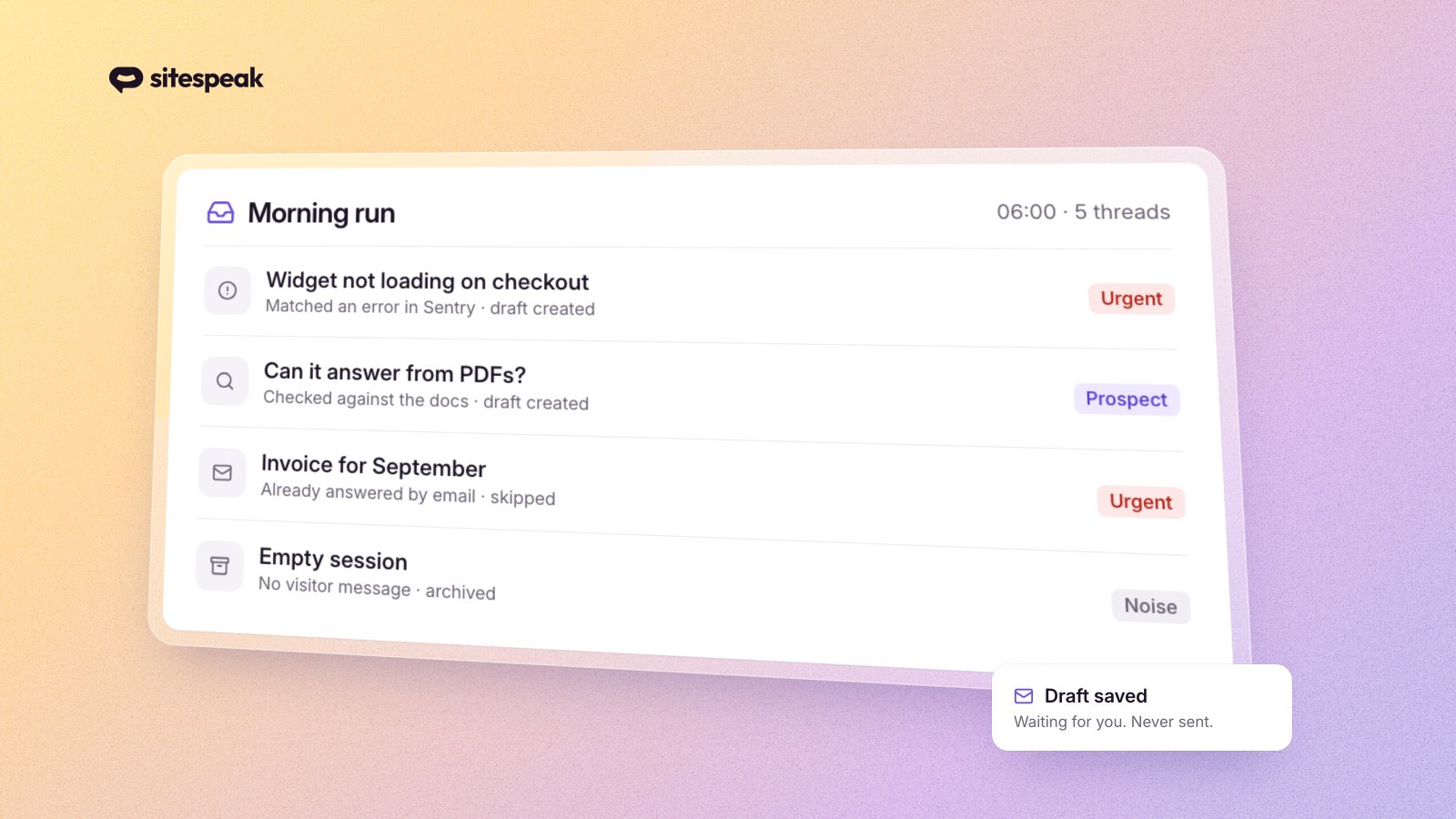
This week I extended it to the biggest block of manual work in my morning: the support inbox. The first run processed 5 inbox threads, created 3 reply drafts in my email client, and correctly skipped 2. This post is the full setup, including the instruction file, so you can build the same thing. Nothing in it is specific to SiteSpeak: any support tool that ships an MCP server works.
Why the inbox was the manual part
Our own AI chatbot handles first-line questions on sitespeak.ai. That part has been automated for years. What stayed manual was everything the bot escalates: bug reports, billing questions, and prospects who want to talk to a human. Those land in an inbox, and every morning I would read each conversation, work out which "it's broken" was actually broken, and write replies.
The volume was never the problem. A handful of threads a day does not justify automation on time saved alone. The problem was consistency: a proper reply means checking the error logs, reading the relevant code and verifying the docs before answering, and doing that thoroughly for every thread, every morning, between everything else, is exactly the kind of work an agent with the right tools should be doing for you.
The setup at a glance
Four pieces:
- Claude Code, run headless on a schedule:
claude -p "/morning-report"from a launchd job (cron works the same on Linux) - Four MCP servers: our support tool's inbox, Sentry, Nightwatch, and my email client
- One markdown skill file that describes the workflow, the classification rules, and the hard limits
- A JSON state file that records every processed thread so runs are idempotent
There is no glue code. No API integration project. The agent composes the four servers itself into one small agentic workflow, following the instruction file. That is the practical argument for MCP: the integration work you would normally do per-tool disappears, and the "integration" becomes a document a human can read and edit.
What a run actually does
Step by step, from the skill file:
- List open inbox threads via the support tool's MCP server and keep the ones with activity since the last run. The state file filters out everything already handled.
- Read the visitor's own messages, not just the bot's answers. Classify each thread: urgent (existing customer, something broken, billing, asked for a human), prospect (evaluating, pricing, "can it do X"), or noise (spam, empty sessions, tests).
- Investigate before drafting. A bug report gets checked against Sentry and Nightwatch for matching production errors, and against the relevant code in the repo. A how-to question gets verified against the live docs. This is the step that surprised me most in how well it works.
- Check email first. Before drafting, the agent searches my email client for an existing thread from that address in the last 30 days. People email support minutes after the chatbot tells them a human will follow up. If the conversation already happened by email, the thread is skipped.
- Create the draft in my email client. It is not allowed to send. Every draft waits for me.
- Archive the thread and record the visitor id, the action taken and the reason in the state file. Skips get recorded too, otherwise the next run re-reads the same spam.
- Report. The support section lands in the same 6am email as errors, traffic and uptime, with one line per thread and links to the drafts.
The whole run is wrapped in a 20 minute timeout, so a hang can never block tomorrow's run.
The two rules that do most of the work
Everything above is plumbing. Two lines in the skill file are what make the output trustworthy.
"Never guess. Every claim in a draft must be verified this session or absent from the draft." An LLM without this rule will happily hallucinate features you don't have, in a confident and friendly tone, to a paying customer. With the rule, a claim either got checked against code, docs or error logs during the run, or it does not appear. Drafts that follow it read like they were written by someone who actually looked into the issue, because something actually did.
"NEVER send. Drafts only." The skill's hard-limits section bans the send tool entirely. The only way a reply reaches a customer is me pressing send in the mail client. It is the plainest form of human-in-the-loop there is. This is not me hedging on reliability. Most drafts go out unedited. But the rare draft that needs a human edit is always the one going to an upset customer, and that is exactly the message you cannot un-send.
What the first runs caught
Three things from the first 48 hours that convinced me this pass earns its keep:
The cross-channel dedupe fired on day one. One of the five threads was skipped because the visitor had already emailed us directly and been answered. Without the check-email-first step, they would have received a second, slightly different reply from the same company. That is the kind of thing that makes your support feel like a bot farm.
It flagged our own chatbot being wrong. The triage caught a conversation where the bot told a customer a setting did not exist. It does exist, on a different settings page. The report marked it "likely wrong, needs same-day human reply". I would have skimmed straight past that thread, trusted the bot's answer, and lost a customer's trust for the price of one wrong sentence.
Prospects stopped waiting. Someone evaluating the product with a real question now gets a short personal email from the founder the same morning, drafted with the correct answer already verified. Before, that thread sat until I got to it, sometimes days later.
Honest limitations
This is a founder-scale setup, not an enterprise support pipeline. A handful of threads a day, one human reviewing everything. If you are drowning in hundreds of tickets, the drafts-only model does not remove your bottleneck, and you should look at it differently.
The agent also cannot touch account data in production, by design. Billing questions get a draft that acknowledges the issue and asks for the details a human needs, not a promise about account state it cannot see.
And it needs the verify-or-omit rule enforced in writing. Treat the skill file the way you would treat onboarding notes for a new support hire: explicit rules, explicit guardrails, and assume anything you did not write down will eventually go wrong.
Build this yourself
The sanitized skill file, a README and example launchd/cron configs are in the open repo: github.com/sitespeakai/support-inbox-agent. Swap the MCP server names for your own stack and edit the rules to match how you talk to customers.
You need:
- An agent CLI. I use Claude Code. Anything that can load MCP servers and follow an instruction file works.
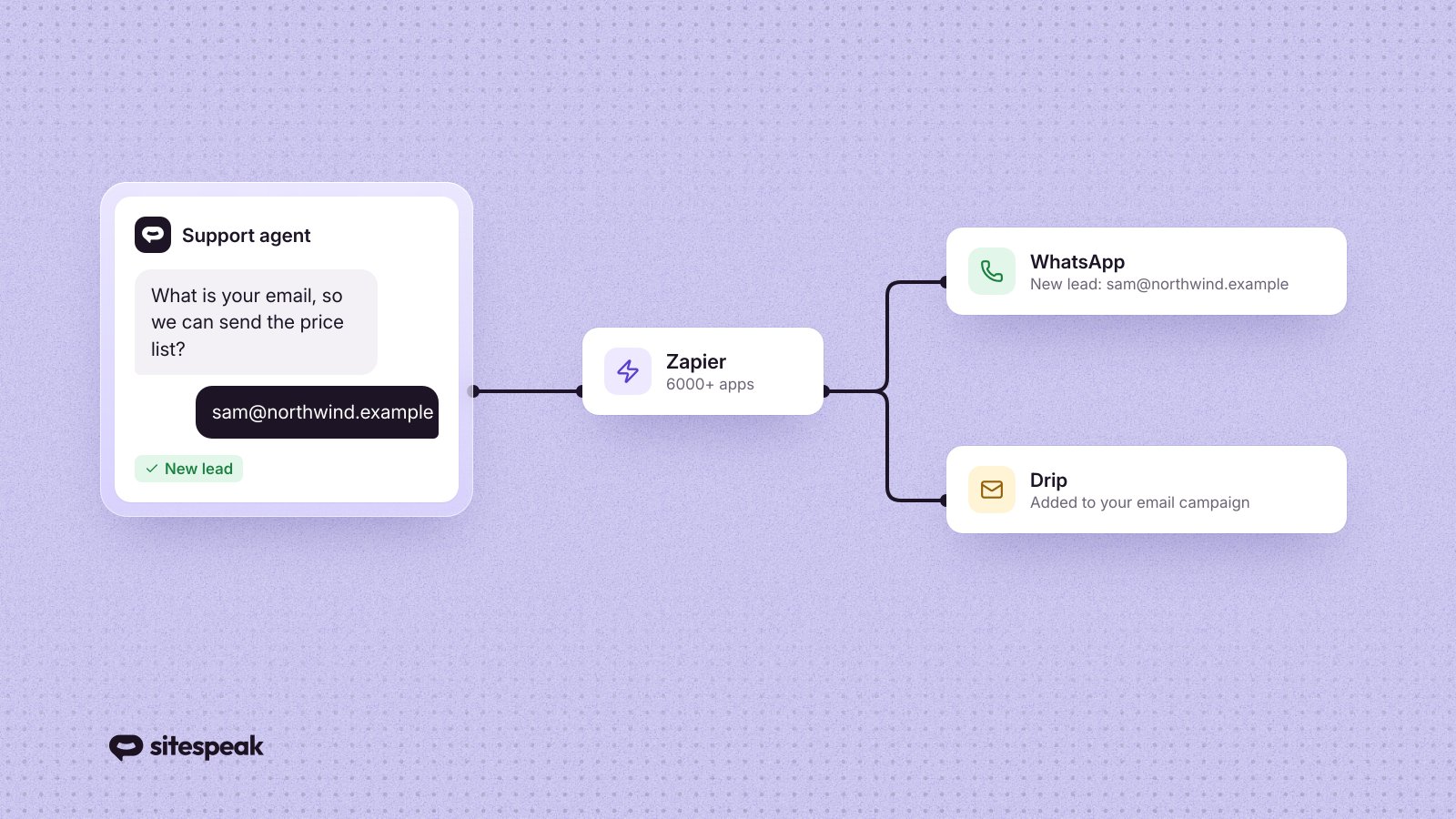
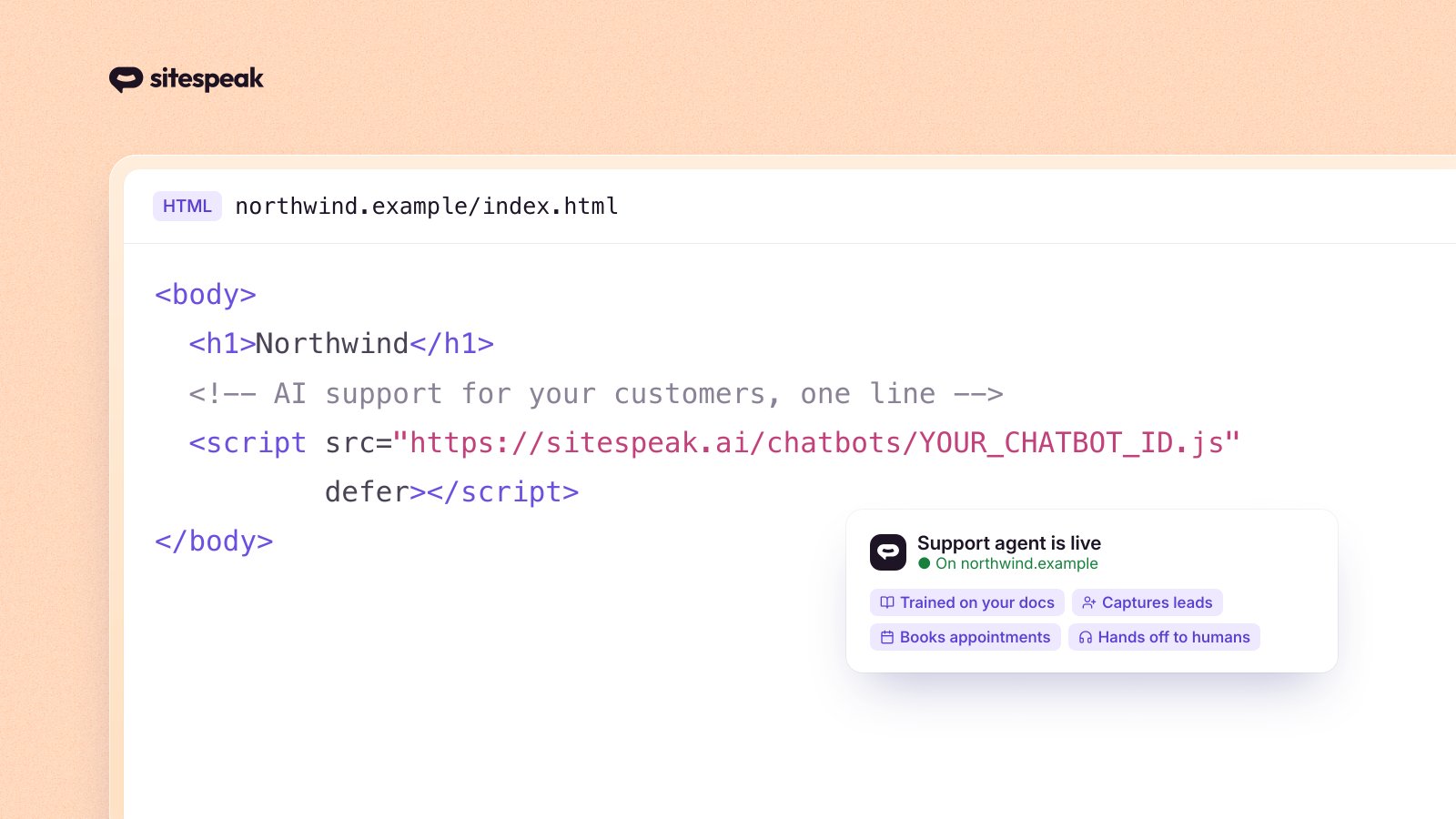
- A support tool with an MCP server. SiteSpeak ships one: it can list inbox threads, read full conversations, pull captured leads and archive threads. If you use SiteSpeak, the fastest route is our Claude Code plugin:
/plugin marketplace add sitespeakai/sitespeak-claude-plugin, then/plugin install sitespeak-chatbot-manager@sitespeak-plugins, and authenticate with your API token. - An error tracker with an MCP server if you want the investigation step. Sentry has an official one.
- An email client or email API with an MCP server for drafts.
- A scheduler. launchd on macOS, cron anywhere else, with a timeout wrapper.
Start with the triage-only version: classify and report, no drafts. Run it for a week and read what it produces. Add drafting once you trust the classifications, and keep sending manual forever. That ordering is also how I built it: the report ran for ten weeks before I let it near a customer reply.
FAQ
Does this require SiteSpeak?
No. The skill works with any support tool whose MCP server can list threads, read a conversation, return the visitor's email, and archive a thread. SiteSpeak's MCP server matches the skill's example tool names exactly, so it is the zero-adaptation path, but the workflow itself is tool-agnostic.
Can the agent send emails on its own?
No. The skill's hard-limits section bans the send tool entirely, so the agent can only create drafts. A human reviews and sends every reply. Most drafts go out unedited, but the occasional one that needs fixing is always the high-stakes one.
Which MCP servers do you need?
Two are required: your support tool's inbox and an email client that supports drafts. An error tracker such as Sentry is optional, but it powers the investigation step that checks bug reports against real production errors before the agent writes a word.
If you don't have a chatbot doing first-line support yet, that part matters more than the agent. The inbox this whole post is about only stays small because the bot answers most questions before they reach a human. You can try SiteSpeak free and have first-line support running on your site today, MCP server included.