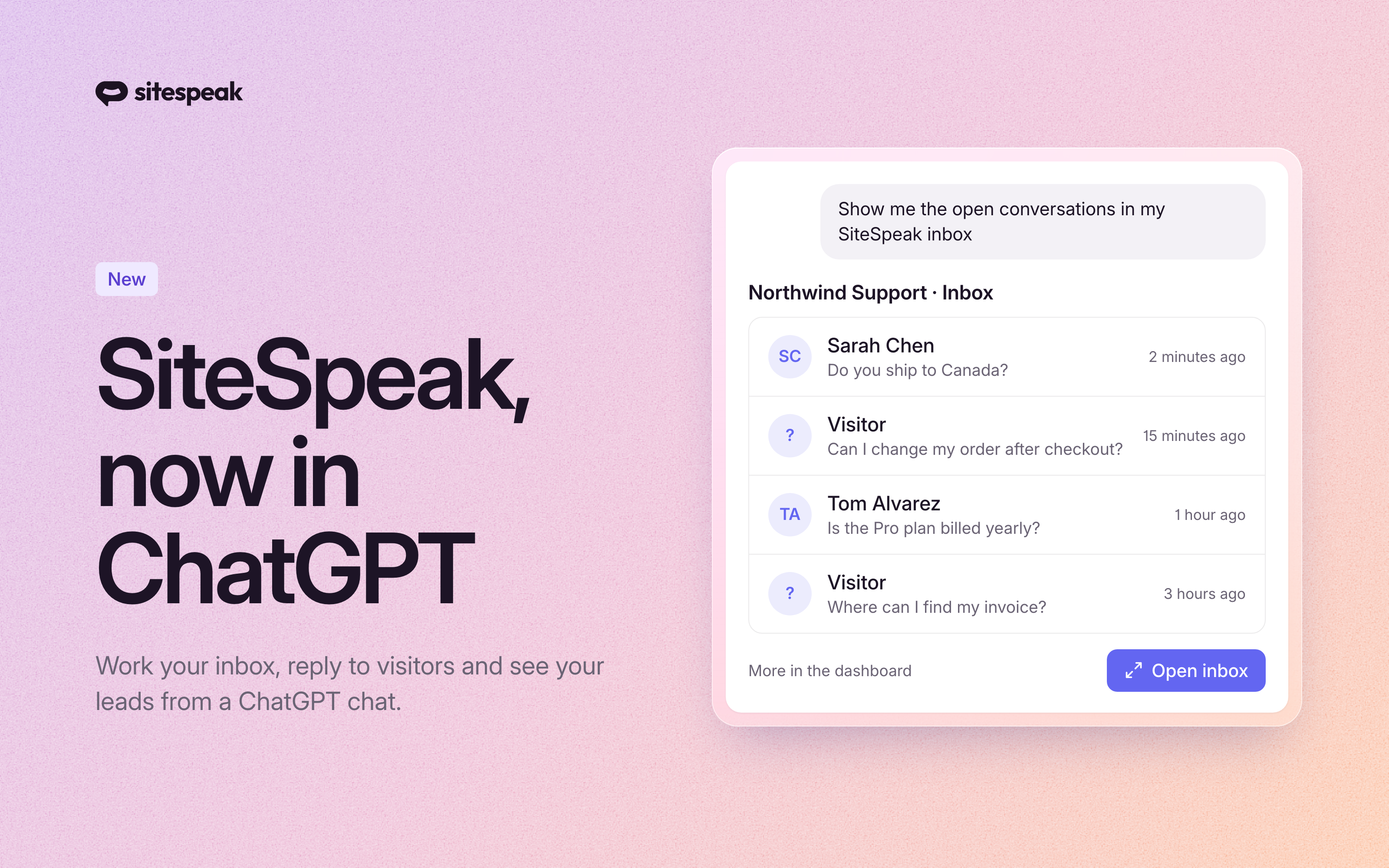
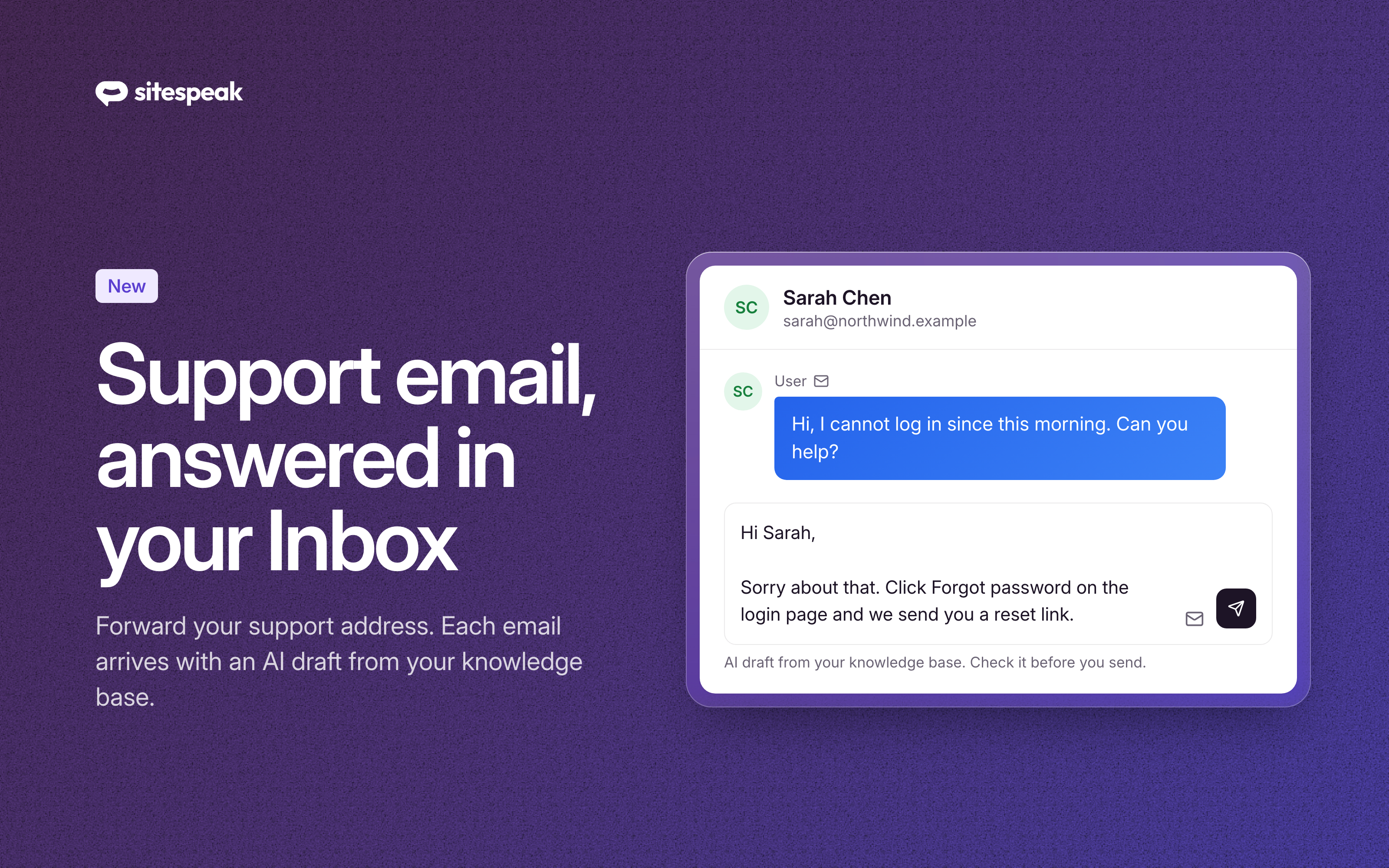
Your team lives in Google Chat. Your AI agent's knowledge lives on your website and in your dashboard. Until now, getting an answer meant leaving one for the other.
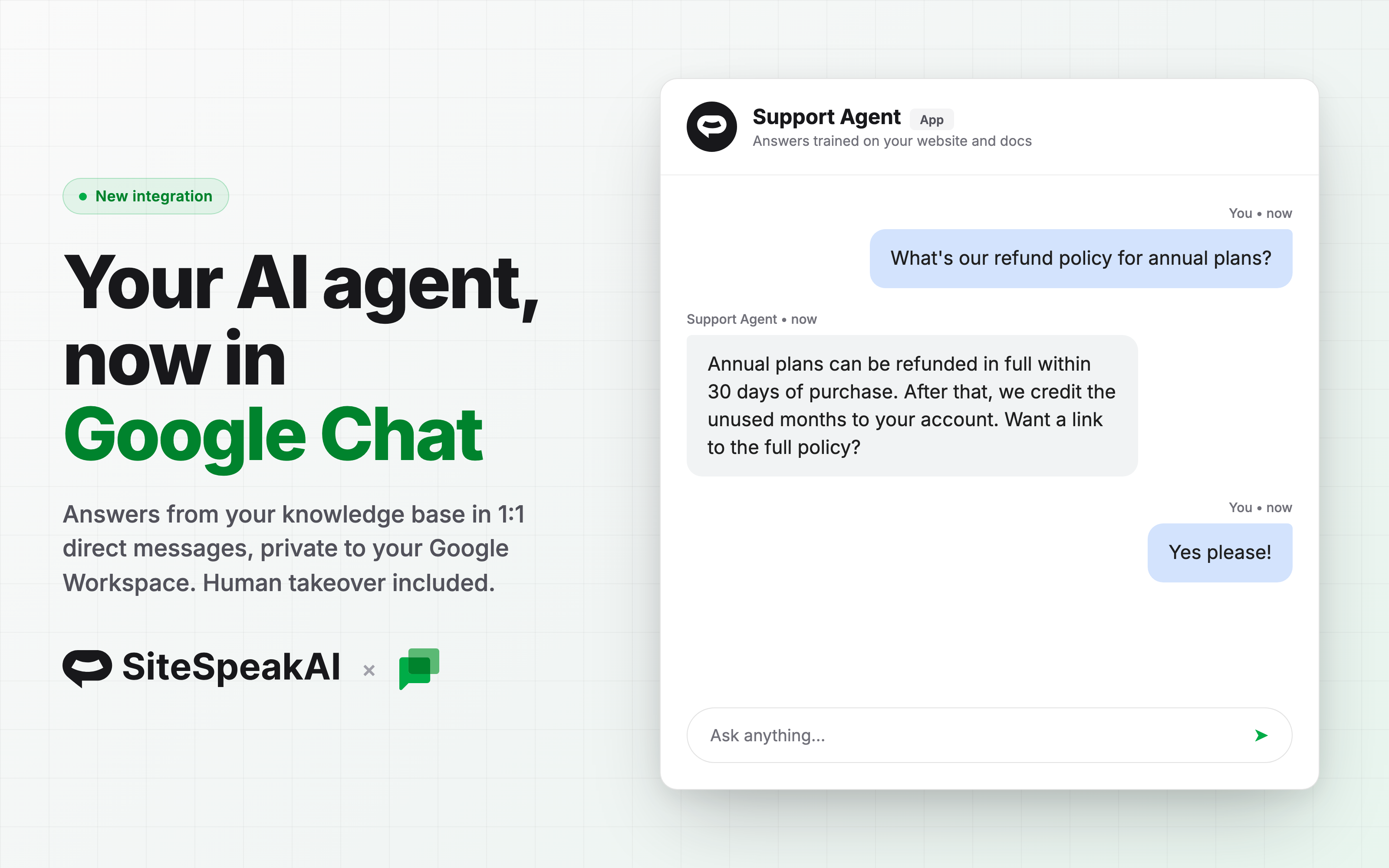
The new Google Chat integration puts your agent inside Google Workspace: anyone on your team can send it a direct message and get an answer trained on your content, without leaving their chat.
- 1:1 direct messages. Team members message the agent like a colleague. It answers from your trained knowledge base in seconds.
- Private to your workspace. The integration runs as a private Chat app in your own Google Cloud project. You choose exactly which people or groups can see it. No Google Workspace Marketplace listing, no Google review process.
- Human takeover built in. Every conversation lands in your inbox. Reply as a human and your message is delivered straight into the Google Chat conversation, while the AI stays silent until you end the live session.
- Credentials stored encrypted. Your service account key is encrypted at rest and only used to deliver replies.
How it works
Your Google Workspace admin creates a Chat app in your own Google Cloud project, then pastes the project number and service account key into your agent's Deploy & Install page. The setup guide walks through every step in the Google Cloud console. From there, your team just messages the agent in Google Chat.
Availability
Google Chat joins Slack, Telegram, Discord, WhatsApp and Zoom as a chat channel, and is available on Pro plans and higher. Connect it from your agent's Deploy & Install page, or read the setup guide to get your Workspace ready.