Your SiteSpeakAI chatbot can now act as an MCP (Model Context Protocol) server, giving AI agents direct access to your trained knowledge base.
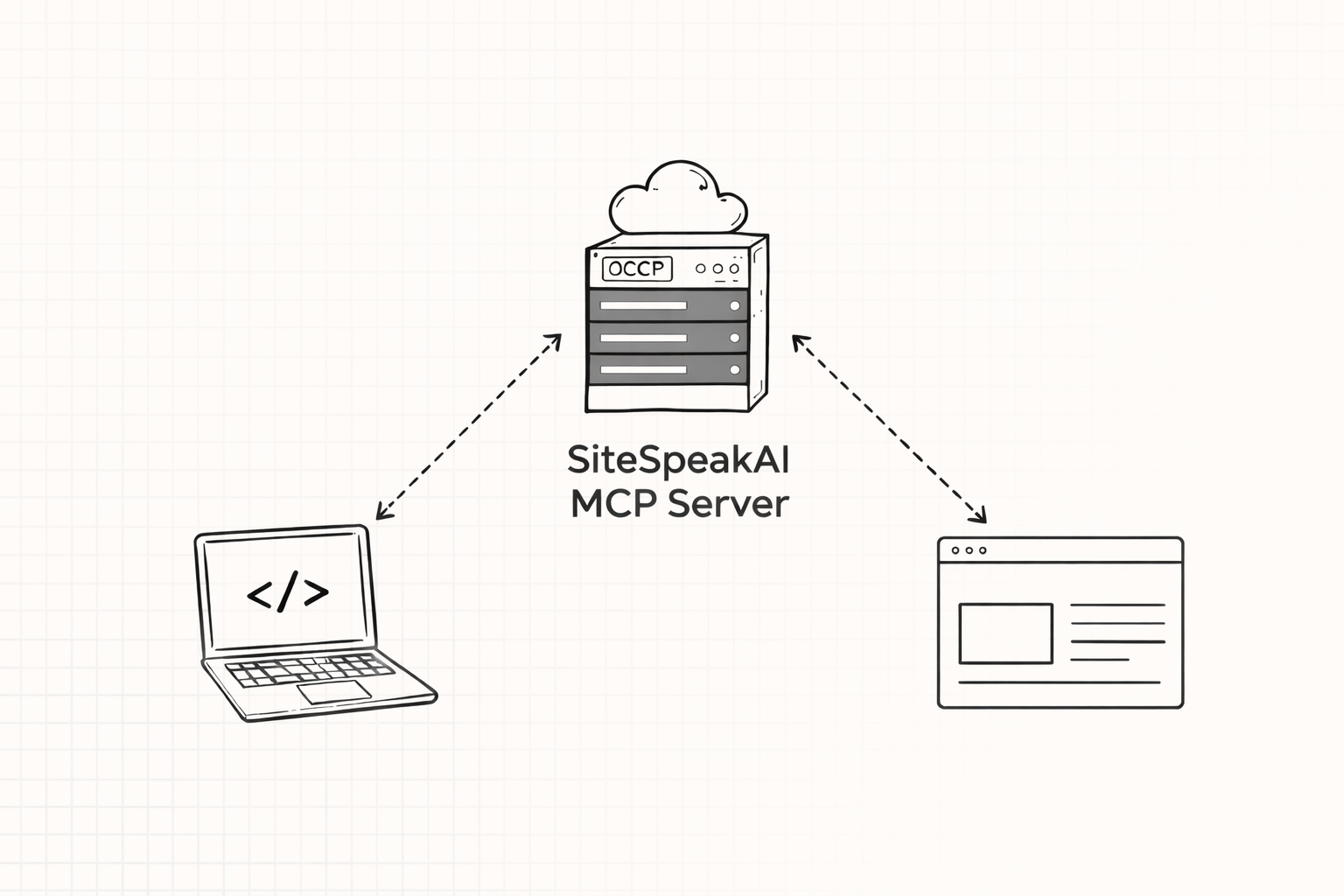
AI agents are becoming the primary way people discover and interact with information. When a developer asks Cursor about your API, a user asks Claude about your product, or an OpenClaw agent tries to find information about your services, those agents need a reliable source of truth. Your MCP server provides exactly that.
How it works
Every chatbot on a Pro plan or higher gets an MCP endpoint URL. AI agents connect to this endpoint and can query your knowledge base using the full RAG pipeline, the same semantic search, query expansion, and reranking that powers your chat widget.
Agents send natural language queries and get back relevant content chunks with source URLs. No hallucinations from outdated web scrapes, just accurate answers from your trained content.
Two access modes
Public access - Any AI agent can query your knowledge base without authentication. Great for documentation, support content, and maximizing reach.
Authenticated access - Agents need a valid API token. Use this when your knowledge base contains internal or sensitive information.
Connect your favorite AI tools
Your MCP endpoint works with any MCP-compatible tool, including:
- Claude Desktop - Add your knowledge base as an MCP server in the config file
- Cursor - Connect via MCP settings so your codebase assistant can reference your docs
- Windsurf - Add through the MCP server configuration
- Custom agents - Any MCP client can connect via Streamable HTTP transport
Getting started
- Go to your chatbot Settings > Advanced
- Find the MCP Server section
- Toggle Public MCP Access if you want unauthenticated access
- Copy your endpoint URL and add it to your AI tool of choice
MCP Server is available on Pro (1,000 queries/month), Pro Plus (2,500 queries/month), and Business (10,000 queries/month) plans.
Read the full documentation for setup guides and configuration details.