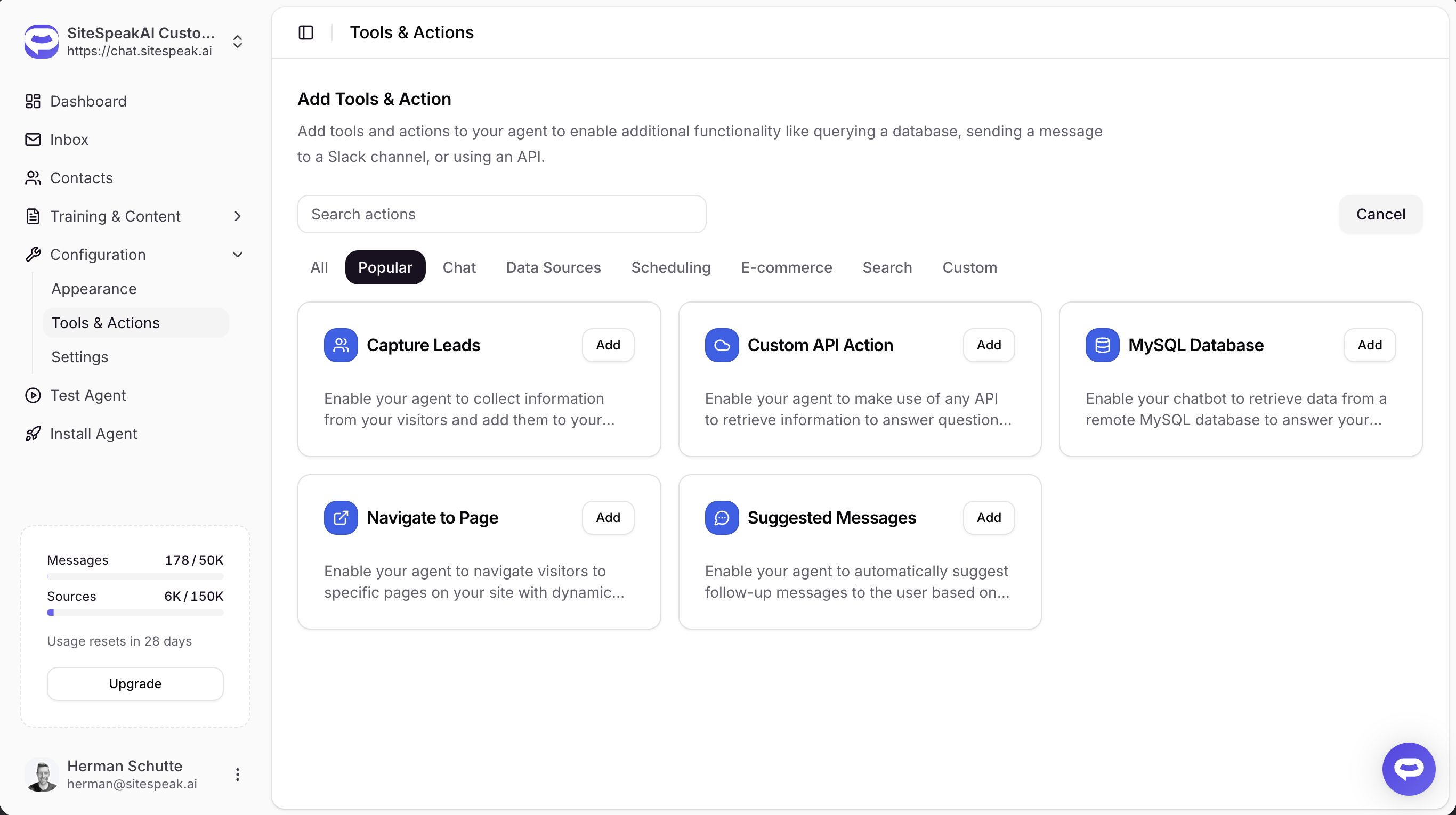
Your AI chatbot can now navigate visitors to specific pages on your site after answering their questions. Configure a URL template with dynamic parameters, and the system automatically constructs the navigation URL from the conversation context.
How it Works
After the AI finishes responding to a visitor's question, the Navigate to Page action automatically checks the response for data matching your URL template variables. If a match is found, a navigation button appears below the response - or the page navigates automatically, depending on your configuration.
The action supports two modes:
- Source URL mode - when your URL template has no variables, the system navigates to the source page from the chatbot's knowledge base results
- Template mode - when your URL template contains variables like
{{category_id}}, the system fills in values from tool results (MySQL queries, API responses, etc.)
Navigation Modes
Choose how the navigation is triggered:
- Show a clickable button - a button appears below the response (default)
- Navigate immediately - the page navigates as soon as the AI finishes responding
- Show message then navigate after delay - a countdown with options to go now or cancel
Works with MySQL Database
When combined with the MySQL Database action, Navigate to Page can construct URLs from database query results. The system automatically looks up the required ID values from the database, even if the AI's query didn't include them.