Optimizing a chatbot usually means clicking through analytics, guessing what to change, then checking back next week to see if it helped.
Now you can just ask.
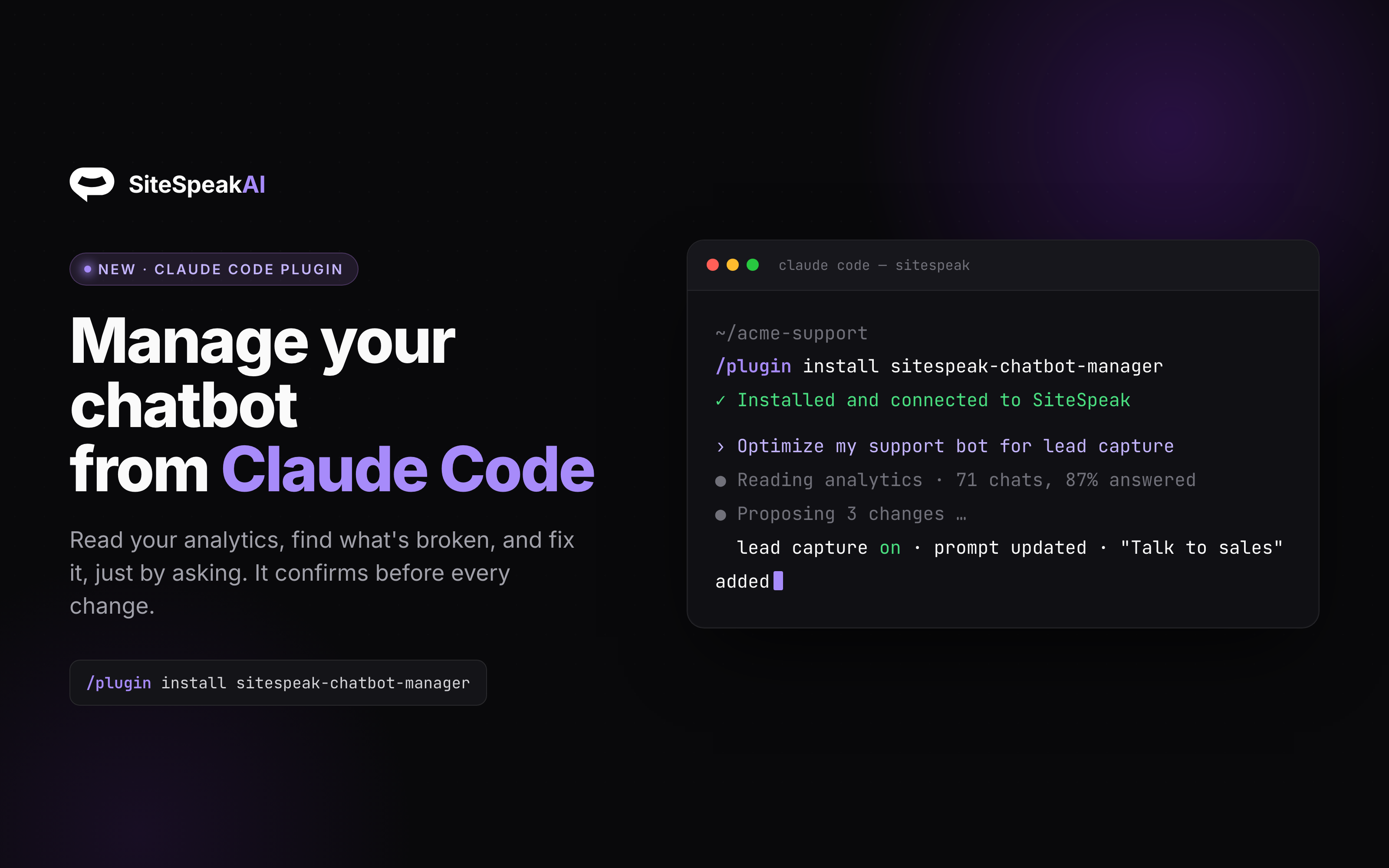
SiteSpeak Chatbot Manager is a plugin for Claude Code that connects Claude to your SiteSpeak account. It reads your chatbot's real analytics, finds what is not working, and fixes it for you, all in plain English.
Some things you can ask:
- "Look at my support bot's last 3 months and optimize it for lead capture."
- "Why is my bot failing to answer questions? Find the gaps and fix them."
- "Turn on human handoff and escalate after two unanswered messages."
- "Move my bot to a cheaper model without hurting answer quality."
How it works
It runs one loop every time: read your data, diagnose against your goal, propose the exact changes, wait for your yes, apply them, then verify. It confirms before every change, so nothing happens to your bot without you. It can tune your model (OpenAI, Anthropic, Google, or xAI), prompts, knowledge sources, lead capture, and escalations, and it can triage your inbox.
Get started
Install it in two commands from Claude Code, then paste your SiteSpeak API token when prompted:
/plugin marketplace add sitespeakai/sitespeak-claude-plugin
/plugin install sitespeak-chatbot-manager@sitespeak-plugins
Create an API token in your dashboard. The plugin is open source on GitHub.