Discover the latest updates and features of SiteSpeakAI.
Follow @sitespeakai for updates →
Dec 04, 2024
SiteSpeakAI chatbots use Cohere's Rerank by default to provide a powerful semantic boost to the search quality of any query your visitors may ask of your chatbot. We now also support the latest version of Rerank, version 3.5 that delivers improved reasoning and multilingual capabilities to search complex enterprise data with greater accuracy. This upgrade has been enabled for all chatbots so no need to change anything on your side to experience an increase in your chatbots accuracy.
Nov 25, 2024
You can now easily generate a free llms.txt for your website to provide information to help LLMs use your website at inference time. Read more about the proposal for a llms.txt standard here.
Nov 18, 2024
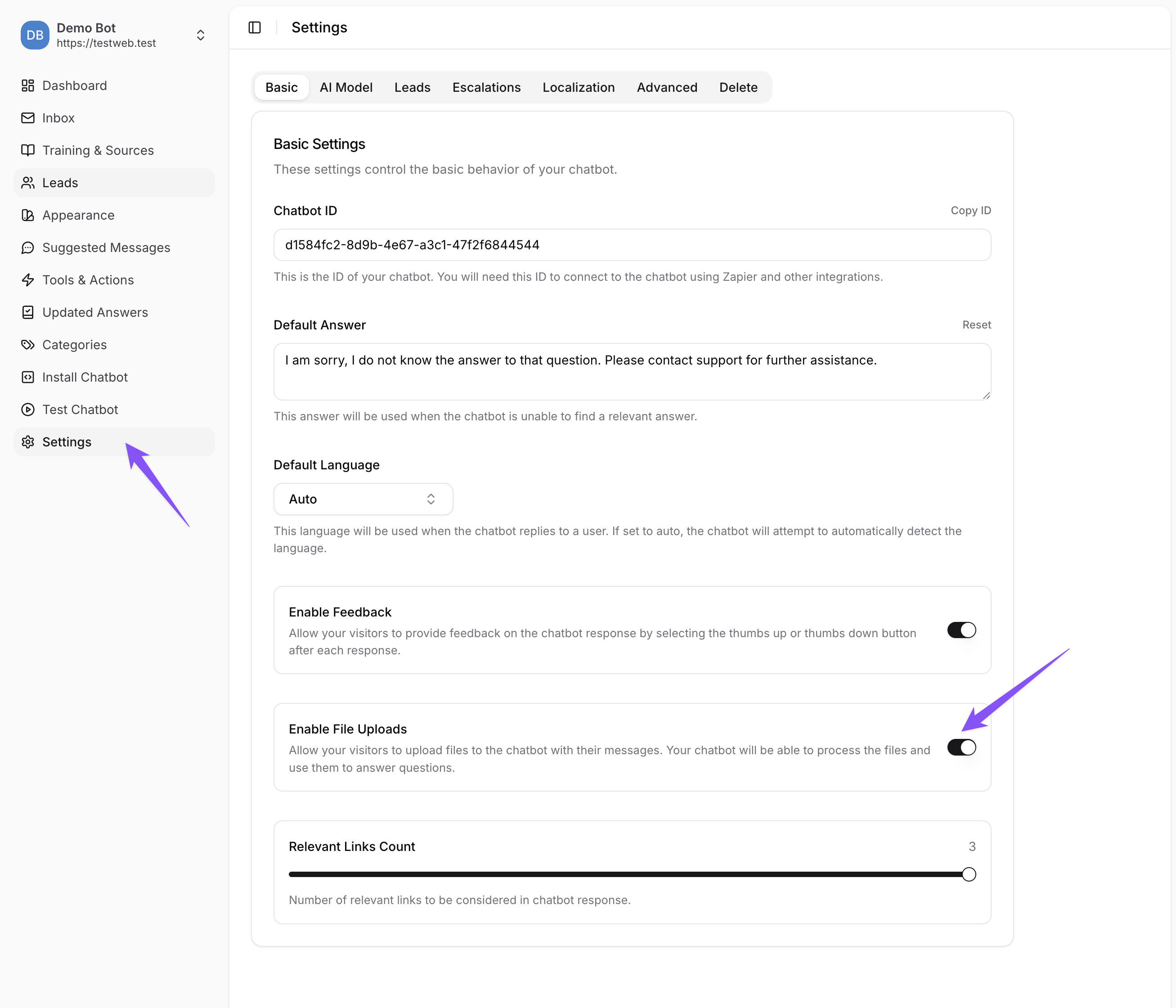
You can now enable a checkbox field on your lead capture form before your visitor starts chatting to your chatbot. This is great for ensuring visitors agree to your terms and conditions before starting their conversation. This new field can be added under Advanced -> Settings -> Leads
Nov 05, 2024
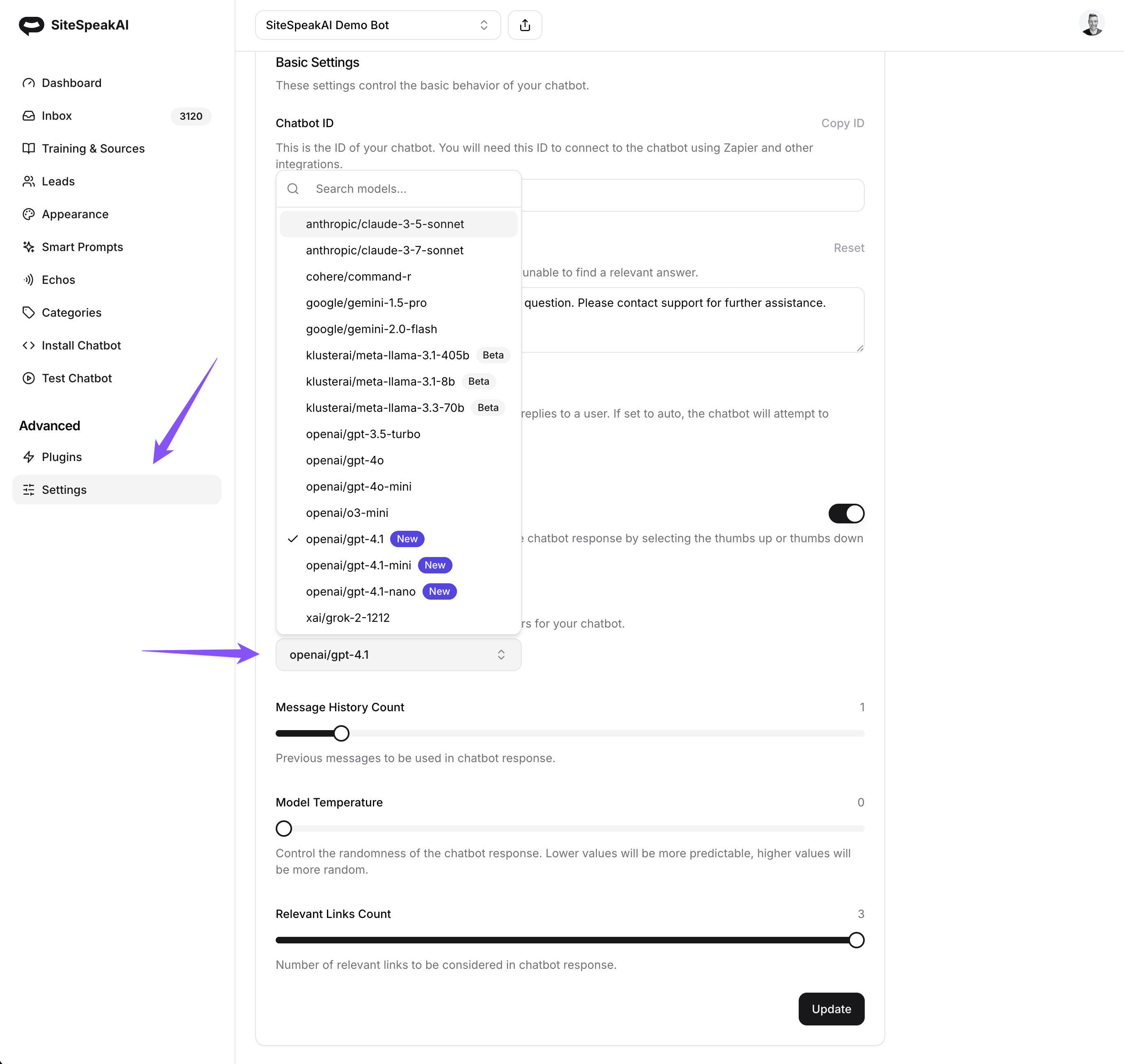
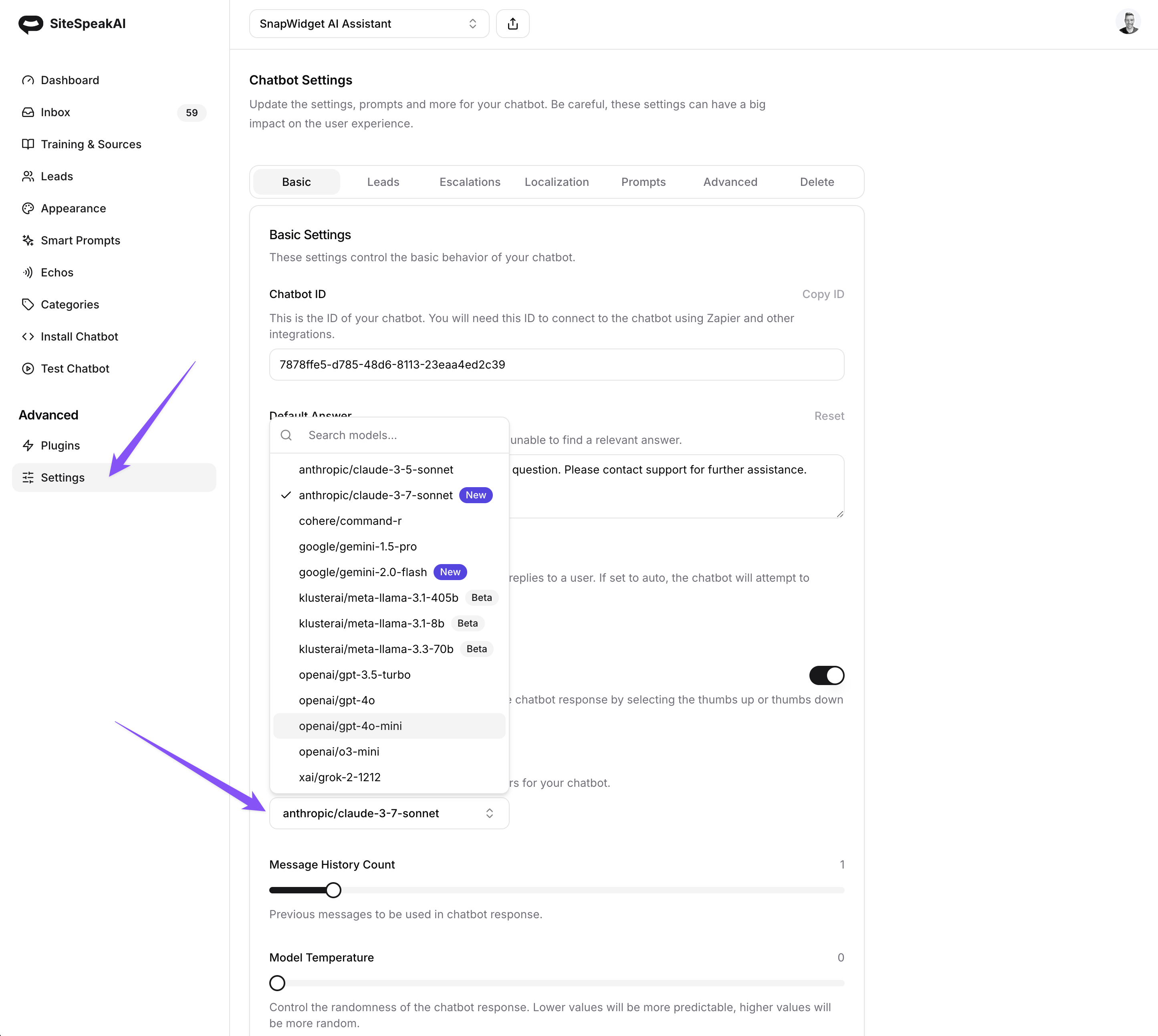
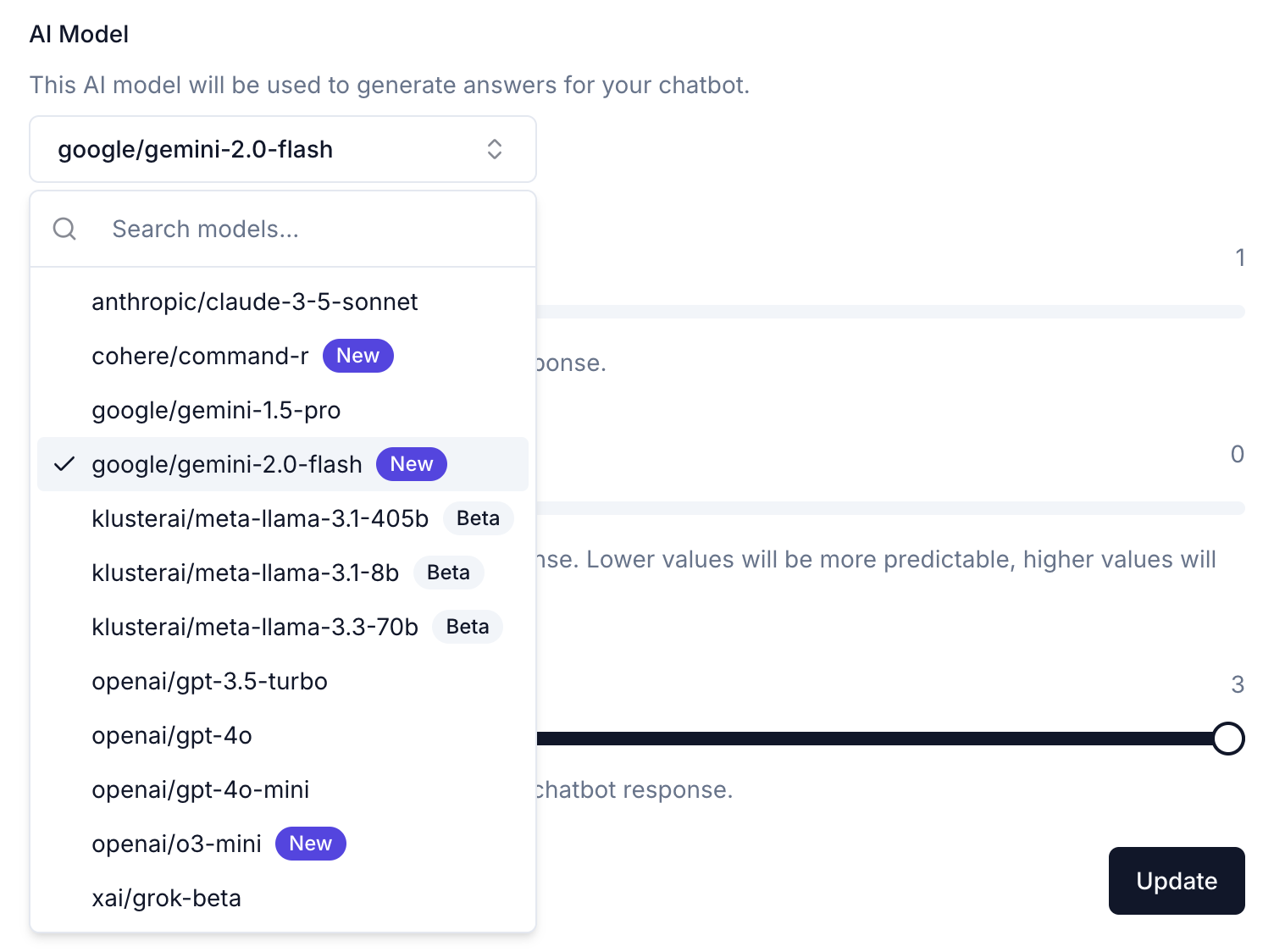
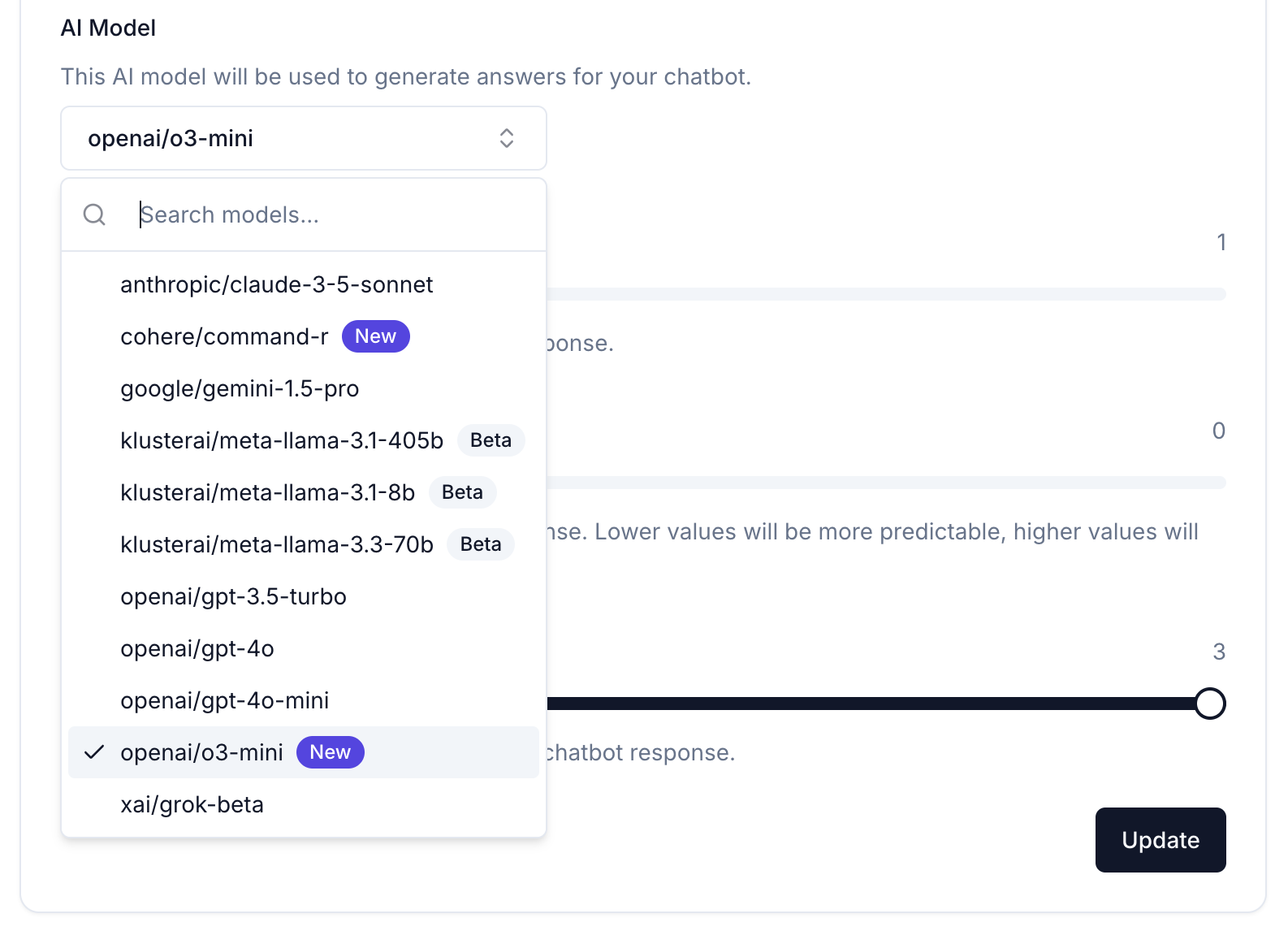
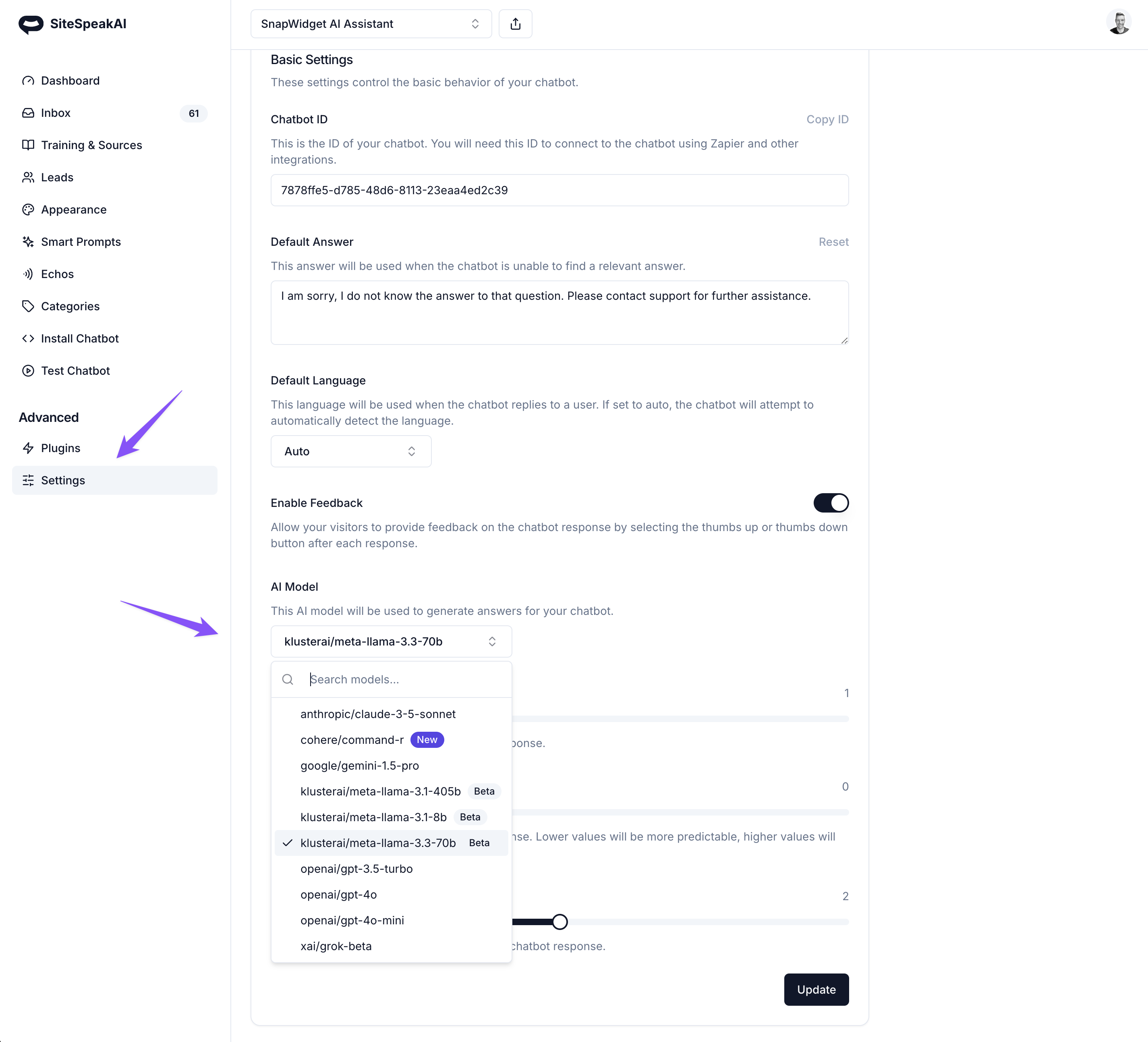
The newly launched (last 24 hours) Grok Beta model from xAI is now available to use in SiteSpeakAI. To enable, go to Advanced -> Settings -> AI Model and select the new grok-beta option.
Oct 25, 2024
You can now update the default message shown when you enable escalations for your chatbot or when you've added the "Escalate to Human" smart prompt for your chatbot. To set your custom message, go to Advanced -> Settings -> Localization and update the message under the Escalations section.
Oct 03, 2024
Join our official Customer Support Telegram group to get all your questions about SiteSpeakAI and creating and installing your own custom GPT chatbot or assistant answered. Join here: Telegram Link
Oct 02, 2024
You can now select a date range to see stats and analytics for your chatbots. This includes conversations, links clicked in messages and responses from your chatbots, feedback and conversations per day.
Aug 19, 2024
There's a new Editor role available that can be assigned to members of your team to allow them to update and correct answers from your chatbot. To assign this role to a team member, go to Profile -> Team and select the team member you would like to edit. Then change their role to Editor.
Aug 16, 2024
You can now include your visitor information in the context used by your chatbot to respond to their queries. This makes it easy to provide up to date information related to order status and more. To get started, check out our help article here: https://sitespeak.ai/help-center/advanced/identifying-your-users-and-customizing-responses
Aug 13, 2024
You can now view and export all leads captured by your chatbot if you're using the Lead capture or Escalation feature for your chatbot. If you're using custom field data for your Lead capture form, you'll also see these fields included in your export.
Join 1,000+ businesses across SaaS, e-commerce, and agencies automating their customer service and other tasks with a custom-trained AI agent.