You can now easily export your chatbots conversation history to CSV to import into other apps.
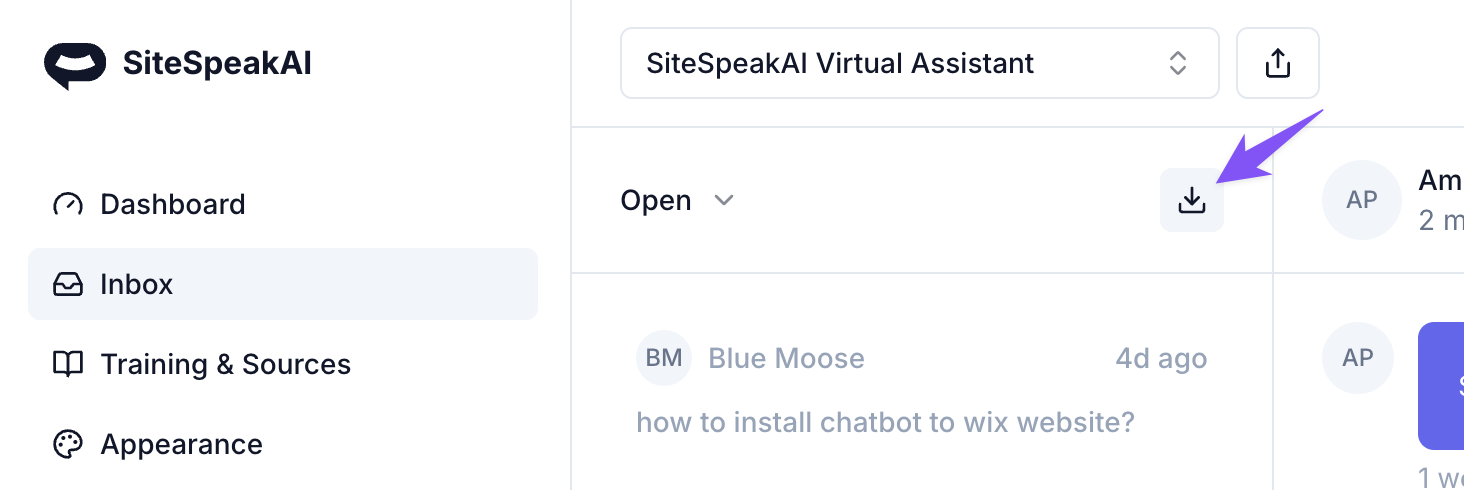
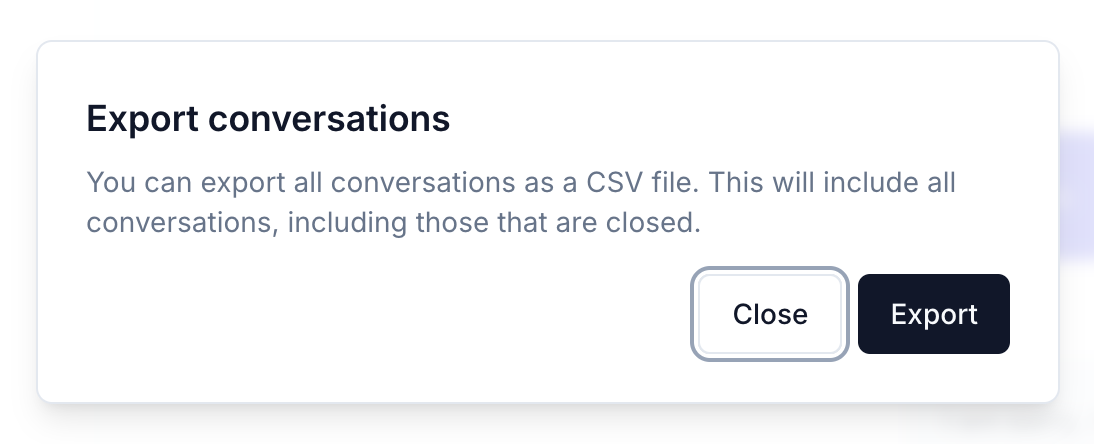
To export your chatbot's conversations, click on the download button in your Inbox and then click on the Export button to download a formatted CSV.
You can now easily export your chatbots conversation history to CSV to import into other apps.
To export your chatbot's conversations, click on the download button in your Inbox and then click on the Export button to download a formatted CSV.
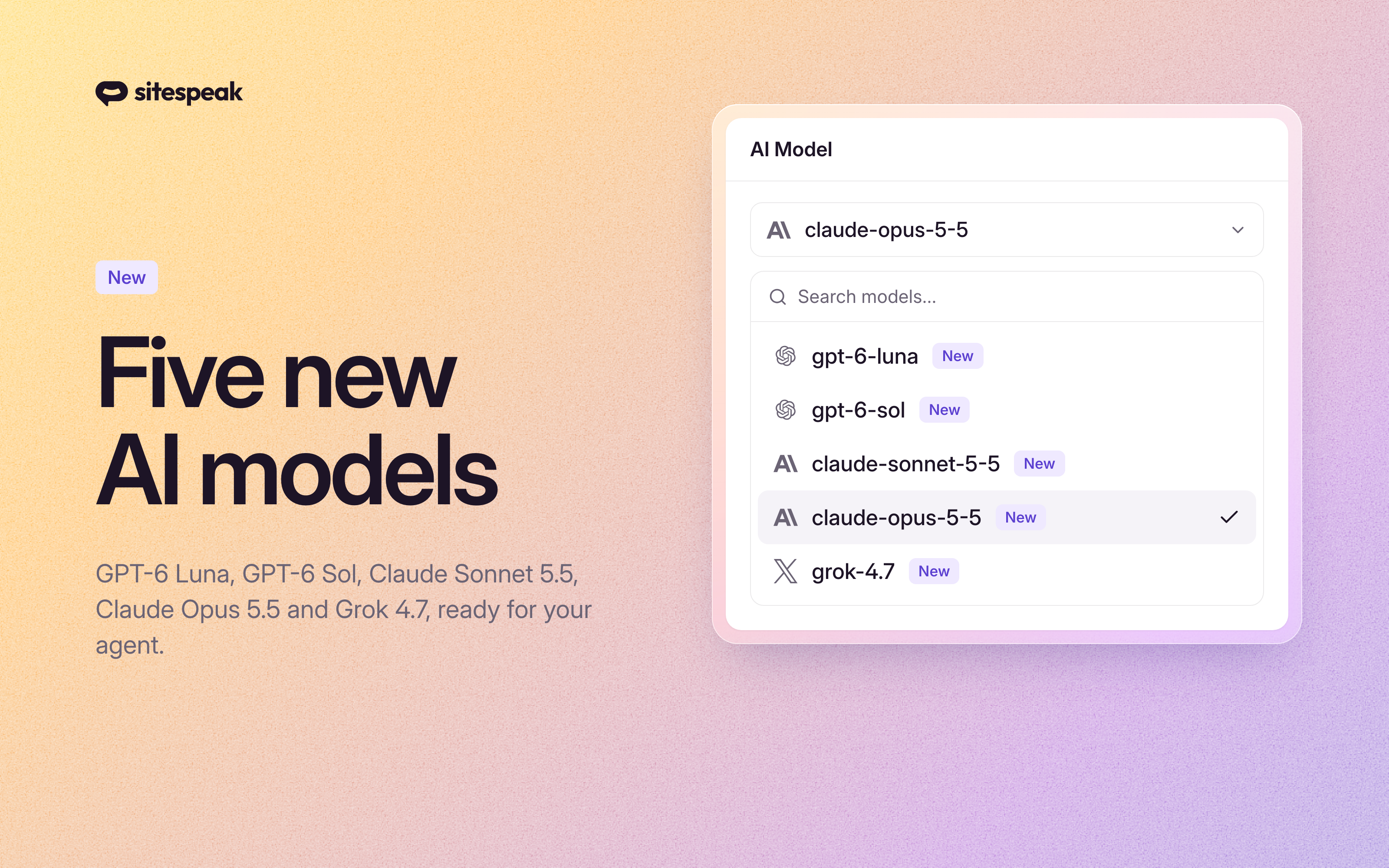
Five new AI models are now in the model picker: OpenAI's GPT-6 Luna and GPT-6 Sol, Anthropic's Claude Sonnet 5.5 and Claude Opus 5.5, and xAI's Grok 4.7. As before, you choose the AI model that powers your agent. What's new
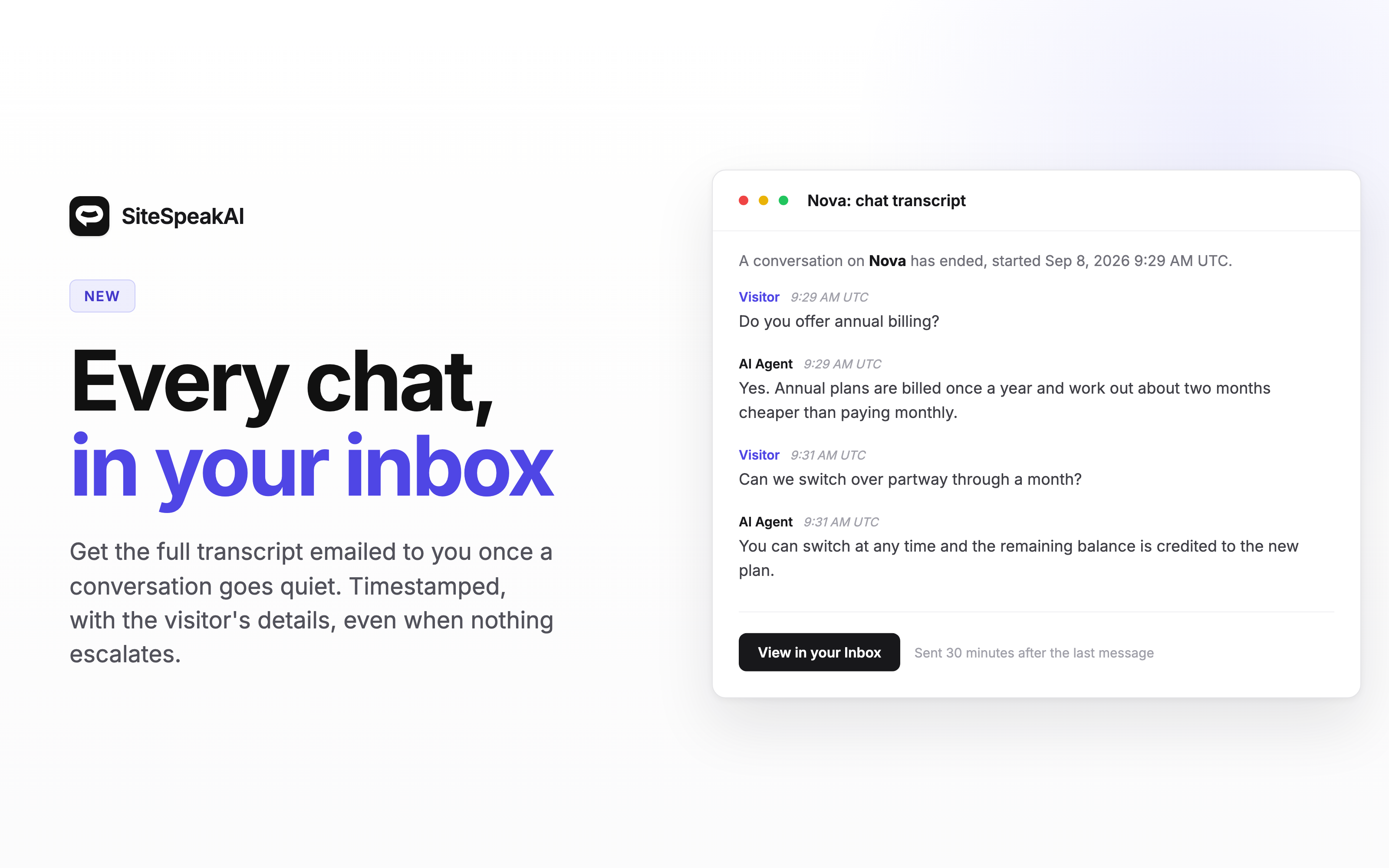
A visitor asks your agent four questions late at night, gets useful answers, and leaves happy. Nothing escalates, so nothing reaches you. The only record sits in the dashboard, and you have to go looking for it. Your agent can now email you the transcript once a chat has gone quiet.
Join 1,000+ businesses across SaaS, e‑commerce, and agencies automating their customer service and other tasks with a custom-trained AI agent.
No credit card required