A visitor asks your agent four questions late at night, gets useful answers, and leaves happy. Nothing escalates, so nothing reaches you. The only record sits in the dashboard, and you have to go looking for it.
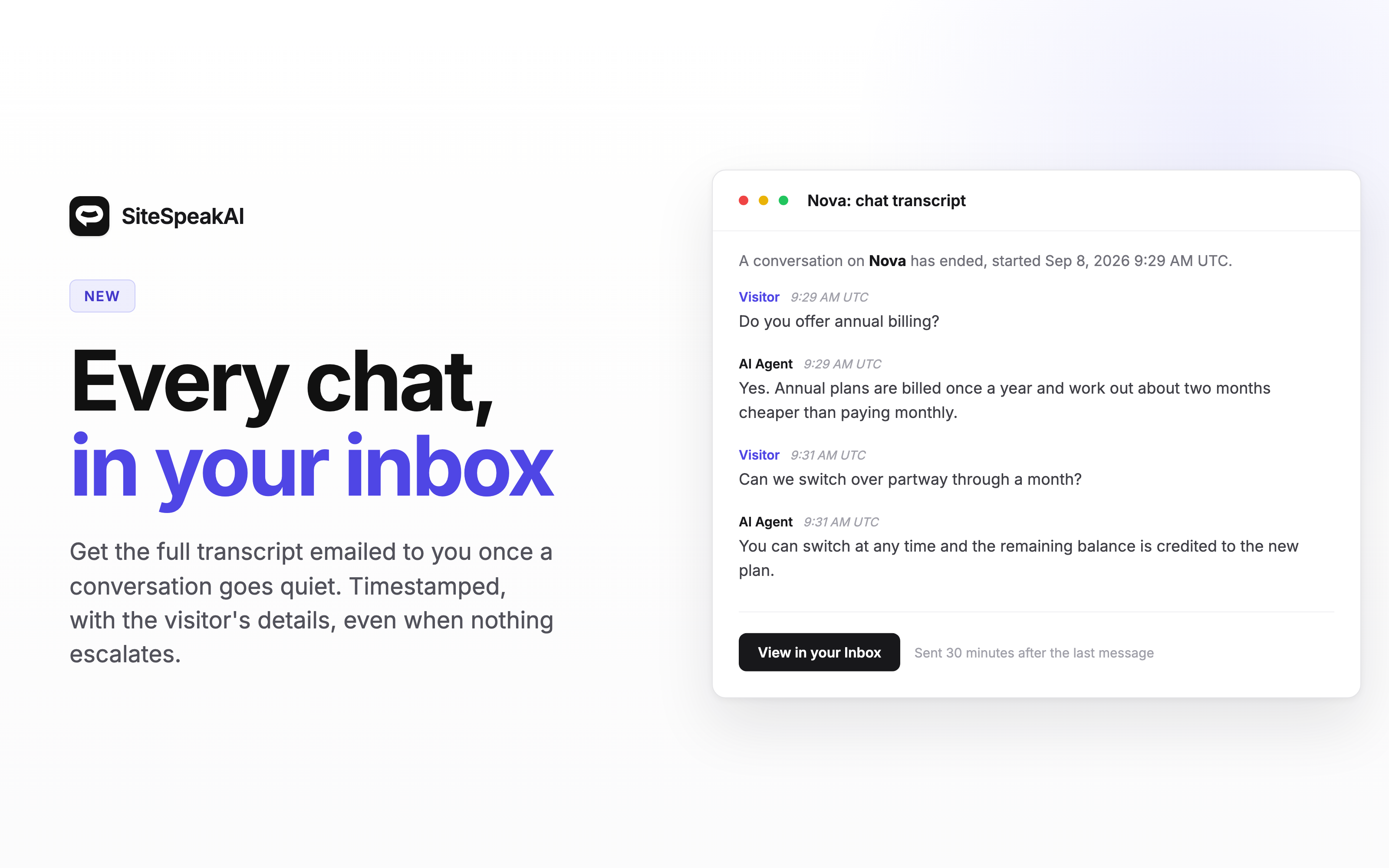
Your agent can now email you the transcript once a chat has gone quiet.
How it works
Go to Configuration > Settings and, on the Basic tab, switch on Email Chat Transcripts. Leave the address field empty to use your account email, or enter your own. Separate several addresses with semicolons.
About half an hour after the last message, the conversation arrives in your inbox with a timestamp on every message, the visitor's details if they were captured, and a link straight to the chat in your Inbox.
What you will and will not receive
One-line chats are skipped. Someone who types "hi" and leaves is not worth an email, so a conversation needs at least two visitor messages before it is sent.
If a visitor returns to the same chat later and carries on, you get a second email marked (continued) carrying the whole conversation, so nothing is lost after the first one goes out.
Very long chats show the most recent 100 messages and link to the rest in your Inbox.
Setup details are in the agent settings documentation.