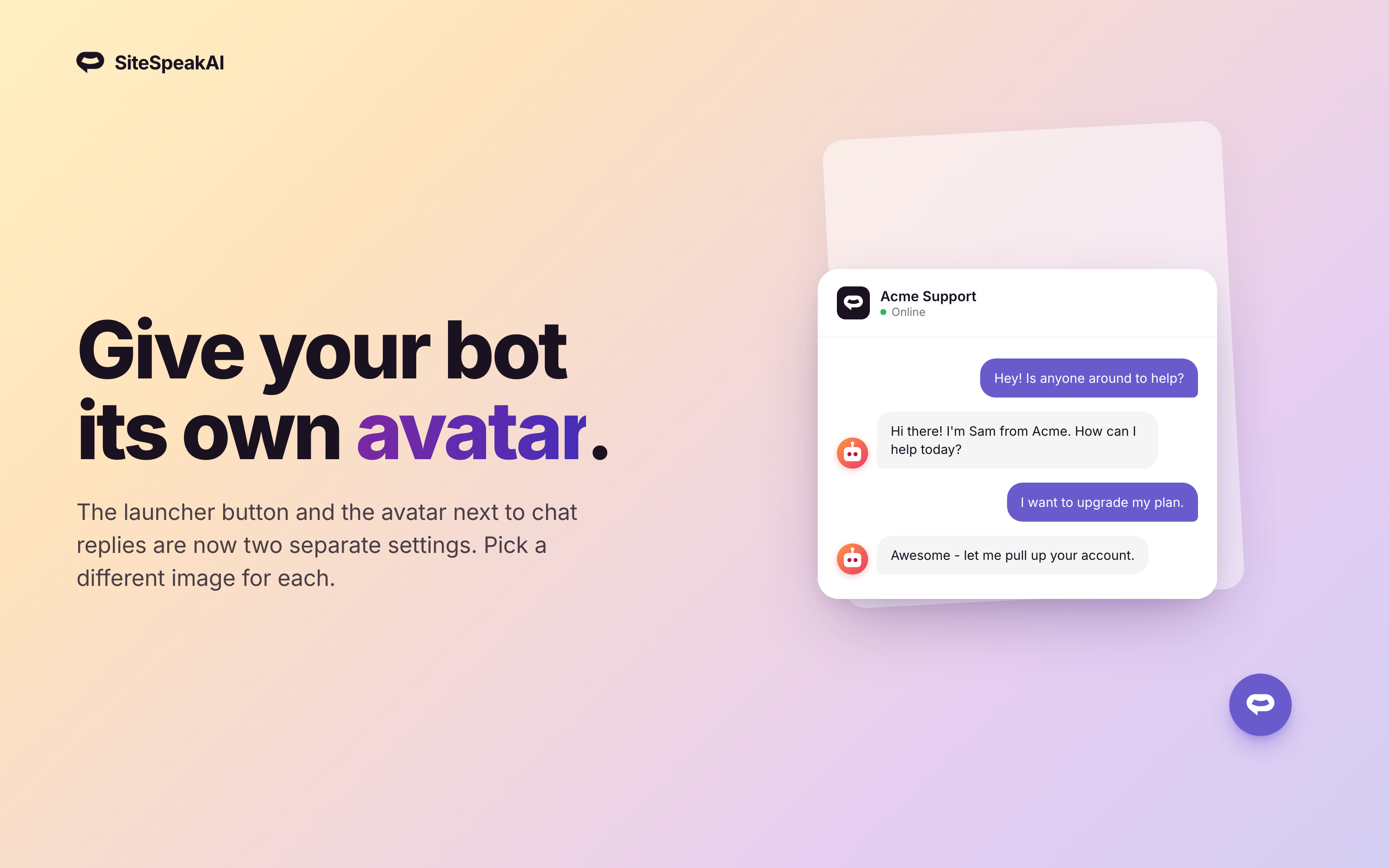
The launcher icon and the avatar shown next to your bot's messages are now two separate settings. Use a friendly chat bubble on your launcher button and your brand's logo (or a real person's photo) inside the conversation.
How it works
Each chatbot now has four configurable images on its Appearance page:
- Launcher - the corner button on your site
- Header - inside the chat window header
- Message - the avatar next to each agent message (new)
- Share - your agent's share page
Set them independently. The Message avatar falls back to your Launcher icon when not set, so existing chatbots keep their current look until you upload a new one.
Where to find it
Open any chatbot, then go to Configuration → Appearance → Icons. The four icons sit in a single grouped list, so you can see and update all of them at a glance.
Availability
Available on all plans.