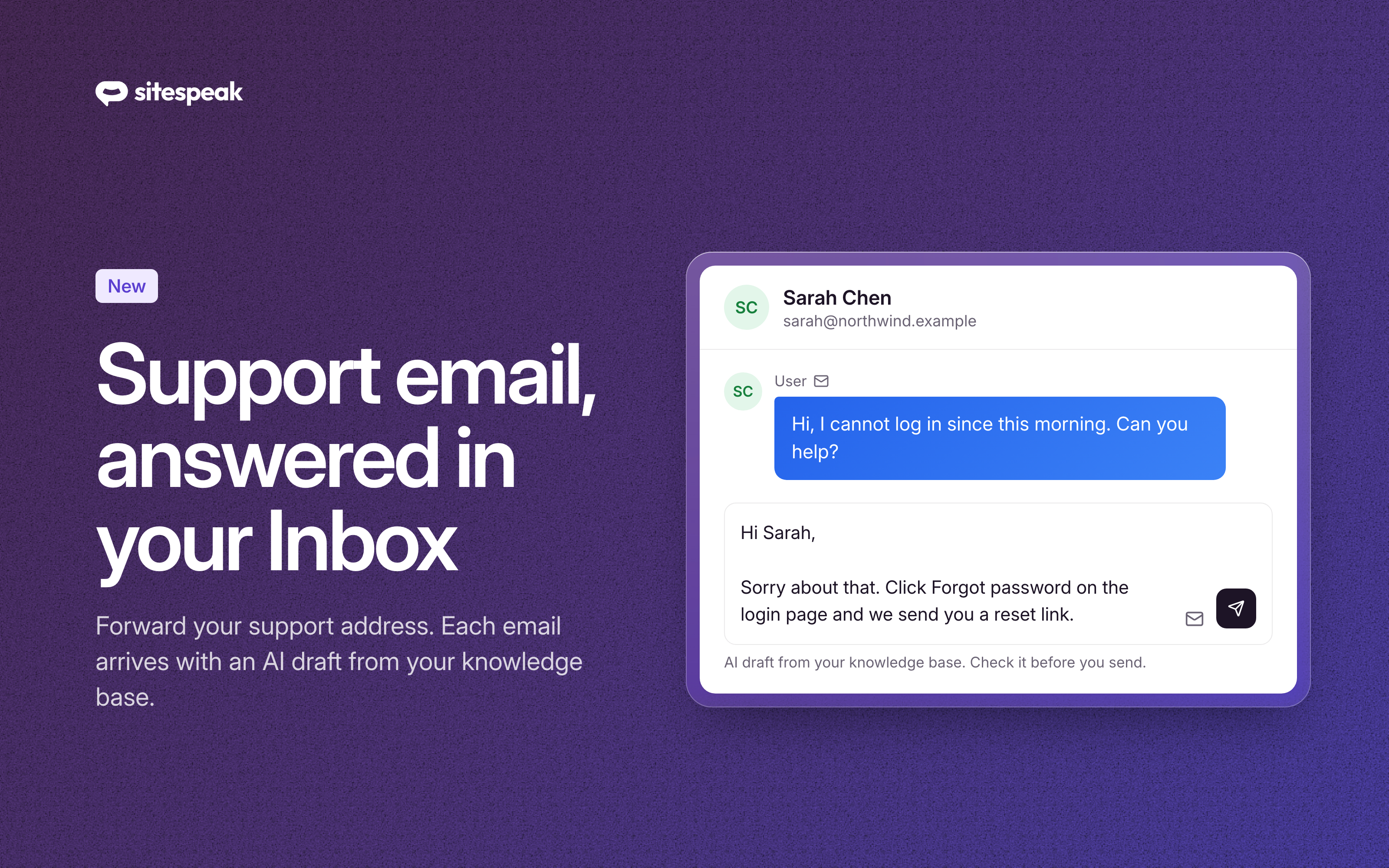
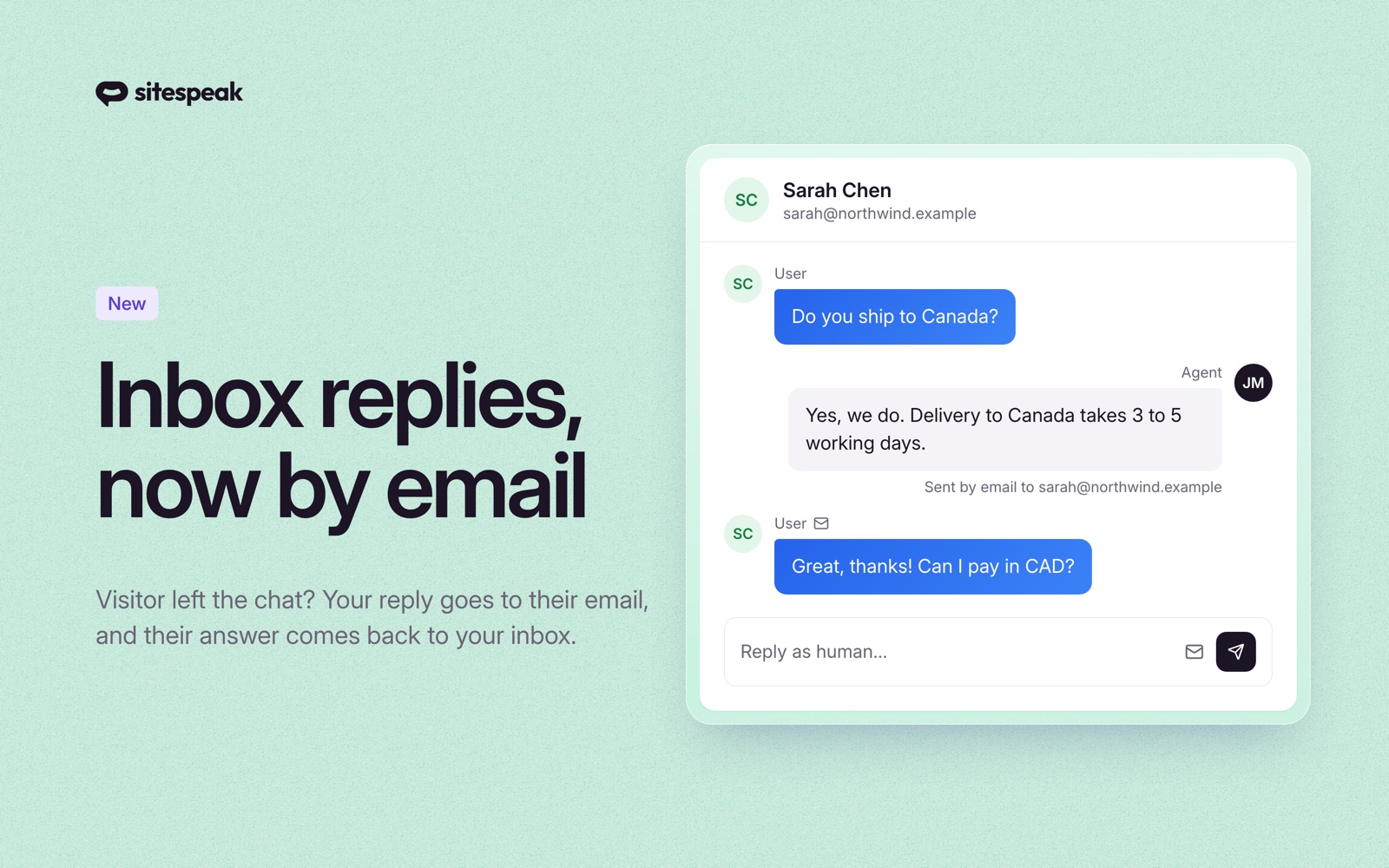
Two new actions are now available in Tools & Actions: connect your chatbot to a MySQL database for real-time data queries, and let visitors receive a copy of their conversation via email.
MySQL Database
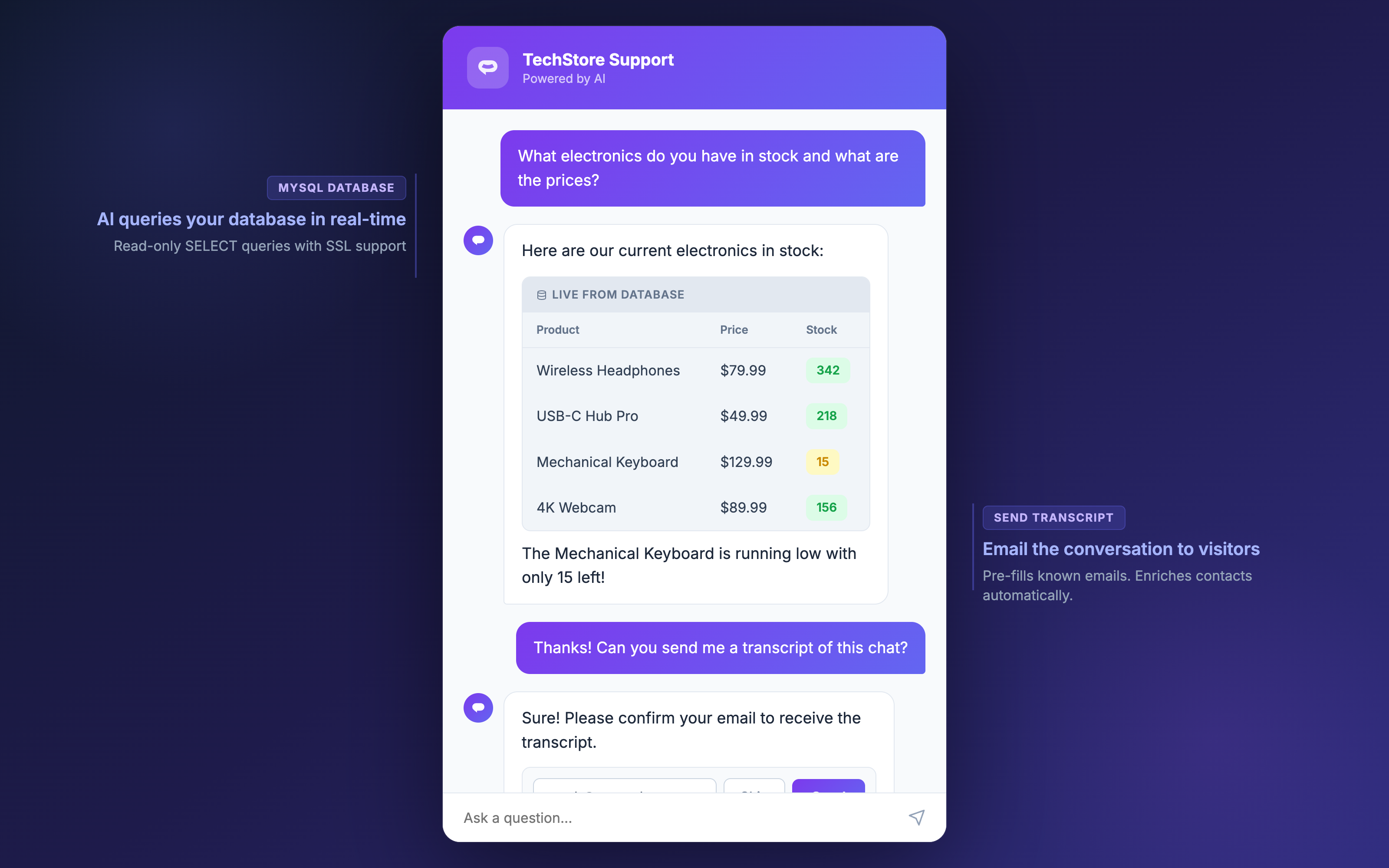
Your AI chatbot can now connect to a remote MySQL database and answer visitor questions using real-time data. Add the MySQL Database action, enter your connection details, and your chatbot will automatically discover your schema and generate read-only SQL queries to answer questions.
- Read-only access - only SELECT queries are allowed
- SSL support - enable SSL/TLS for cloud-hosted databases like AWS RDS, Google Cloud SQL, or PlanetScale
- Connection validation - credentials are tested before saving to catch misconfigurations early
- Query timeout - queries are limited to 5 seconds to protect your database
We recommend creating a dedicated read-only MySQL user for your chatbot connection.
View the MySQL Database documentation
Send Transcript
Visitors can now receive a copy of their chatbot conversation via email. When triggered, the chatbot displays an email form where visitors can confirm their address and receive the full conversation thread.
- Pre-filled email - if the visitor's email is already known from a previous lead capture, the form is pre-filled for one-click sending
- Contact enrichment - when a visitor provides their email, it is automatically saved to their contact record
- Rate limited - transcript sends are capped at 3 per visitor per hour to prevent abuse
- Agency branding - transcript emails use your agency branding if configured
Pro tip: Combine with the Suggested Messages action to add a one-click "Send me a transcript" button in your chatbot.