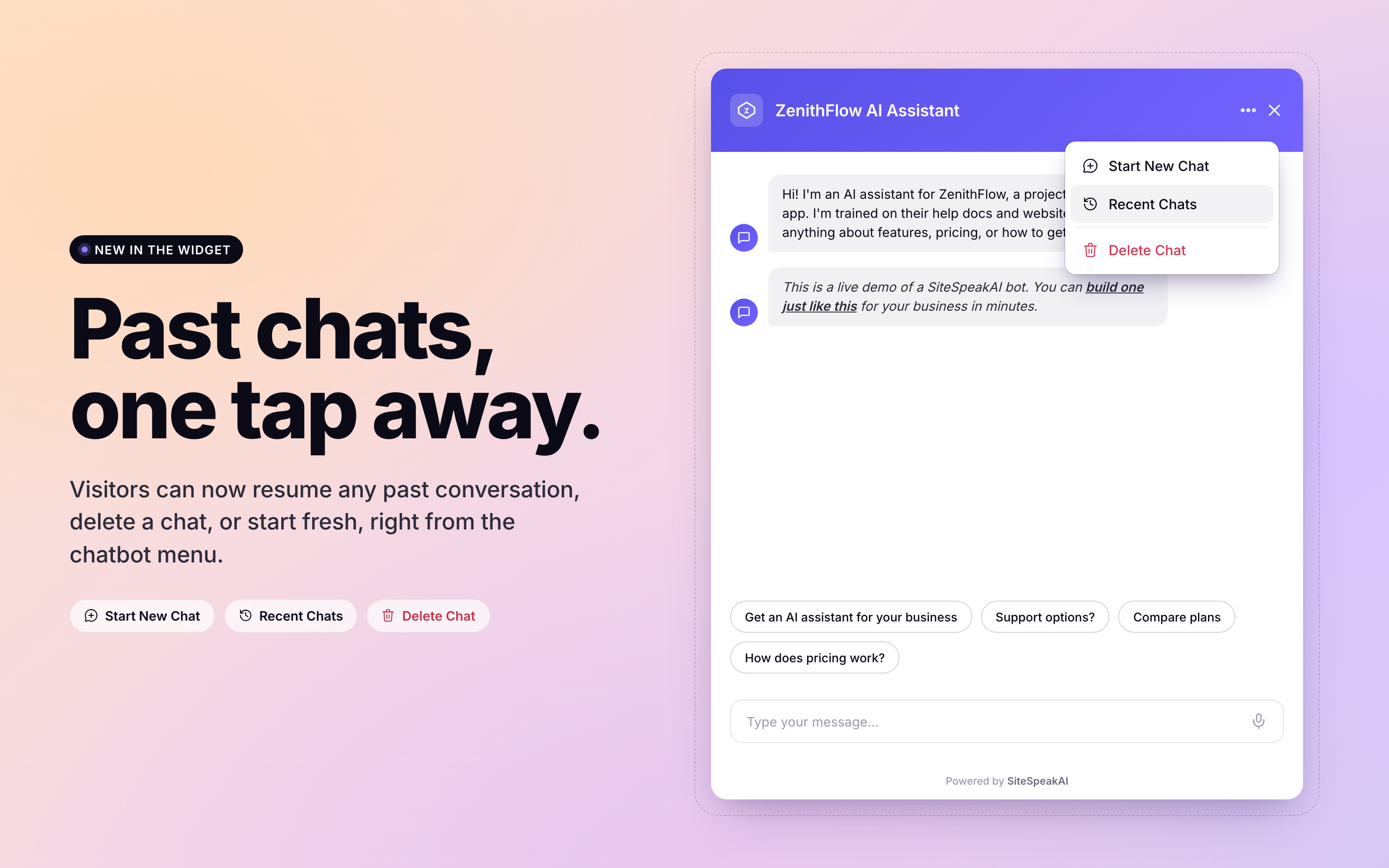
Visitors can now see their past conversations and pick up right where they left off. The chatbot widget has a new menu with three options: start a new chat, view recent chats, or delete the current chat.
Resume any past conversation
Open the new `...` menu in the chatbot header and tap Recent Chats. Visitors see a list of every past session they have had with your chatbot, with the latest message and a relative timestamp. Click any session to continue exactly where it left off. The full message history reloads instantly.
Cross-device for identified users
If you have identity verification enabled, Recent Chats follows your users across browsers and devices. A visitor who chatted with your bot on their laptop yesterday can pick up the same thread on their phone today, automatically.
For unverified visitors, history stays local to the browser they chatted from.
Delete a chat when they want to
Visitors who want to wipe a conversation can click `...` -> Delete Chat. The chat is removed immediately.
Start a new chat without losing the old one
The old "Clear chat" refresh icon has been replaced. Start New Chat rotates to a fresh session and leaves the previous one accessible in Recent Chats.
Localized
Every label in the new menu - Start New Chat, Recent Chats, Delete Chat - supports your existing chatbot localization. Configure them under Configuration > Localization alongside the other widget strings.
Availability
Recent Chats is enabled by default on every chatbot, on every plan.