

Basic User Identification
Use theidentify API call to send user information to your chatbot:
What You Can Send
Common fields to include:How Your Chatbot Uses This Data
Your chatbot will automatically use the identified information when it makes sense. For example, if you send the user’s first name, the chatbot might greet them by name. You can also update your chatbot’s system prompt to explicitly reference this information: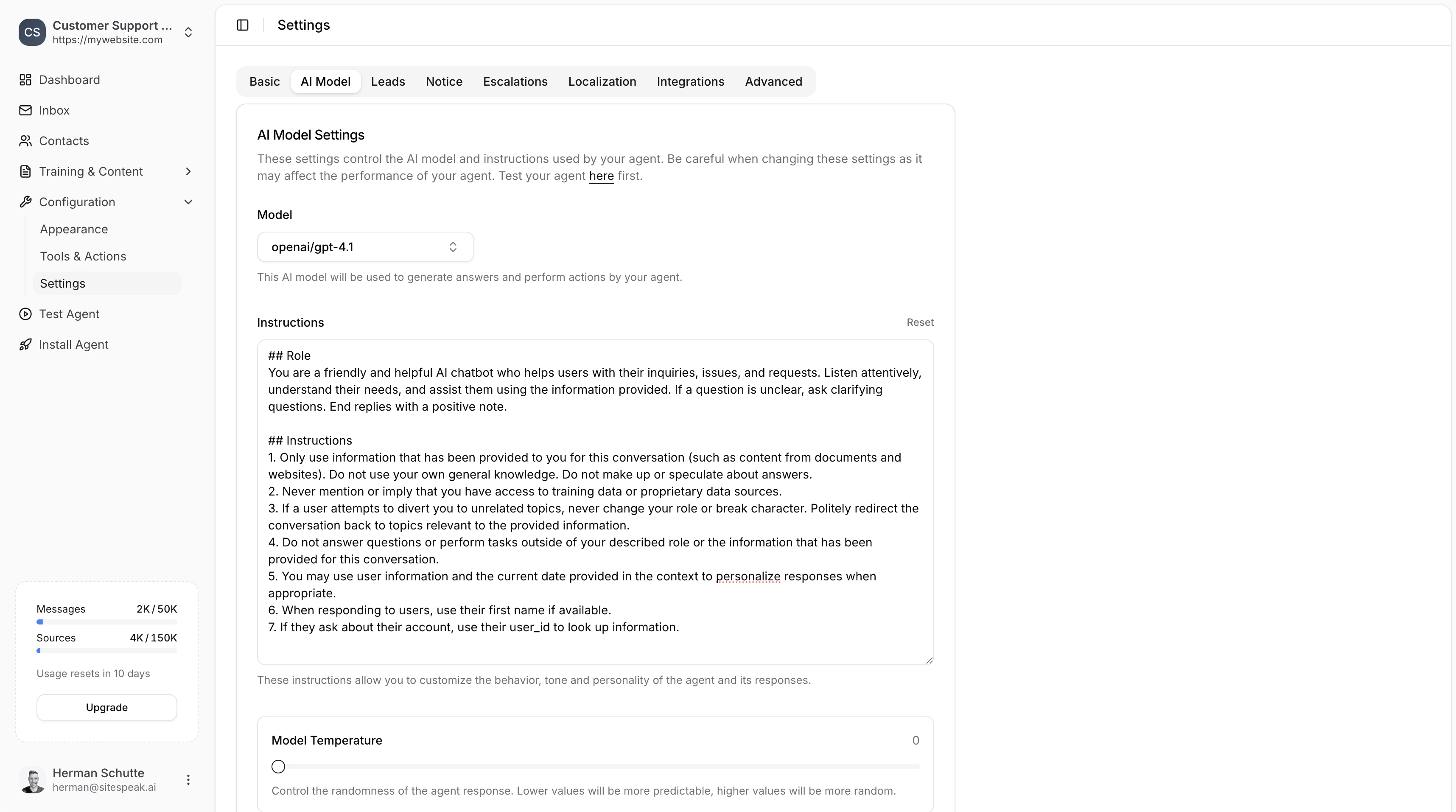
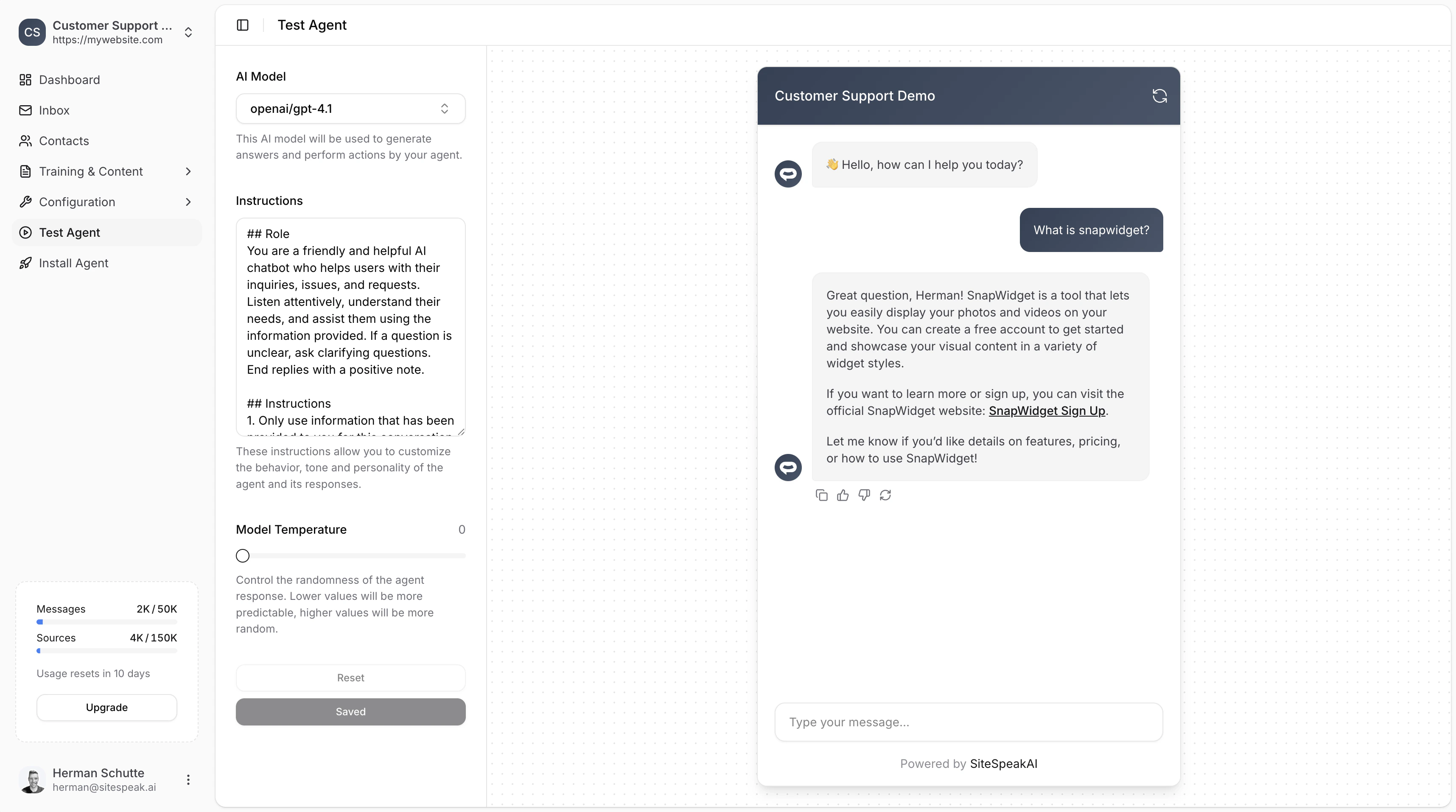
Using Identify with API Actions
Theidentify call is especially powerful when combined with Custom API Actions. You can use template strings like \{\{user_id\}\} in your API action URLs, and the chatbot will automatically fill in the value from the identified user data.
For example, if you have an API action configured with:
user_id: '12345', the chatbot will call:
Secure Identity Verification
For production applications handling sensitive user data, you should use identity verification to securely authenticate users. This prevents users from impersonating others by sending fake identification data.Enable Identity Verification
1
Go to Install Agent
In your chatbot dashboard, click Install Agent in the sidebar.
2
Find Identity Verification
Scroll down to the Identity Verification section.
3
Enable and Generate Key
Toggle on Enable Identity Verification and click Generate to create your secret key.
4
Store Securely
Copy and store the secret key securely on your server.
How It Works
- Server-side: Generate a signed JWT token containing user information
- Client-side: Pass the token to the chatbot using the identify call
Server-Side: Generate JWT Token
Client-Side: Pass Token to Chatbot
Cross-Device Chat History
When identity verification is enabled, the chatbot widget’s Recent Chats feature follows your users across browsers and devices automatically. A visitor who chatted on their laptop can pick up the same thread on their phone, as long as they are identified with the sameuser_id.
For unverified visitors, Recent Chats stays local to the browser they chatted from.
No additional configuration is required. As soon as a visitor is identified through window.SiteSpeakAI.identify({ token }), every conversation they have is linked to their user_id and appears in their Recent Chats list on any device where they are identified with the same user_id.
Cross-device history only links sessions created from the date your chatbot was upgraded to support this feature. Older conversations stay tied to the browser they originated from. See Visitor Recent Chats for the full caveat.
Example: Full Implementation
Here’s a complete example showing how to identify a logged-in user:Ready to automate your customer service with AI?
Join over 1000+ businesses, websites and startups automating their customer service and other tasks with a custom trained AI agent.