

Enable lead capture
1
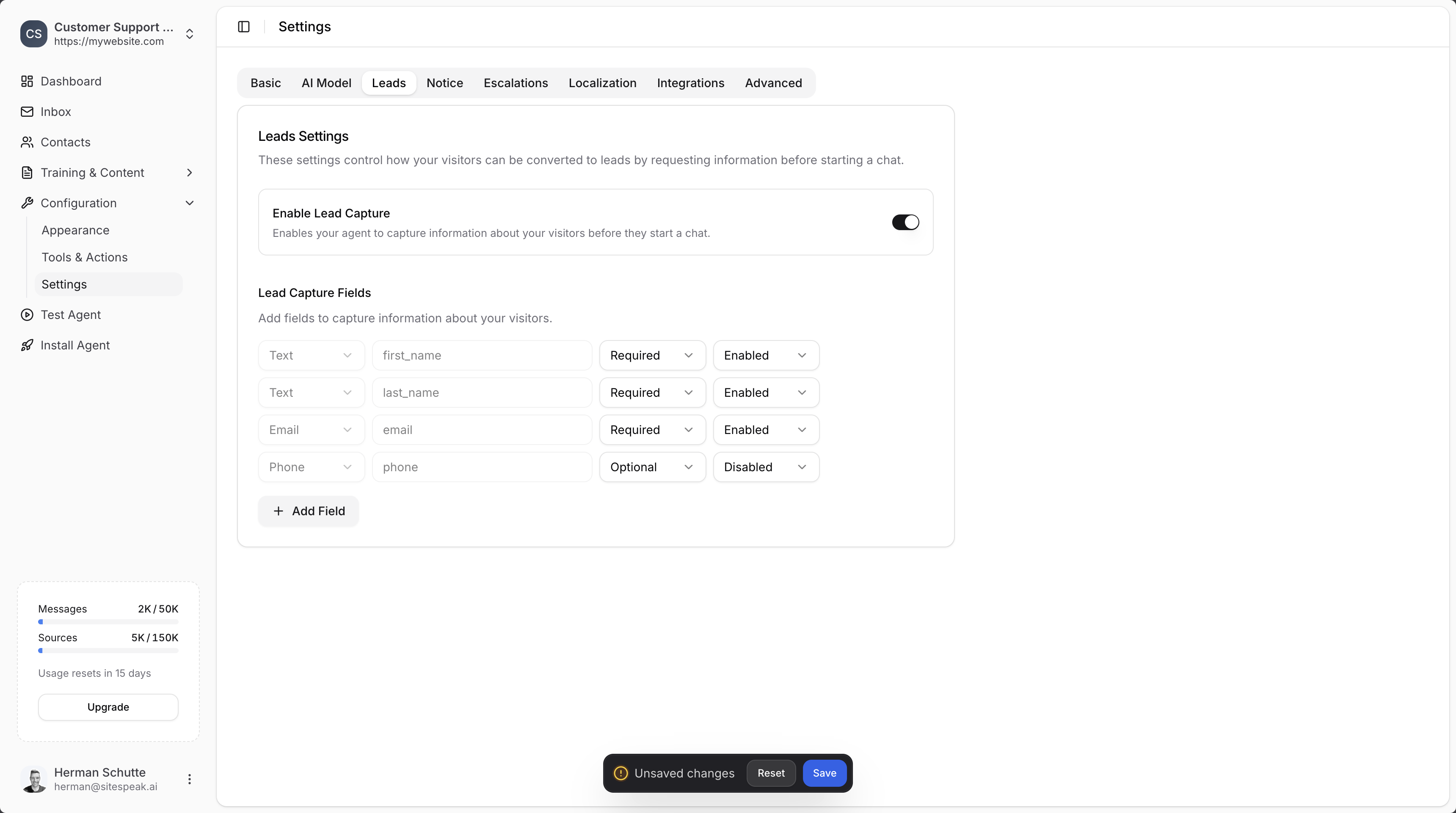
Go to Settings
Head over to the Settings section in your chatbot dashboard.
2
Select the Leads tab
Click on the Leads tab.
3
Enable lead capture
Toggle on the Enable Lead Capture option.
4
Save your settings
Click the Save button to save your settings.
Add custom fields
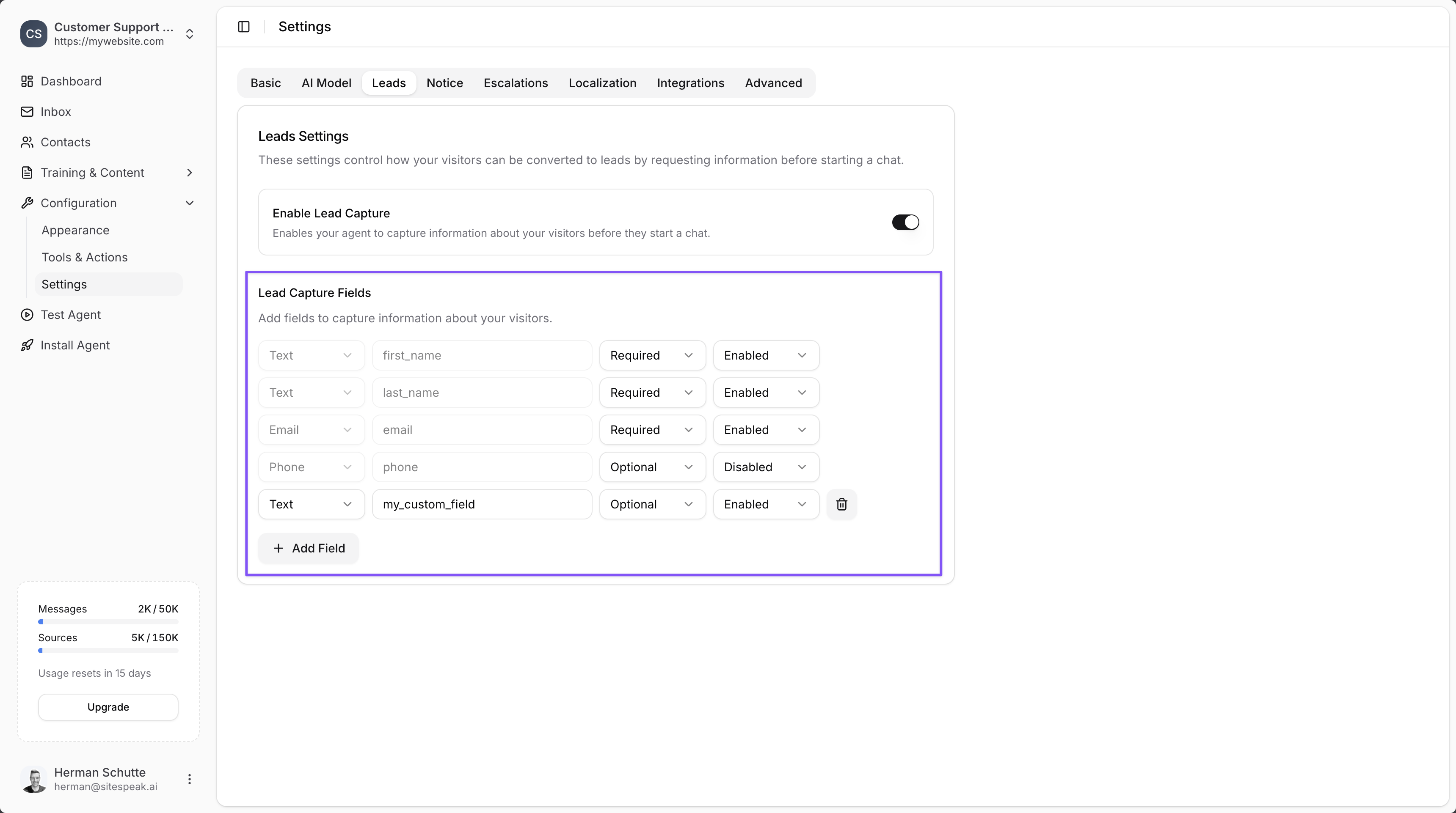
You can add your own custom fields that you would like your visitors to complete before they start chatting to your chatbot. Common fields include:- Name
- Email address
- Phone number
- Company name
Customise the form text
You can update the text displayed on the lead capture form by editing the Lead Capture text in the Localization settings.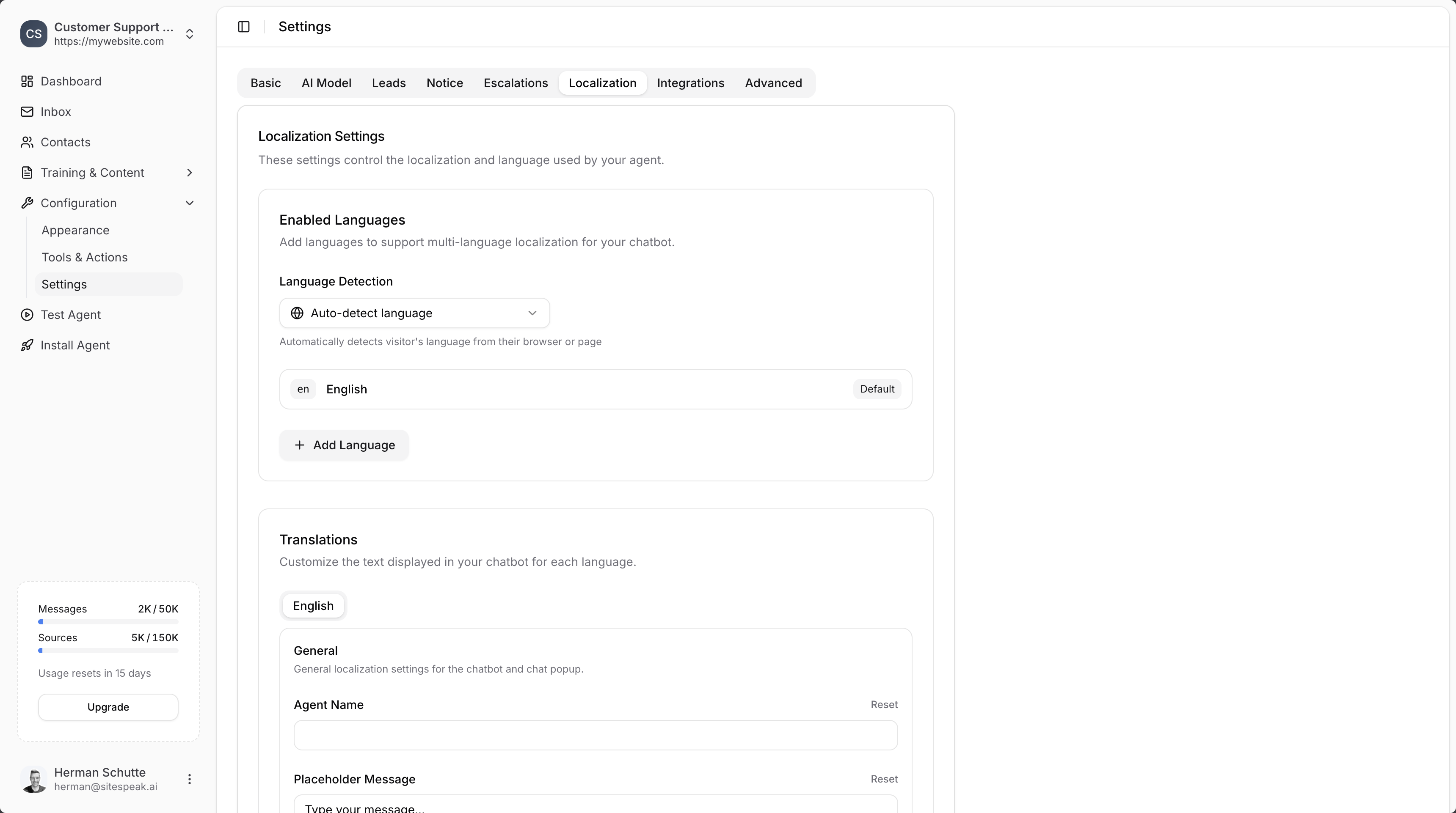
How it works
Once enabled, your chatbot will prompt visitors to leave their details before starting the chat.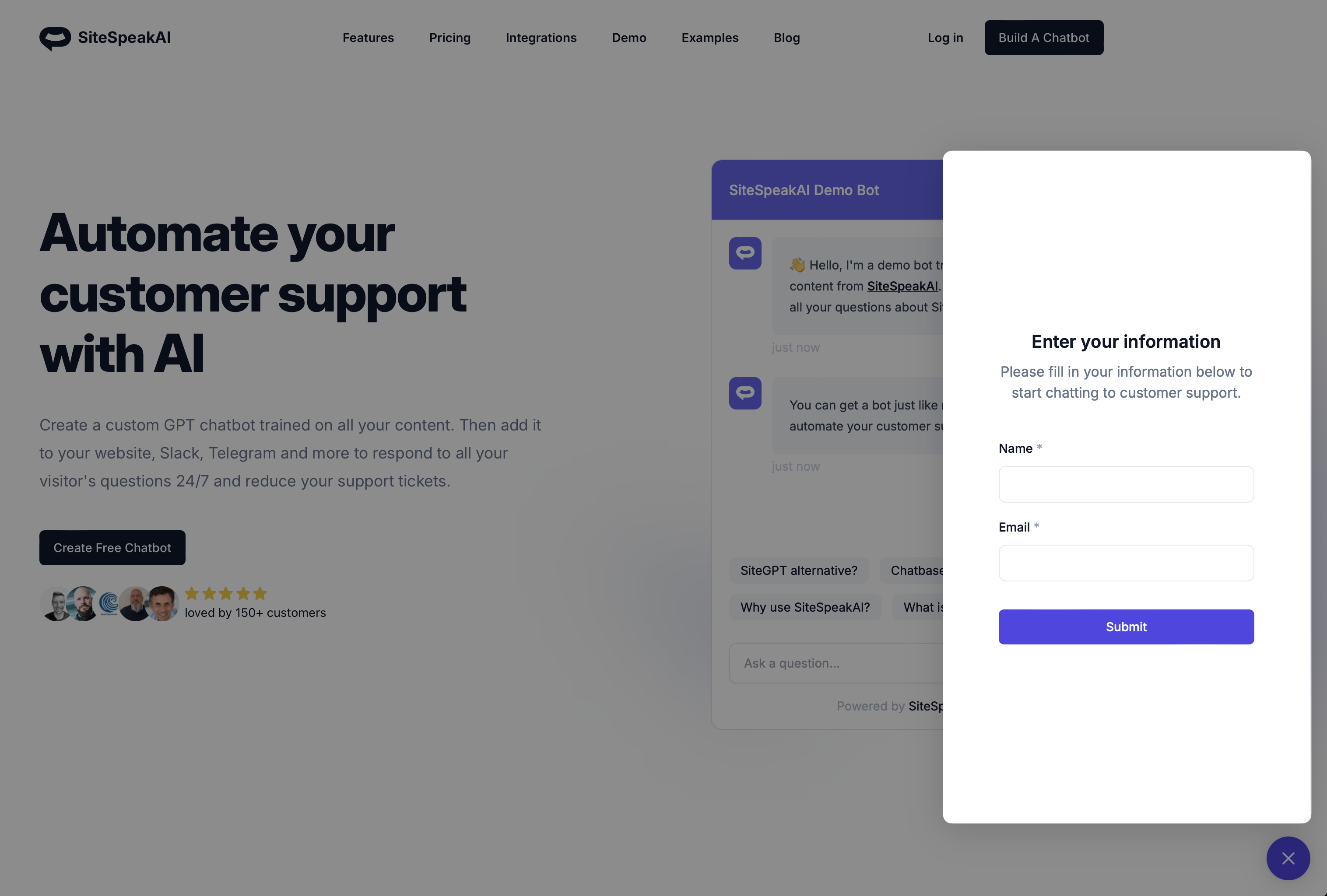
Start capturing leads today
Create your free AI chatbot and turn website visitors into qualified leads