

Adding the Cal.com Action
1
Go to Tools & Actions
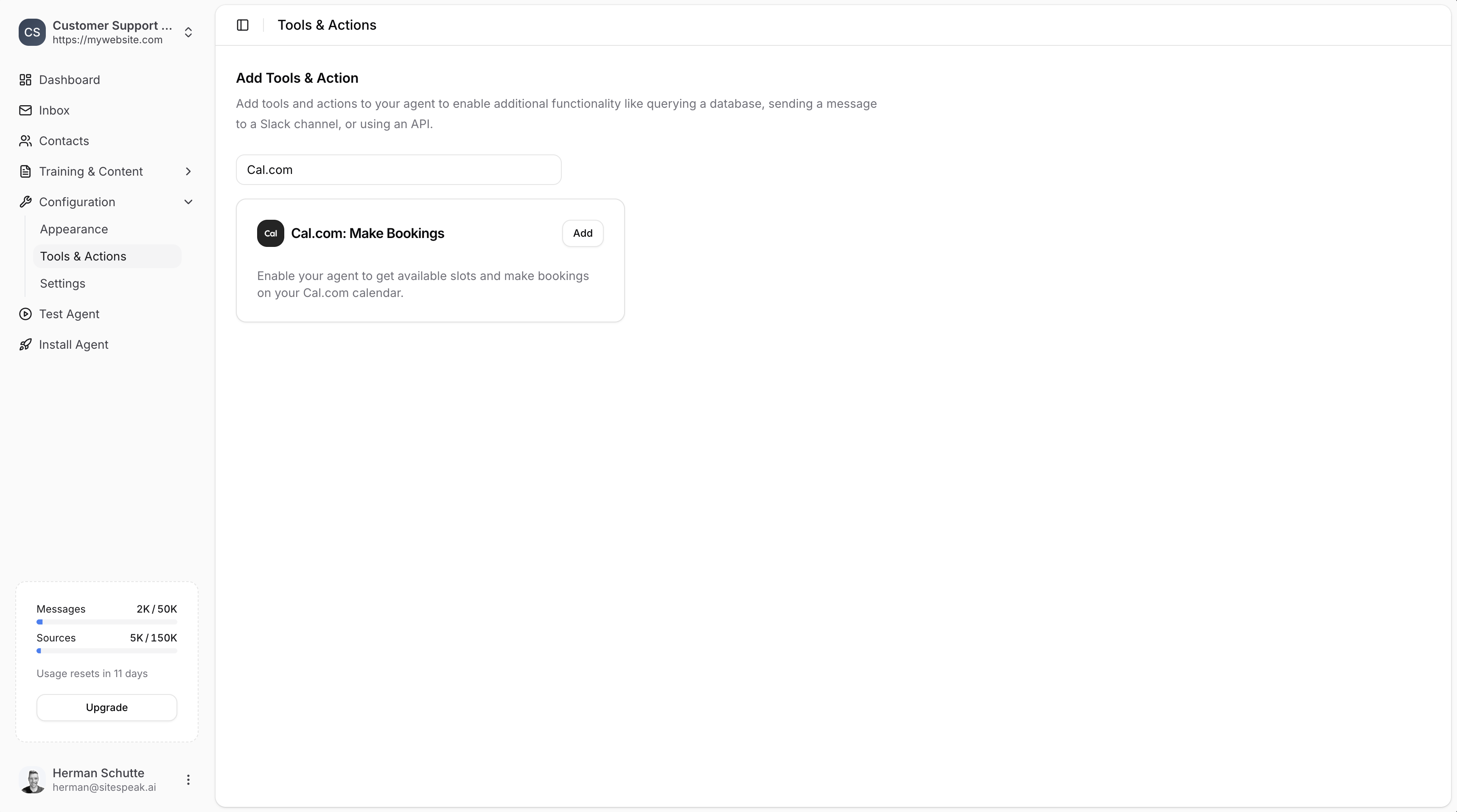
In your chatbot dashboard, go to Configuration → Tools & Actions.
2
Select Cal.com
Find Cal.com: Make Bookings and click Add.
Configuration
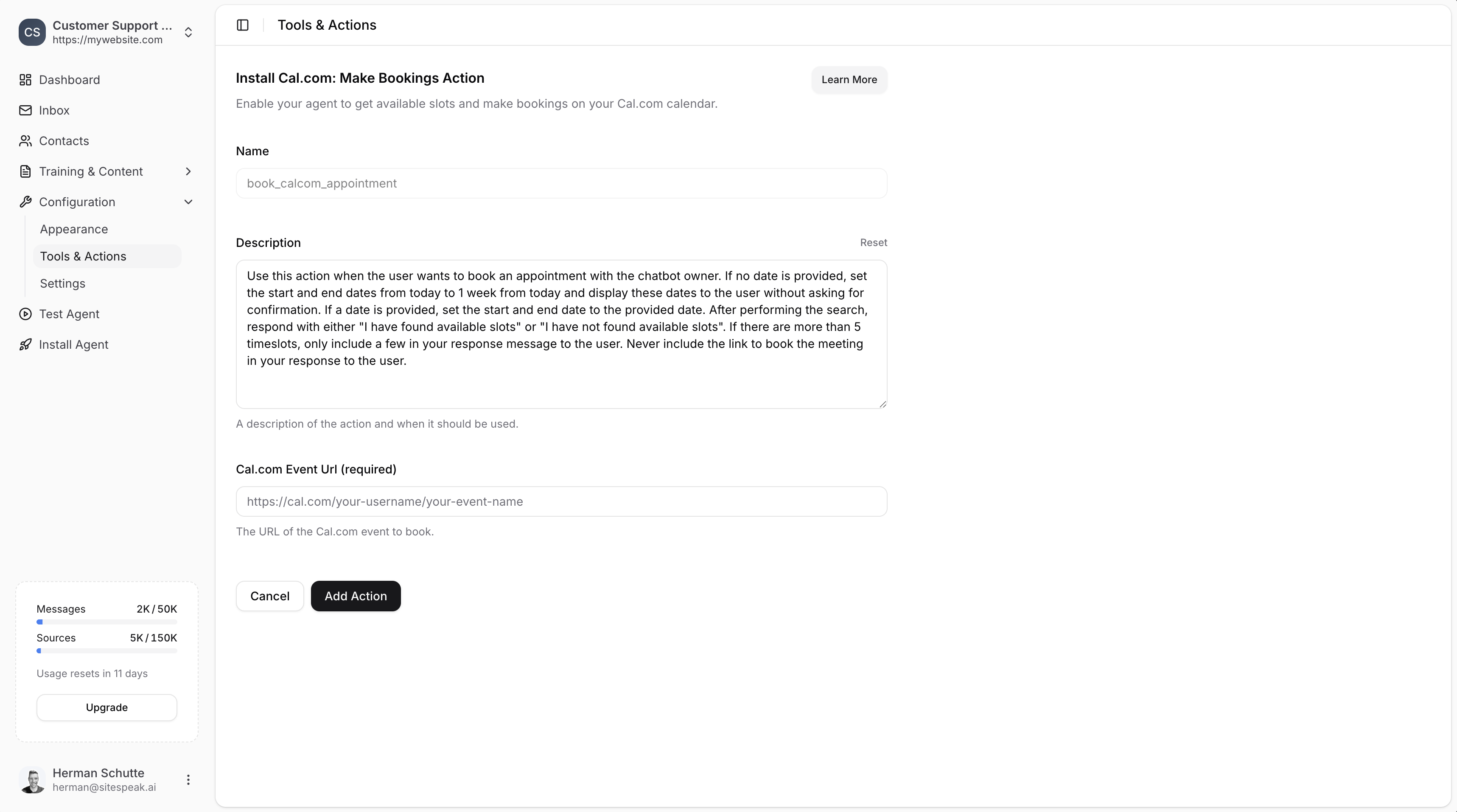
Name
A descriptive name for the action. Default:book_calcom_appointment
Description
A description of the action and when it should be used. The default description guides the agent on how to handle booking requests, date ranges, and displaying available slots.Cal.com Event URL (required)
The URL of the Cal.com event to book. This URL looks like:Finding Your Cal.com Event URL
1
Go to Cal.com
Log in to your Cal.com dashboard.
2
Open Event Types
Go to Event Types at app.cal.com/event-types.
3
Copy the event URL
Find the event you want to use and copy its URL.
Save the Action
Once you’ve entered the Event URL, click Add Action to enable it. Your chatbot will now be able to:- Check availability on your calendar
- Show available time slots to visitors
- Allow visitors to book appointments
Ready to automate your customer service with AI?
Join over 1000+ businesses, websites and startups automating their customer service and other tasks with a custom trained AI agent.