

Uploading Audio Files
1
Go to Training & Content
In your chatbot dashboard, click Training & Content in the sidebar.
2
Select Sources
Click on Sources.
3
Click Add Sources
Click the + Add Sources button.
4
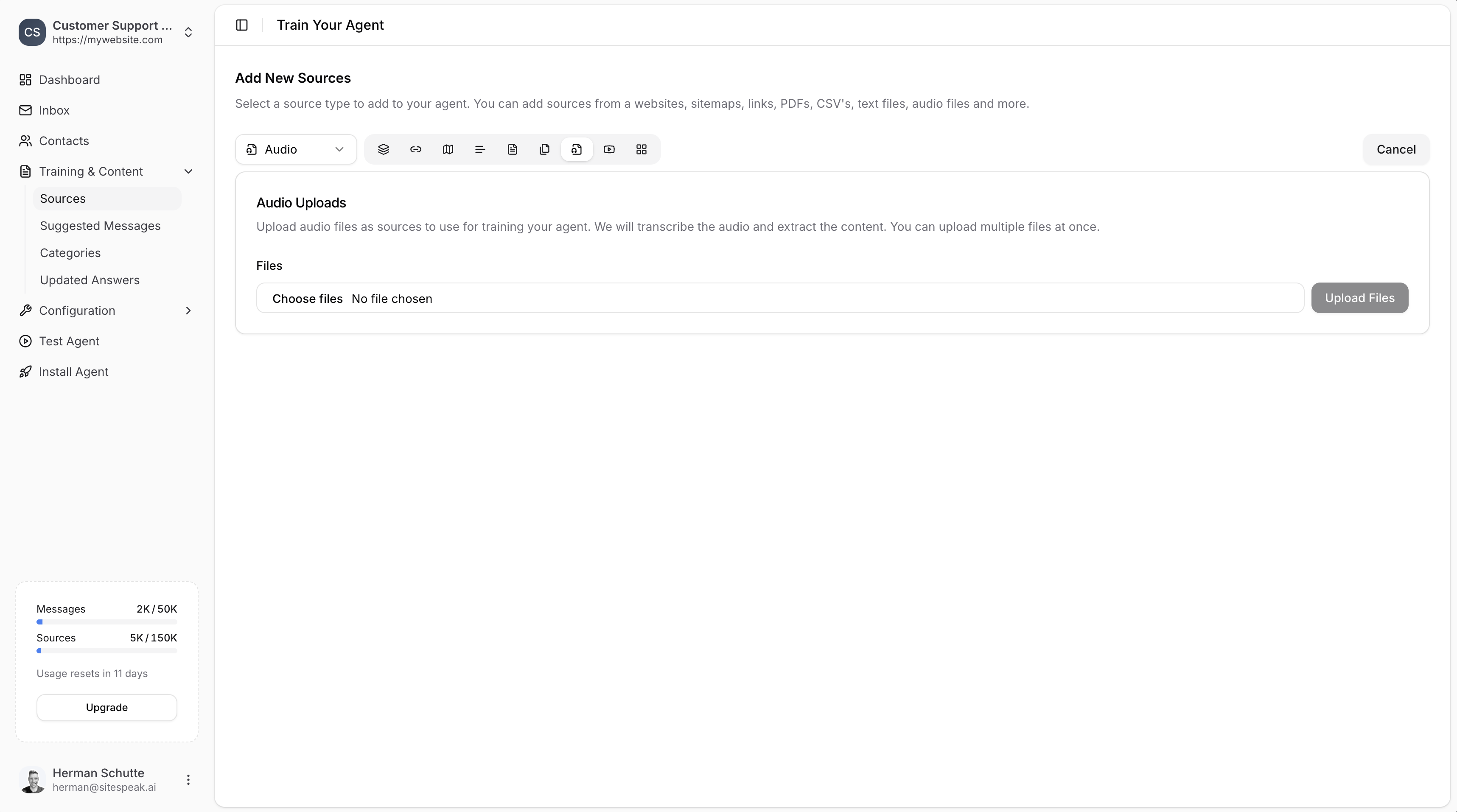
Select Audio
From the source type dropdown, select Audio.
5
Choose your files
Click Choose files to browse and select audio files from your computer. You can upload multiple files at once.
6
Upload Files
Click the Upload Files button to start the transcription and training process.
How It Works
- Upload: Select one or more audio files from your computer.
- Transcription: SiteSpeakAI automatically transcribes the audio content.
- Training: The transcribed text is used to train your chatbot.
Best Practices
- Clear audio: Use audio files with clear speech and minimal background noise for better transcription accuracy.
- Relevant content: Upload audio that contains information your chatbot should know about.
- Review sources: After training, check the transcribed content in your sources list to ensure accuracy.
Ready to automate your customer service with AI?
Join over 1000+ businesses, websites and startups automating their customer service and other tasks with a custom trained AI agent.