Discover the latest updates and features of SiteSpeakAI.
Follow @sitespeakai for updates →
Nov 16, 2023
You can now select a male voice for your chatbot if you're using the text-to-speech functionality that lets your chatbot respond in audio to your visitors.
Nov 14, 2023
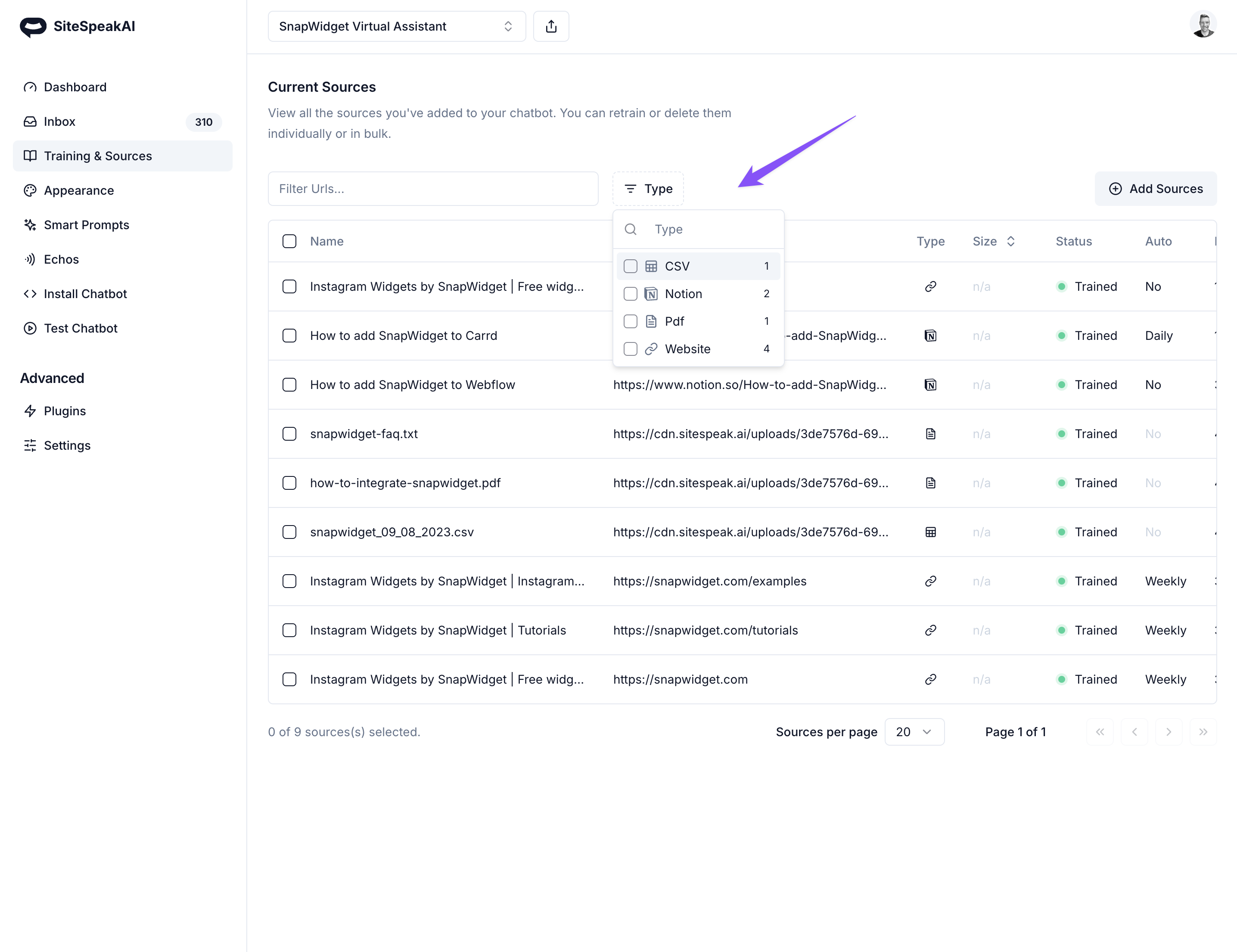
You can now use content from your (or any other) YouTube channel as well as audio files like podcasts to train your chatbot. Create a virtual assistant that can provide your website visitors with summaries and overviews of your video and audio content.
Nov 13, 2023
Instead of adding a single file at a time to train your chatbot, you can now add multiple files. This includes text, PDFs, and all other supported file types. Train your own custom GPT on all your files 👉 https://sitespeak.ai
Nov 08, 2023
With the latest exciting releases from OpenAI, users of SiteSpeakAI can now choose to use the latest GPT-4 Turbo model (gpt-4-1106-preview). This is available for all Pro and Business plan users.
Nov 05, 2023
You can now personalize your welcome message using a template tag: {{ first_name | there }}
Nov 03, 2023
You can now use SiteSpeakAI in Raycast to get answers from your custom trained chatbot 👉 Raycast Extension
Oct 24, 2023
You can now enable voice recognition and text-to-speech for your chatbot that you share. Easily create a shareable AI coach in your pocket that you can send to your clients to interact with. Train it on your knowledge and tone.
Oct 23, 2023
Launcher icon images now cover the entire launcher button when no text is set. This creates a much nicer button and experience for your visitors. Create your AI virtual assistant 👉 https://sitespeak.ai
Oct 18, 2023
If you're using Wordpress for your website, you can now easily install ChatGPT on your website using the Wordpress plugin: https://wordpress.org/plugins/sitespeakai/.
Oct 17, 2023
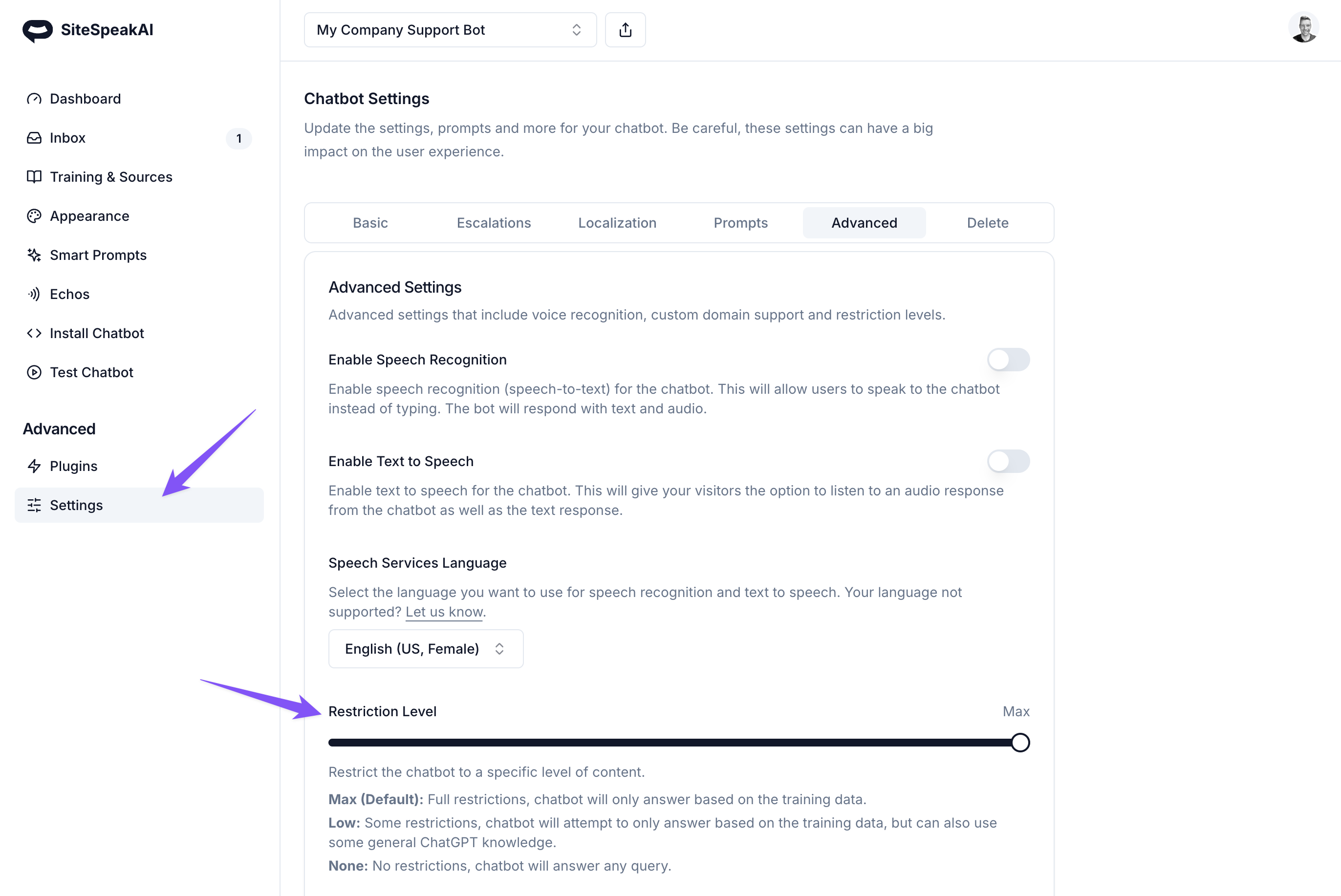
You can now let your customers and visitors interact with your support chatbot using their voice and get an audio answer back. To enable, goto to Settings -> Advanced Settings -> Enable Speech Recognition and Settings -> Advanced Settings -> Enable Text to Speech to enable audio playback for all responses from your chatbot.
Join over 1000+ businesses, websites and startups automating their customer service and other tasks with a custom trained AI agent.