A visitor asks your chatbot a question at midnight, leaves their email, and goes to bed. The chat log has everything you need. Nobody opens the chat log.
The bot does its job fine. The problem is that what it produces never leaves the chat window.
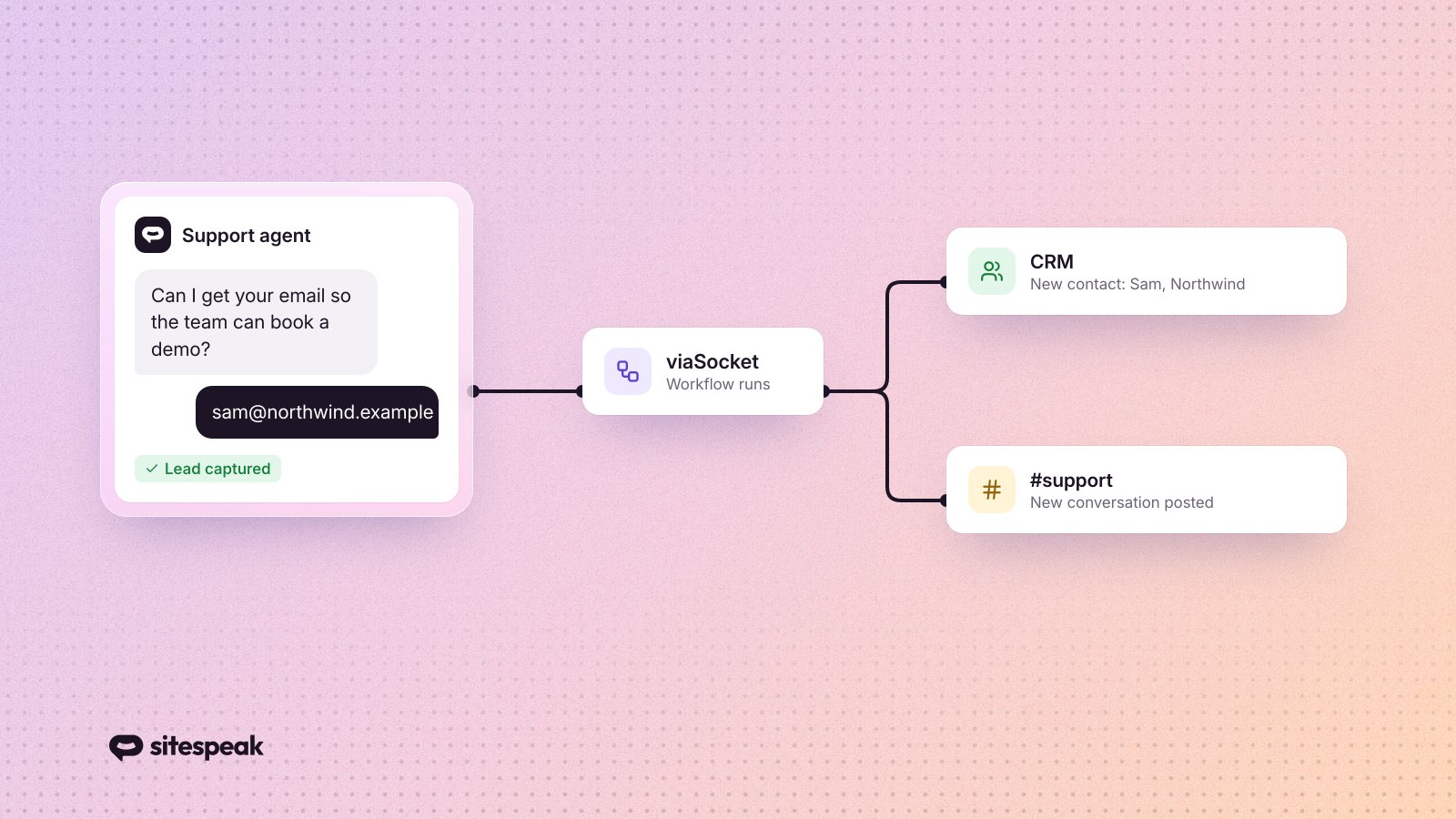
That is the gap the viaSocket integration closes. viaSocket is a no-code automation tool with 2,200+ apps, and their team built SiteSpeakAI into it in both directions. A conversation can kick off a workflow somewhere else, and your chatbot can be called mid-workflow to answer something.
What you get
Two things in SiteSpeakAI can start a viaSocket workflow: a new lead getting captured, and a new message landing in a conversation.
Once a workflow is running, five actions are available. Ask the Chatbot sends a question to your agent and hands back the answer, which you can then use in later steps. List Chatbots returns the agents on your account. View Conversation History pulls conversations and messages. List Leads returns what your chatbot has captured. Create Suggested Answer writes a suggested answer for a specific question.
Two setups cover most of it.
1. Leads into your CRM
Someone chats with your bot, gives their name and email, says what they are after. Then the conversation ends and that lead waits for a human to notice it.
Point a workflow at the new lead trigger and the contact appears in HubSpot or Salesforce the moment it is captured. Your sales team opens the CRM in the morning and the leads are already records, with whatever the conversation turned up.
Speed is the whole point here. Reply in ten minutes and the visitor still remembers who you are. Reply in two days and you are sending a cold email to someone who has already bought elsewhere.
2. Support conversations in front of a person
Bots are good at repeated questions. They are worse at the angry customer, or the one asking about something nobody trained the agent on.
A workflow on the new message trigger drops incoming chatbot messages into a Slack channel. Your team reads them where they already spend their day instead of keeping a chat dashboard open in a forgotten tab.
Give it its own channel. If you only want to hear about conversations that genuinely need a human, our built-in escalation is better suited, and we wrote about handling unresolved tickets and escalating to human agents separately.
The channel earns its keep in a second way. Skim it on a Friday and the questions people keep repeating tell you exactly what your site explains badly, which is still the fastest way we know to reduce support tickets.
The templates
viaSocket built both of these, so there is nothing to wire together yourself:
Create HubSpot contacts from new SiteSpeakAI leads
Every new lead your chatbot captures becomes a HubSpot contact.
Send new SiteSpeakAI chatbot messages to Slack automatically
Forwards new chatbot messages to a Slack channel or thread.
Setting it up
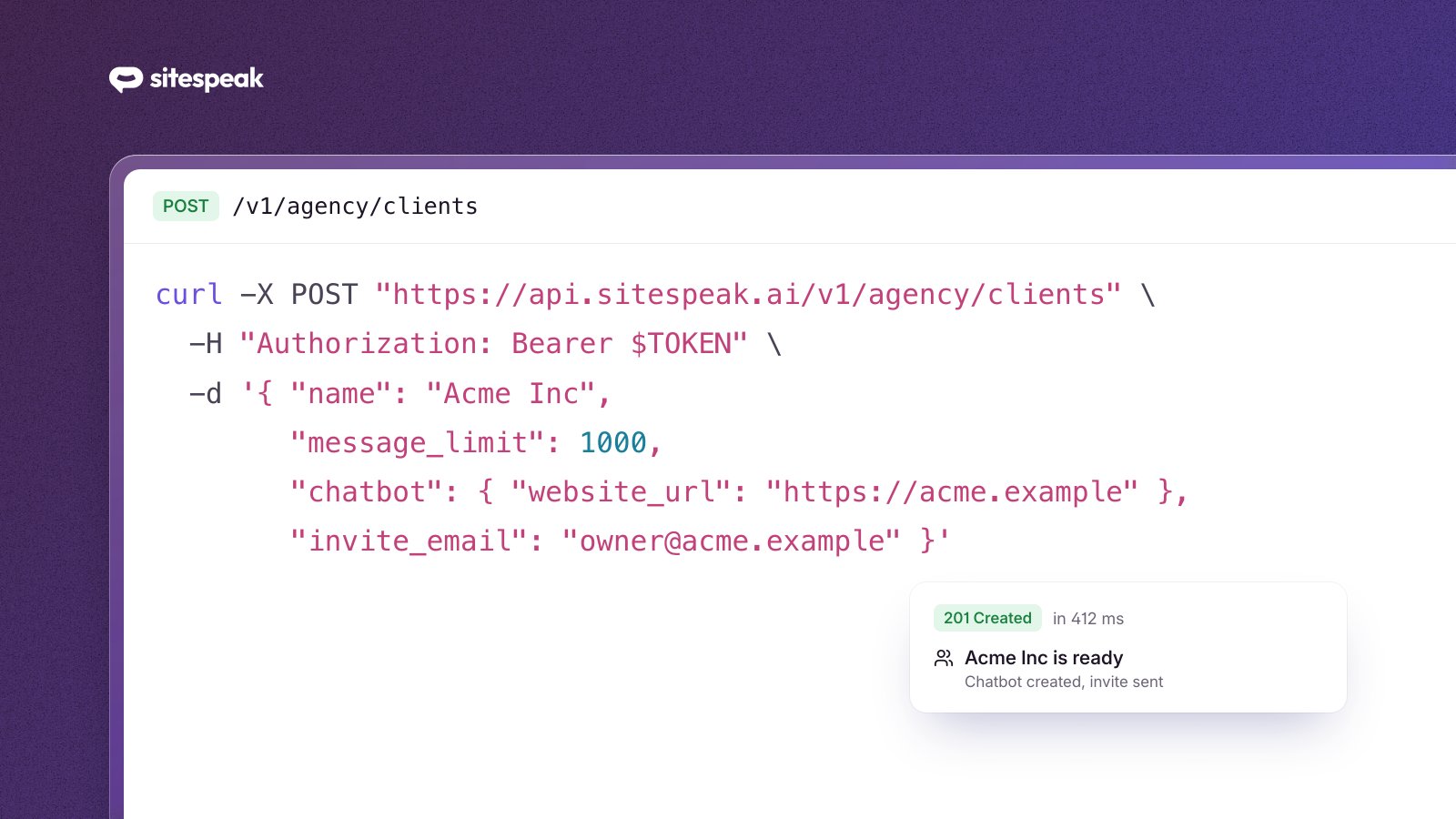
Grab an API token first. It is in your dashboard under Profile, then API Tokens. Our API reference covers the rest of what you can do with it.
Then create a flow in viaSocket, search for SiteSpeakAI, and connect your account with that token. Pick your trigger, or skip the trigger entirely and drop the Ask the Chatbot action into a flow that something else already starts.
The viaSocket team wrote up the same workflows from their side, with more on the viaSocket half of the setup, in their post on turning your chatbot into an automation engine.
What about Zapier?
We support Zapier too, and honestly the two overlap for everything above. If your team already lives in Zapier, stay there, and read our walkthrough of automating support and marketing with Zapier instead. If you are starting from nothing, or you want the AI steps viaSocket builds into its flows, try viaSocket. Running both buys you nothing.
Getting started
One token, one flow. Start with lead capture, because that is where a delay actually costs you money, and add the Slack one once you trust the first.
Not using SiteSpeakAI yet? Create your AI agent for free, train it on your site, and connect it to the rest of your stack. No credit card required.