YouTube to SEO Article Creator
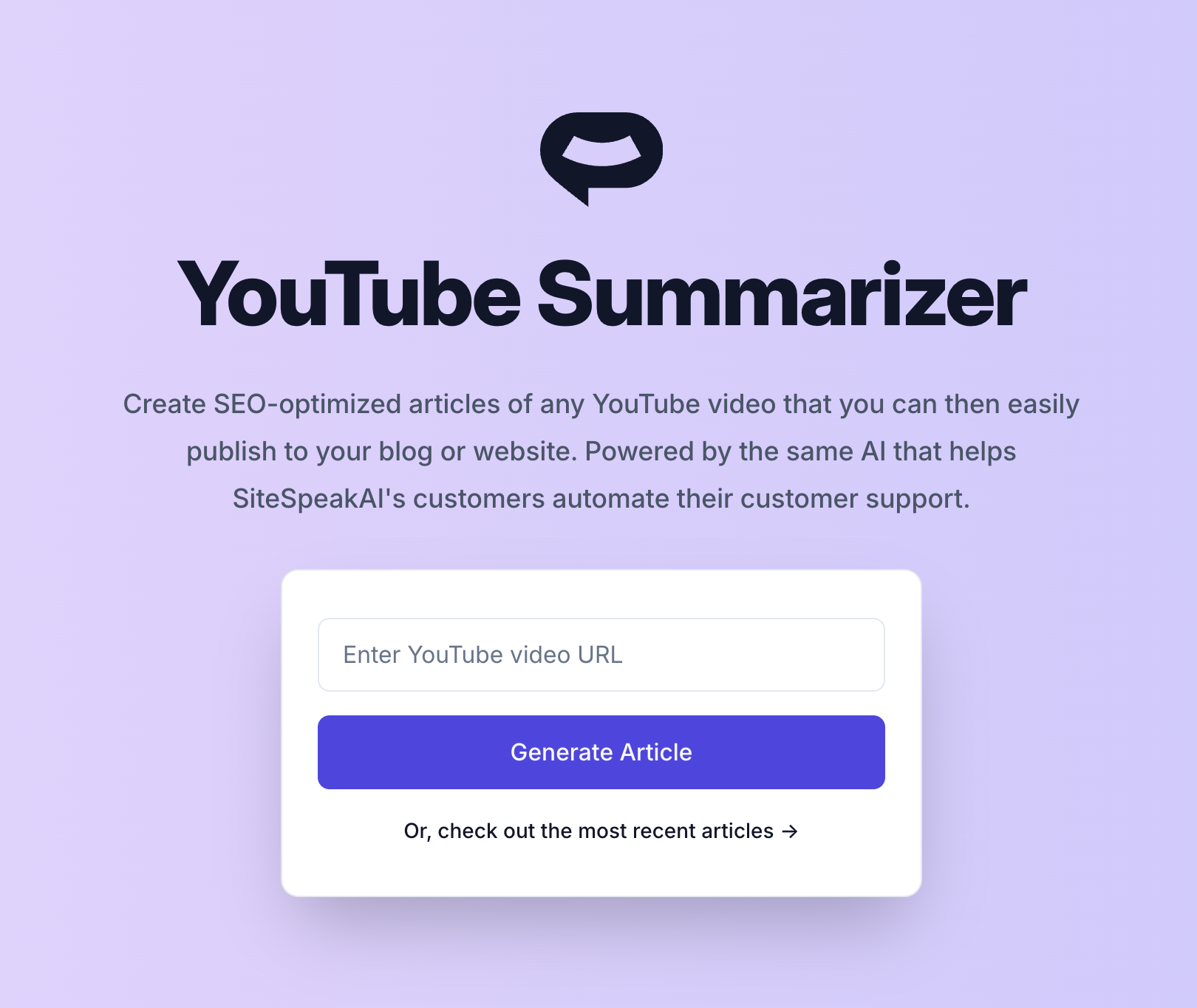
New free tool! Create beautiful written and SEO-optimized articles from any YouTube video that you can post to your blog or website. 🪄 Create your own articles here: https://sitespeak.ai/tools/youtube-summarizer
New features and improvements in SiteSpeakAI, newest first.
New free tool! Create beautiful written and SEO-optimized articles from any YouTube video that you can post to your blog or website. 🪄 Create your own articles here: https://sitespeak.ai/tools/youtube-summarizer
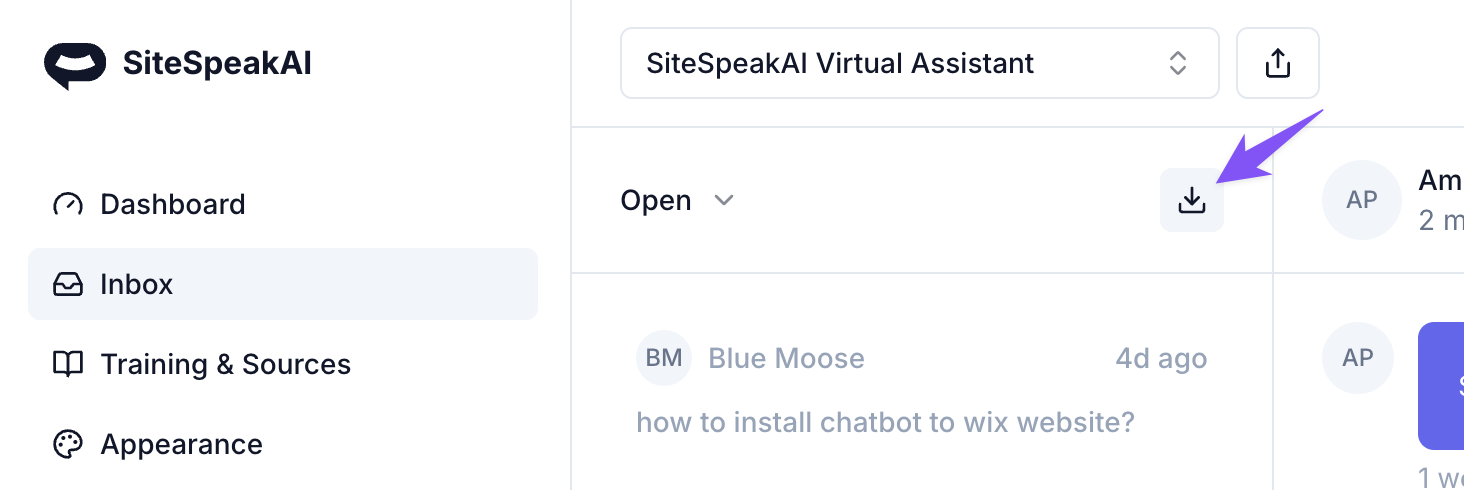
You can now easily export your chatbots conversation history to CSV to import into other apps. To export your chatbot's conversations, click on the download button in your Inbox and then click on the Export button to download a formatted CSV.
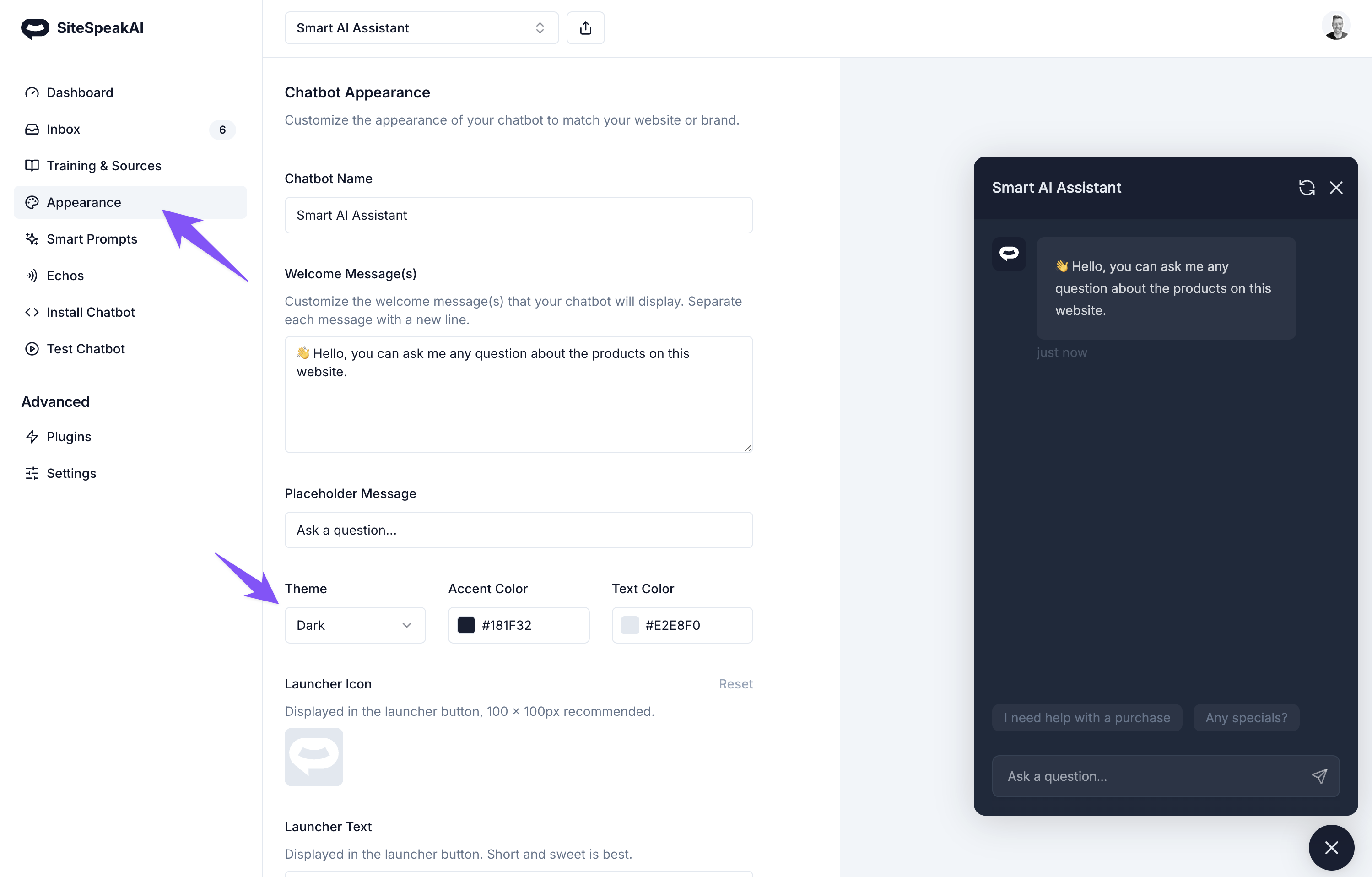
You can now set your chatbot widget to display in Dark or Light mode 🥳 This means you can customize your widget to exactly match the look of your site, whether that is dark and modern, or light and classic. Create your fully customizable chatbot 👉 SiteSpeakAI
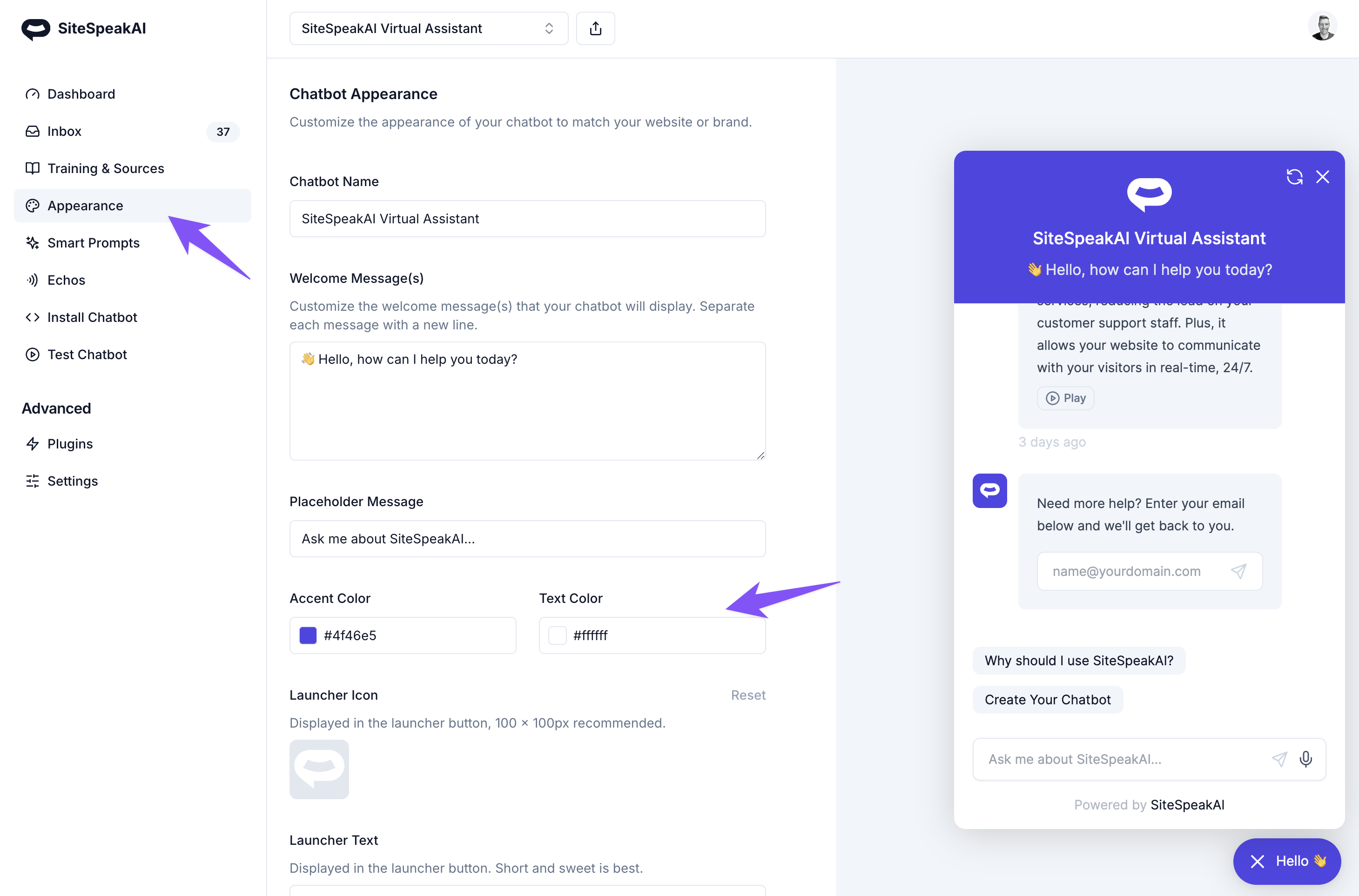
You can now set the text color for your chatbot in the appearance settings. This makes it even easier to exactly match your brand and website when embedding your custom GPT widget in your website. For training your chatbot on your YouTube content, it's now easier to use any valid YouTube URL and transcripts should load a little faster 😜
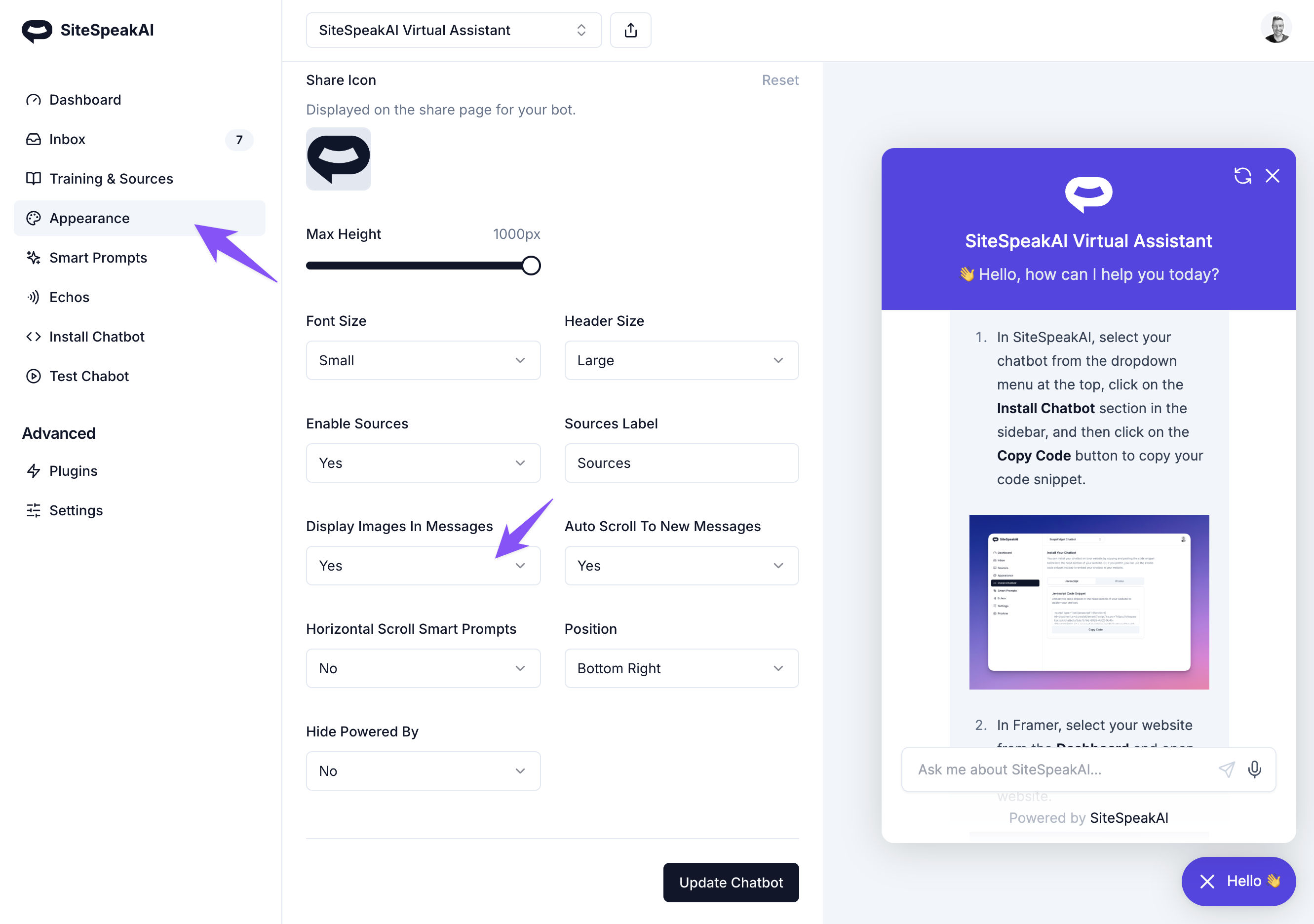
You can now set your chatbot to display images in the responses to your visitors questions. If the content your chatbot is trained on contains images, you can enable this option and the chatbot will include these images if relevant to the response.
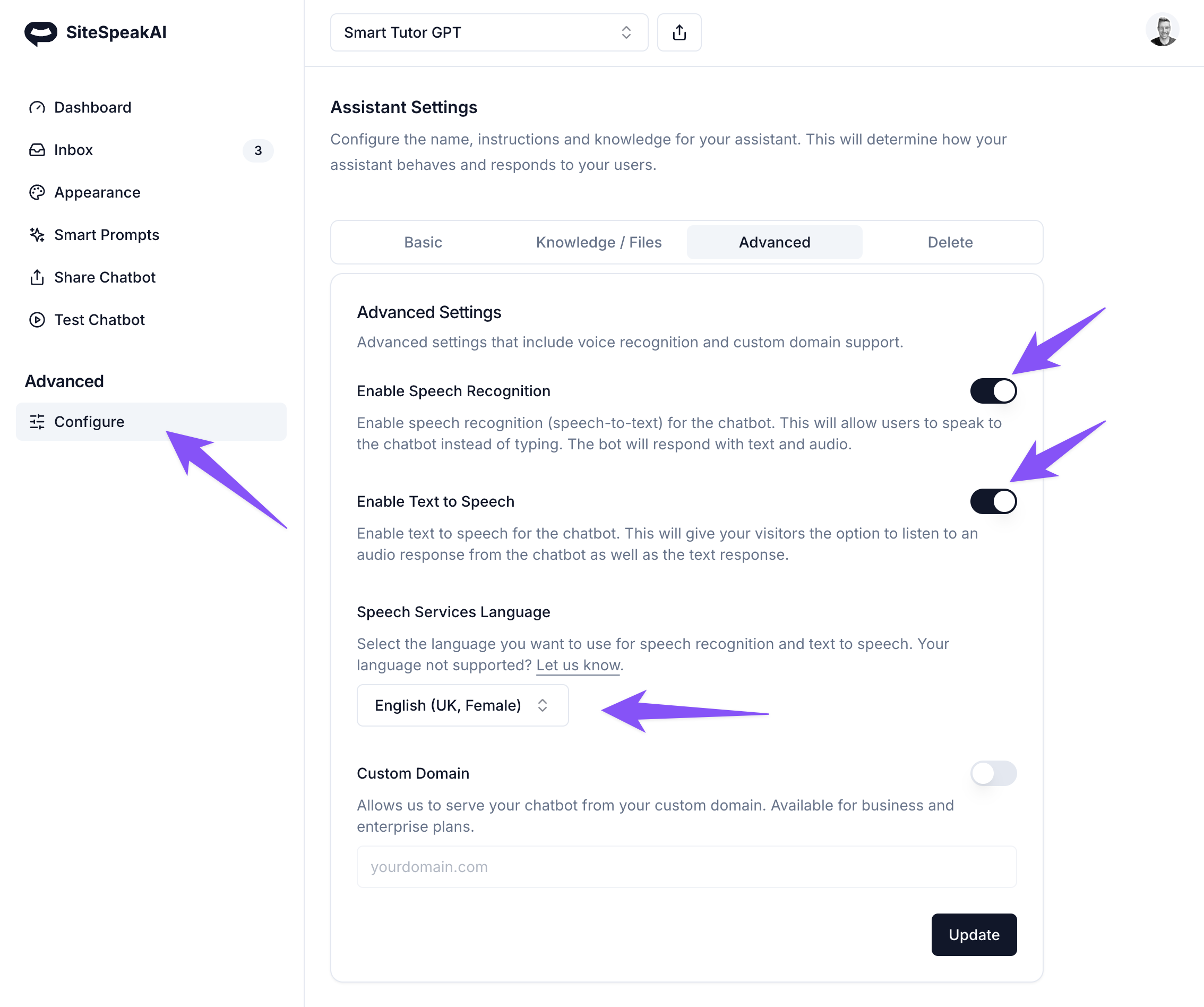
Want to speak to your custom GPT assistant and have it reply back with an audio response? You can not enable text-to-speech (TTS) and speech-to-text (STT) for your custom GPTs, just like you can for your customer support bots. This is available to all plans that have access to create custom GPTs. You can now connect to the SiteSpeakAI API even faster and using low code through the Pipedream integration. Thanks to the team at Pipedream for building this integration.
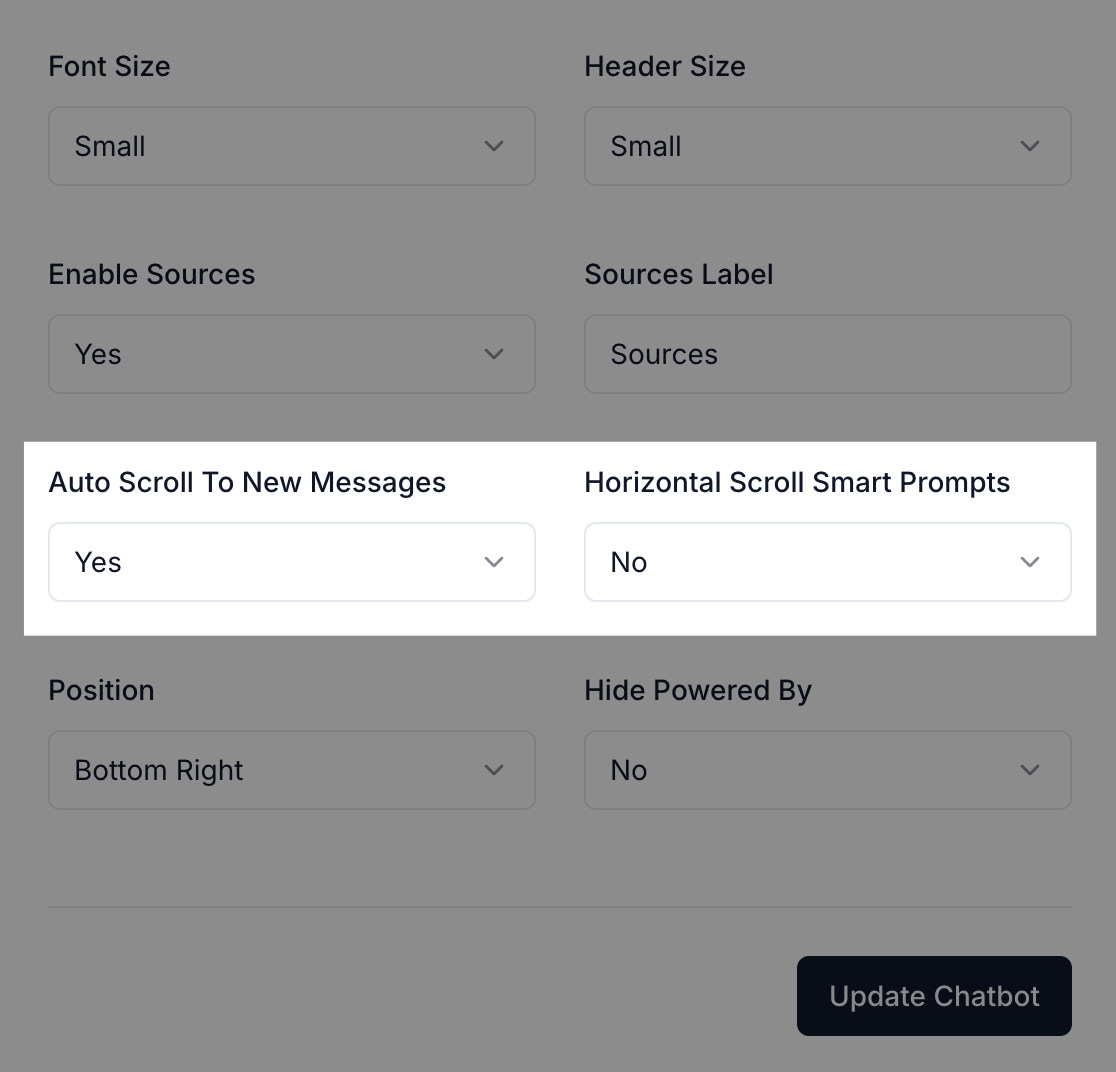
You can now set your chatbot to not auto scroll to new messages if you like and adjust the display of your smart prompts to scroll horizontally, instead of vertically. There are also 2 new text-to-speech languages, Italian and French available.
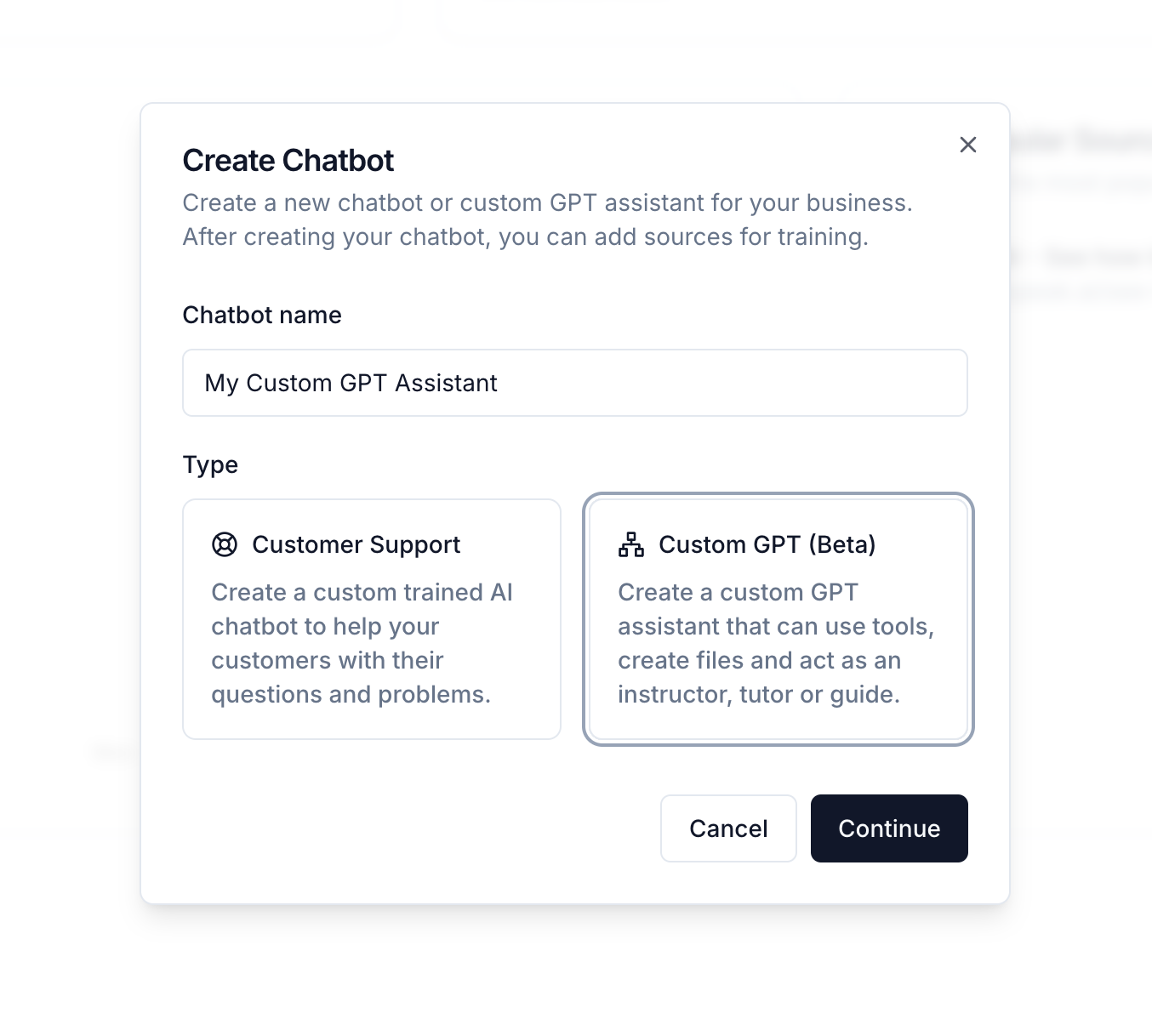
Just in time for Thanksgiving, you can now create your own custom GPT in SiteSpeakAI that you can share with your team or users, or embed on your website. A custom GPT created with SiteSpeakAI allows you to create a advanced AI assistant without code, that is able to respond to users and help them with tasks. It can even generate files like PDF's to share information with your users or team.
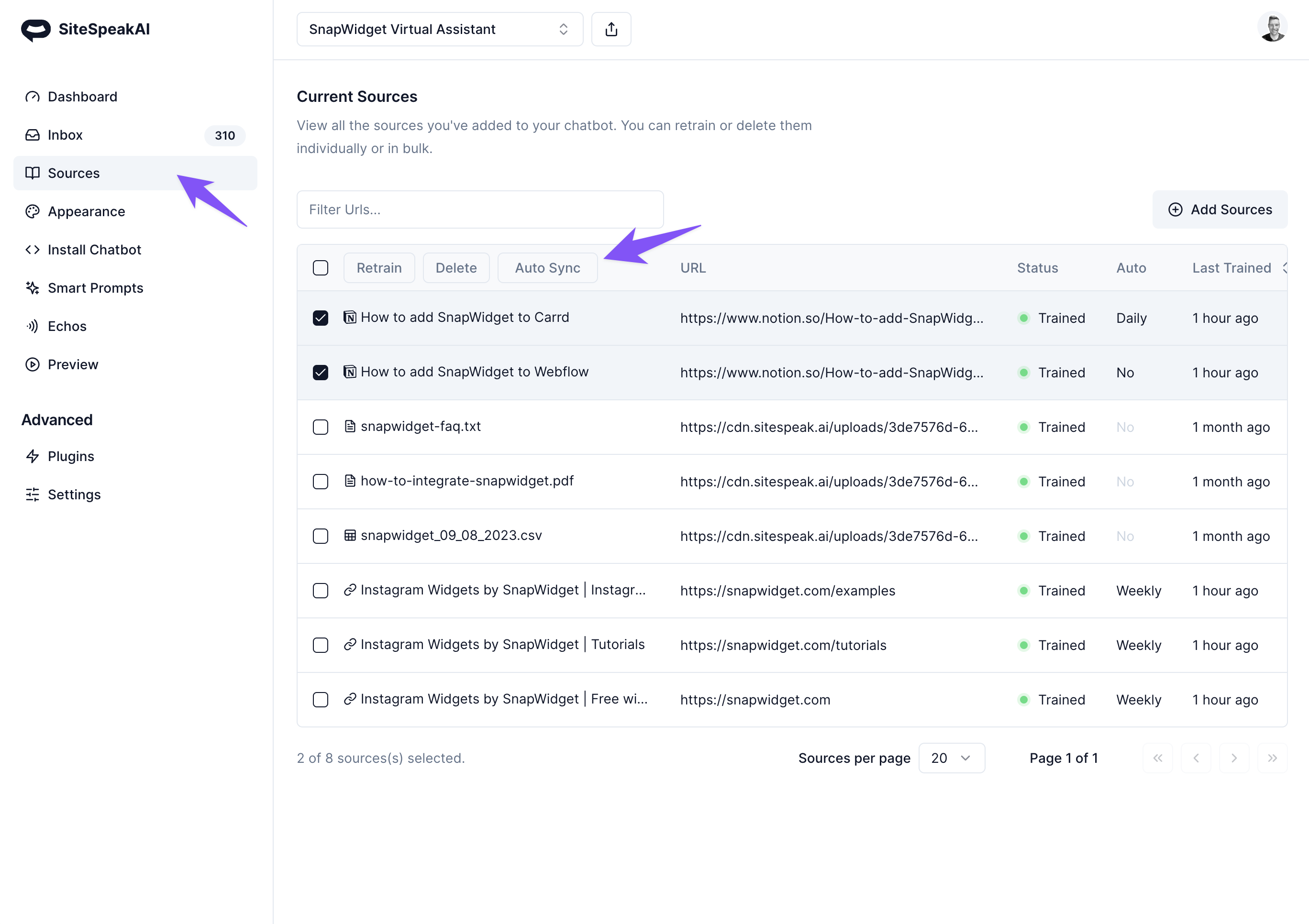
You can now have your chatbot automatically retrain itself on the sources you added. Depending on your subscription plan, you can set the refresh schedule to daily, weekly or monthly. SiteSpeakAI will then crawl the sources and re-train your bot according to the schedule. This ensures your bot is always up to date with the latest information.
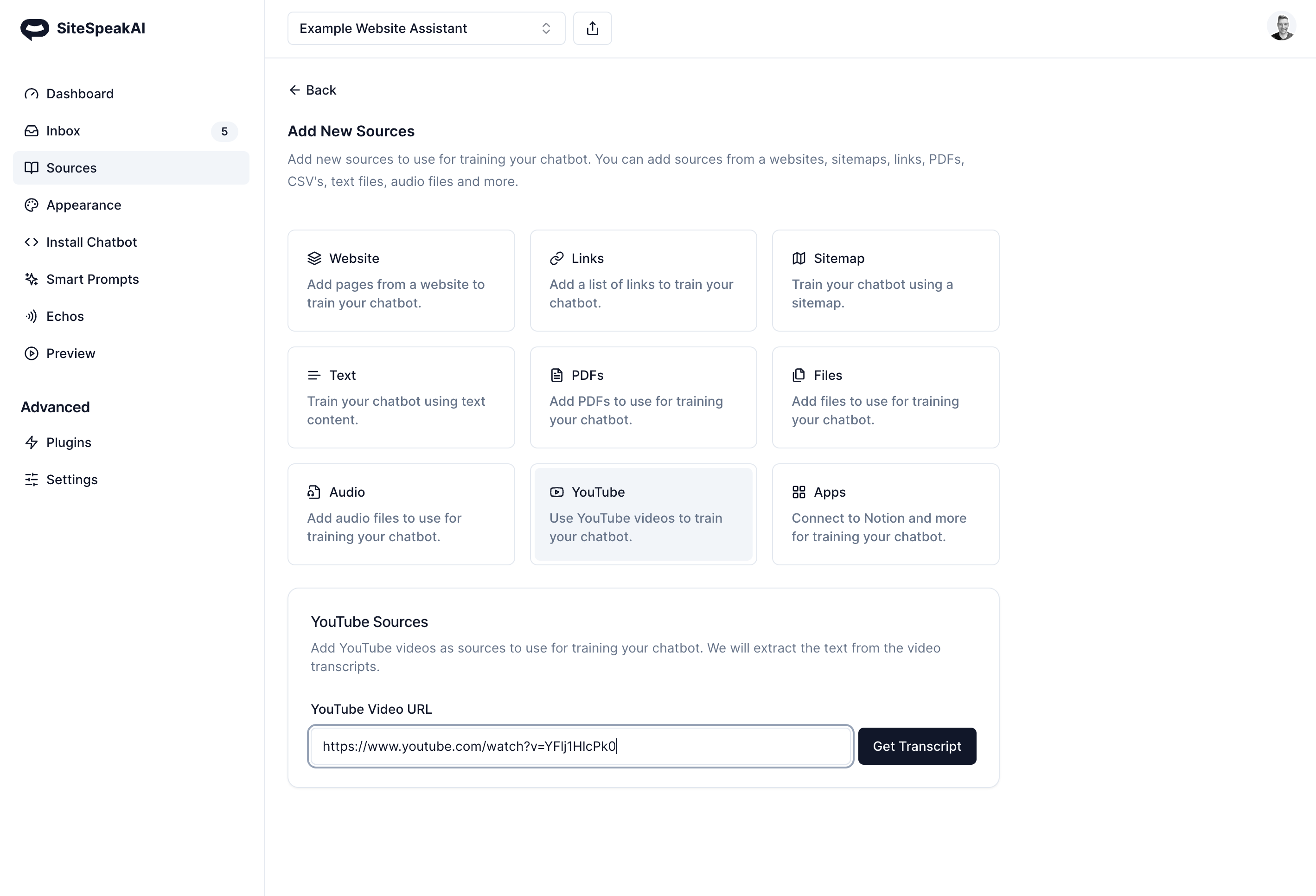
You can now use content from your (or any other) YouTube channel as well as audio files like podcasts to train your chatbot. Create a virtual assistant that can provide your website visitors with summaries and overviews of your video and audio content.
Join 1,000+ businesses across SaaS, e‑commerce, and agencies automating their customer service and other tasks with a custom-trained AI agent.
No credit card required