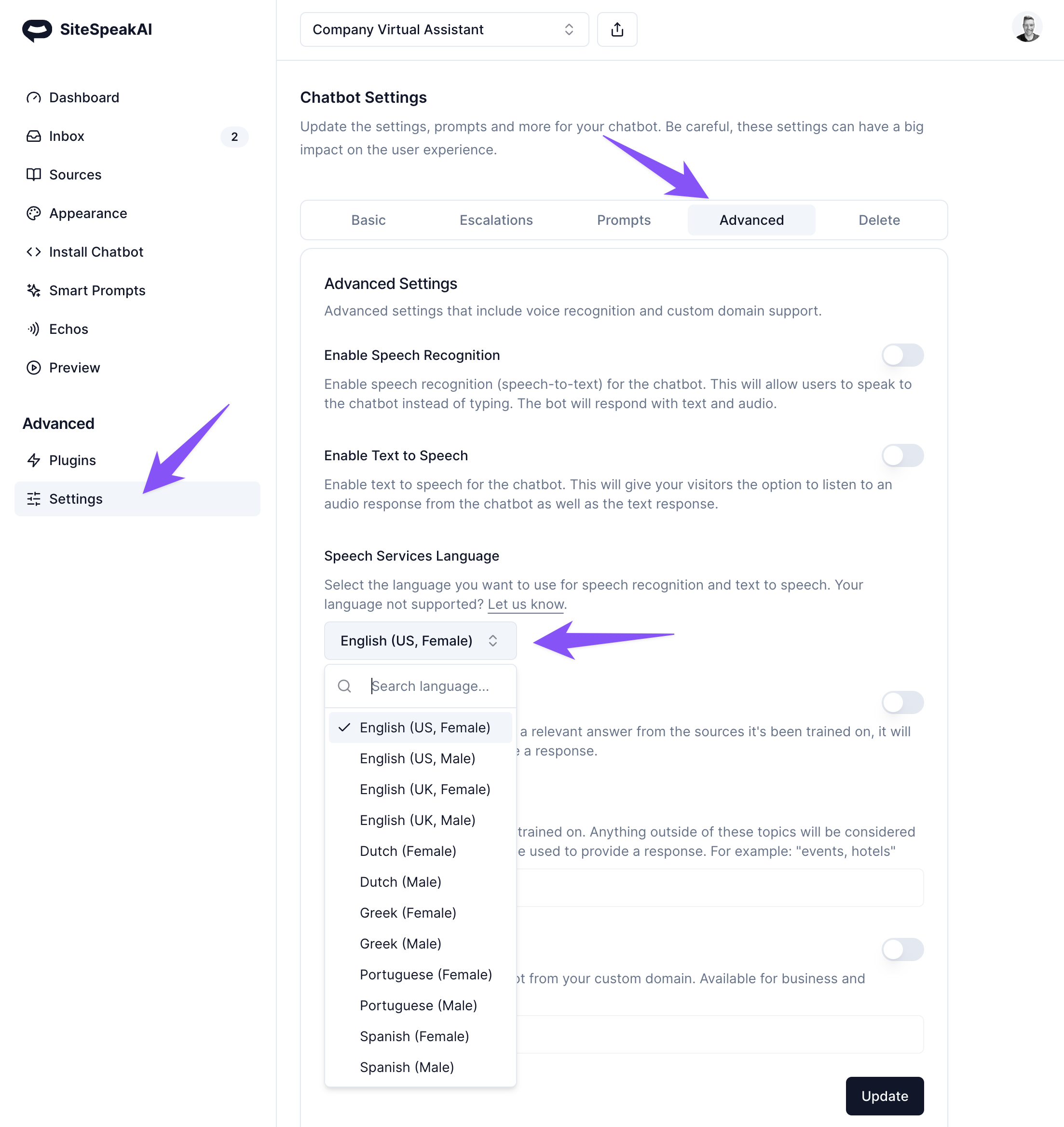
New male voices available for text-to-spech
You can now select a male voice for your chatbot if you're using the text-to-speech functionality that lets your chatbot respond in audio to your visitors.
New features and improvements in SiteSpeakAI, newest first.
You can now select a male voice for your chatbot if you're using the text-to-speech functionality that lets your chatbot respond in audio to your visitors.
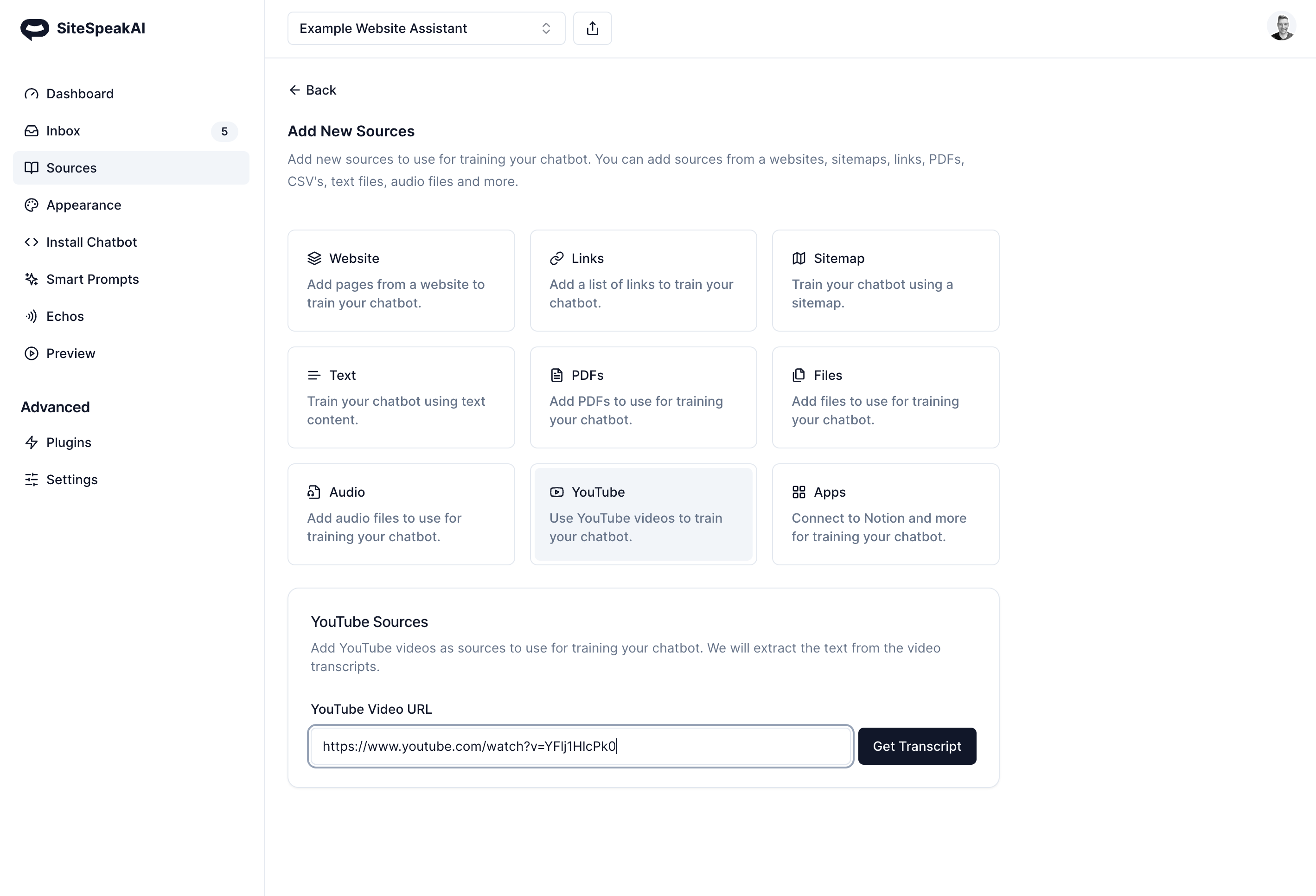
You can now use content from your (or any other) YouTube channel as well as audio files like podcasts to train your chatbot. Create a virtual assistant that can provide your website visitors with summaries and overviews of your video and audio content.
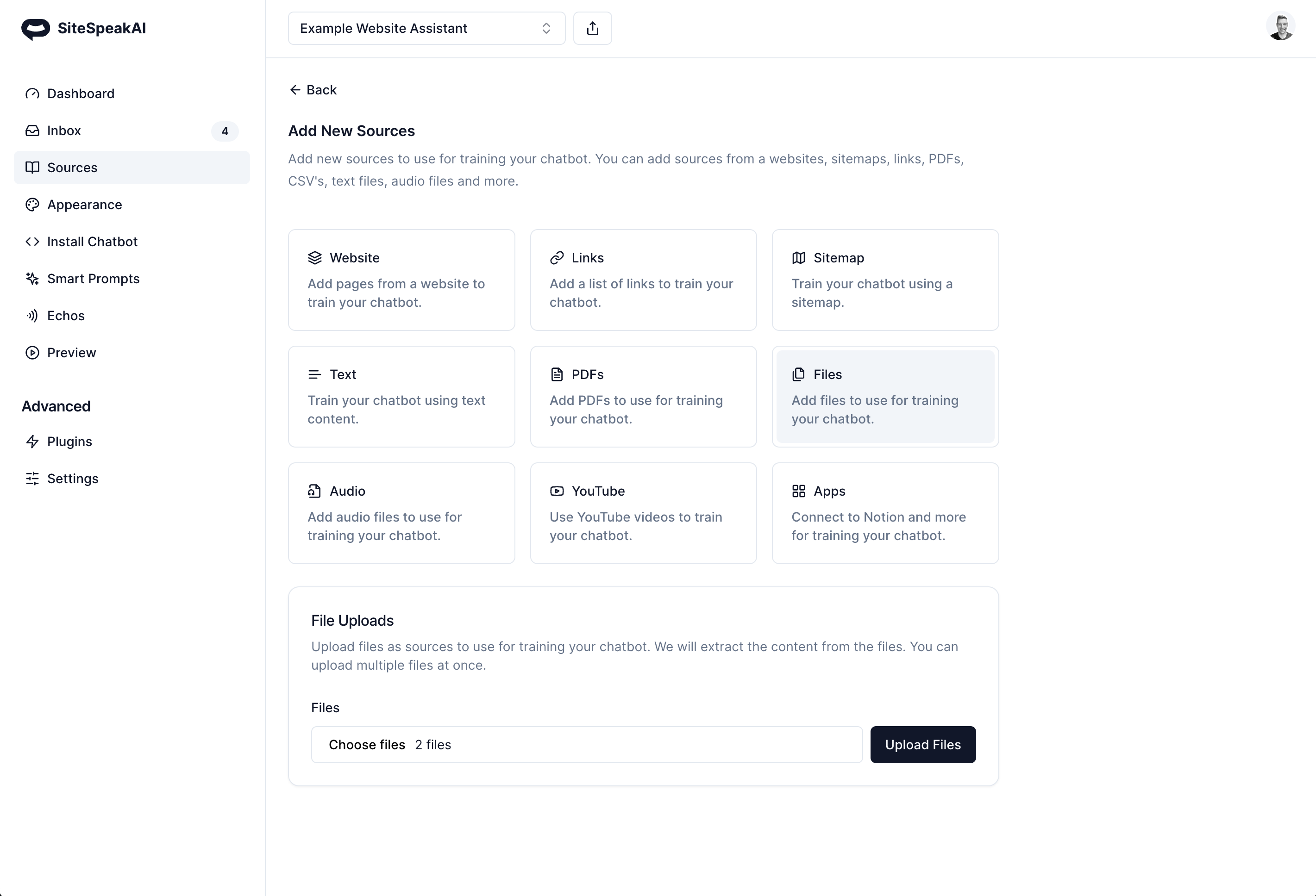
Instead of adding a single file at a time to train your chatbot, you can now add multiple files. This includes text, PDFs, and all other supported file types. Train your own custom GPT on all your files 👉 https://sitespeak.ai
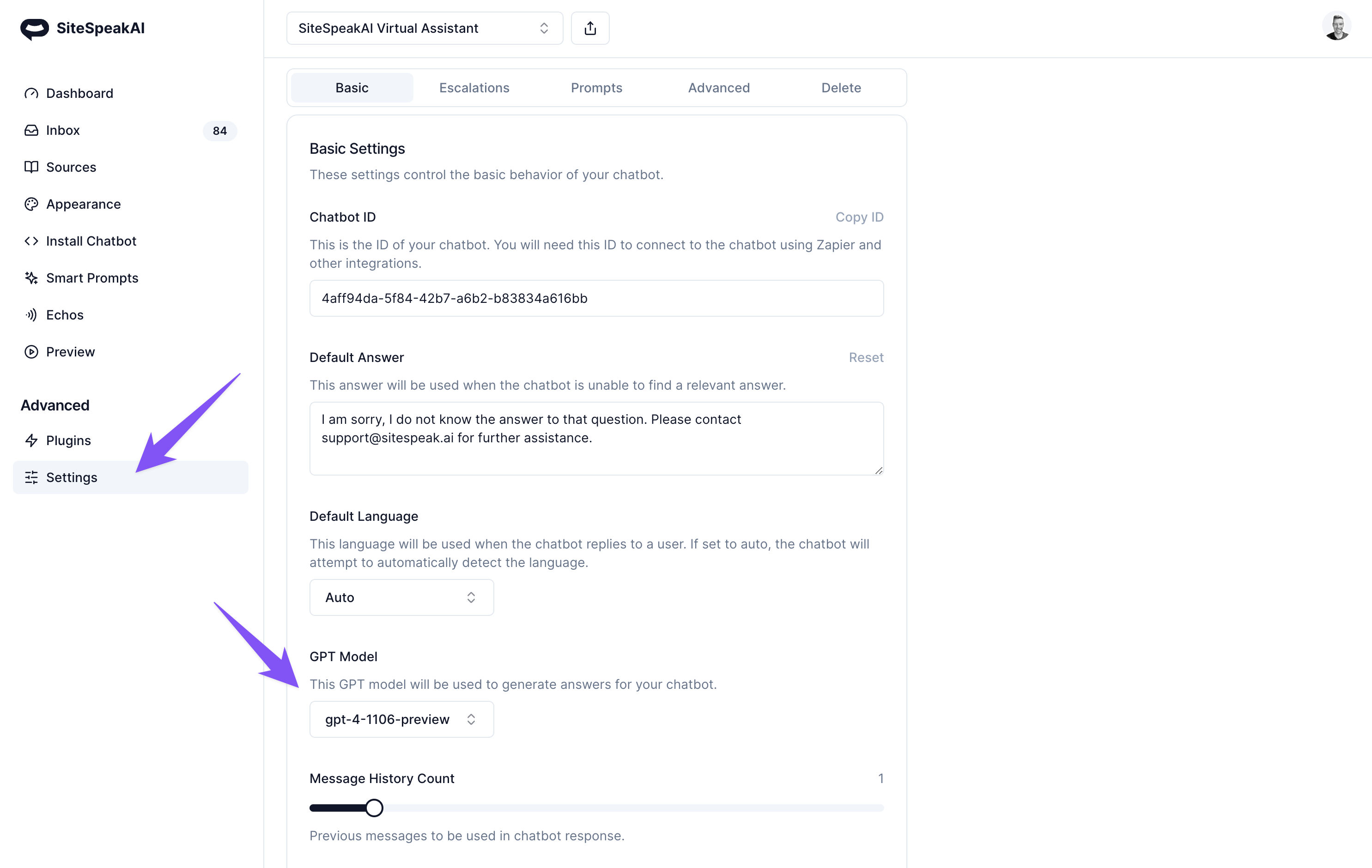
With the latest exciting releases from OpenAI, users of SiteSpeakAI can now choose to use the latest GPT-4 Turbo model (gpt-4-1106-preview). This is available for all Pro and Business plan users.
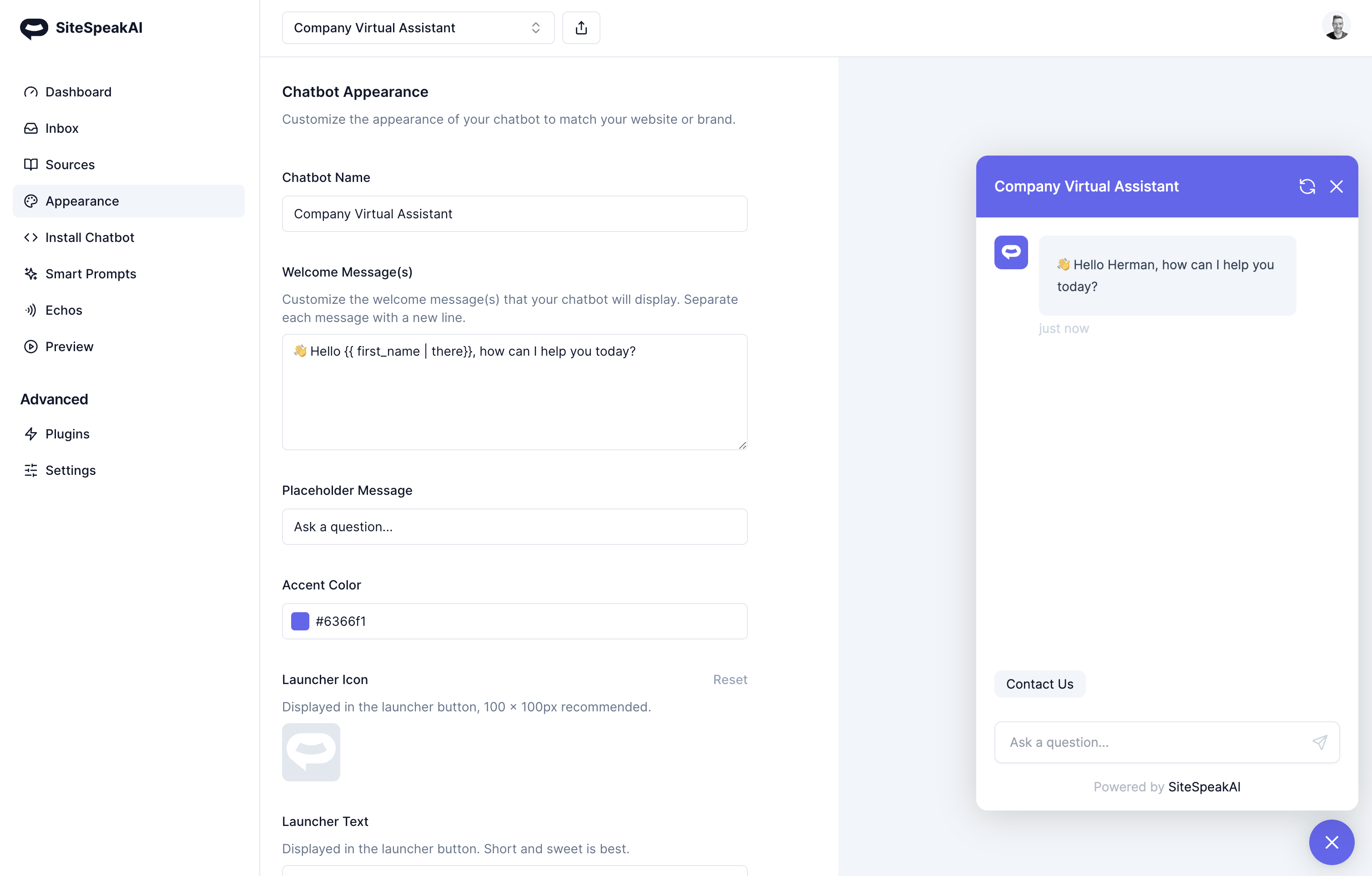
You can now personalize your welcome message using a template tag: {{ first_name | there }}
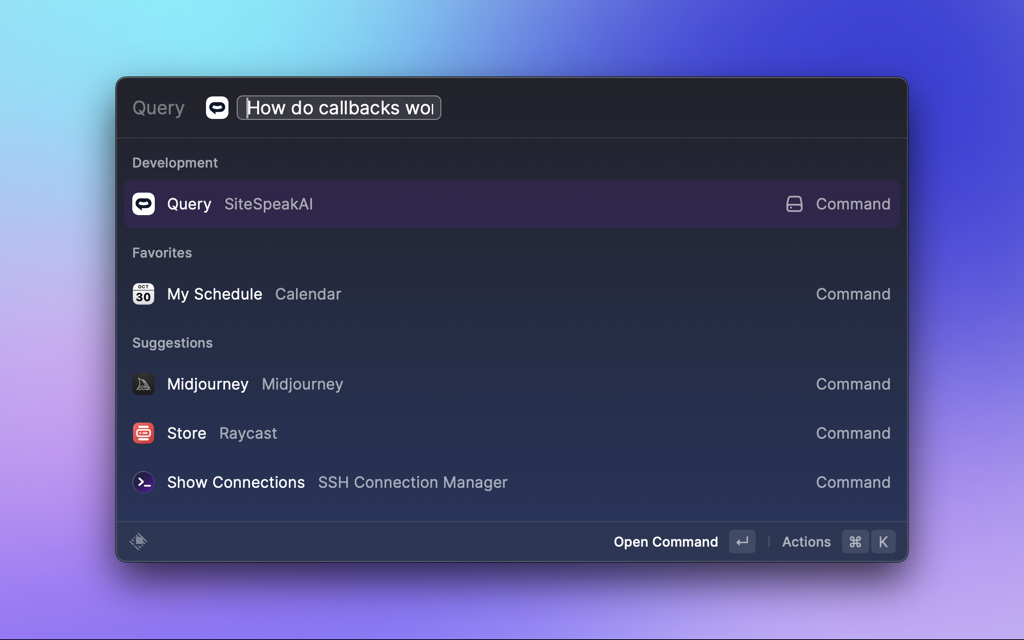
You can now use SiteSpeakAI in Raycast to get answers from your custom trained chatbot 👉 Raycast Extension
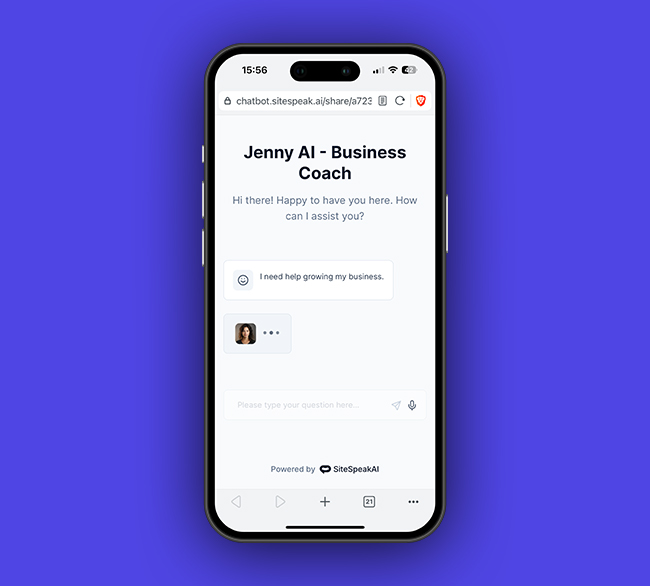
You can now enable voice recognition and text-to-speech for your chatbot that you share. Easily create a shareable AI coach in your pocket that you can send to your clients to interact with. Train it on your knowledge and tone.
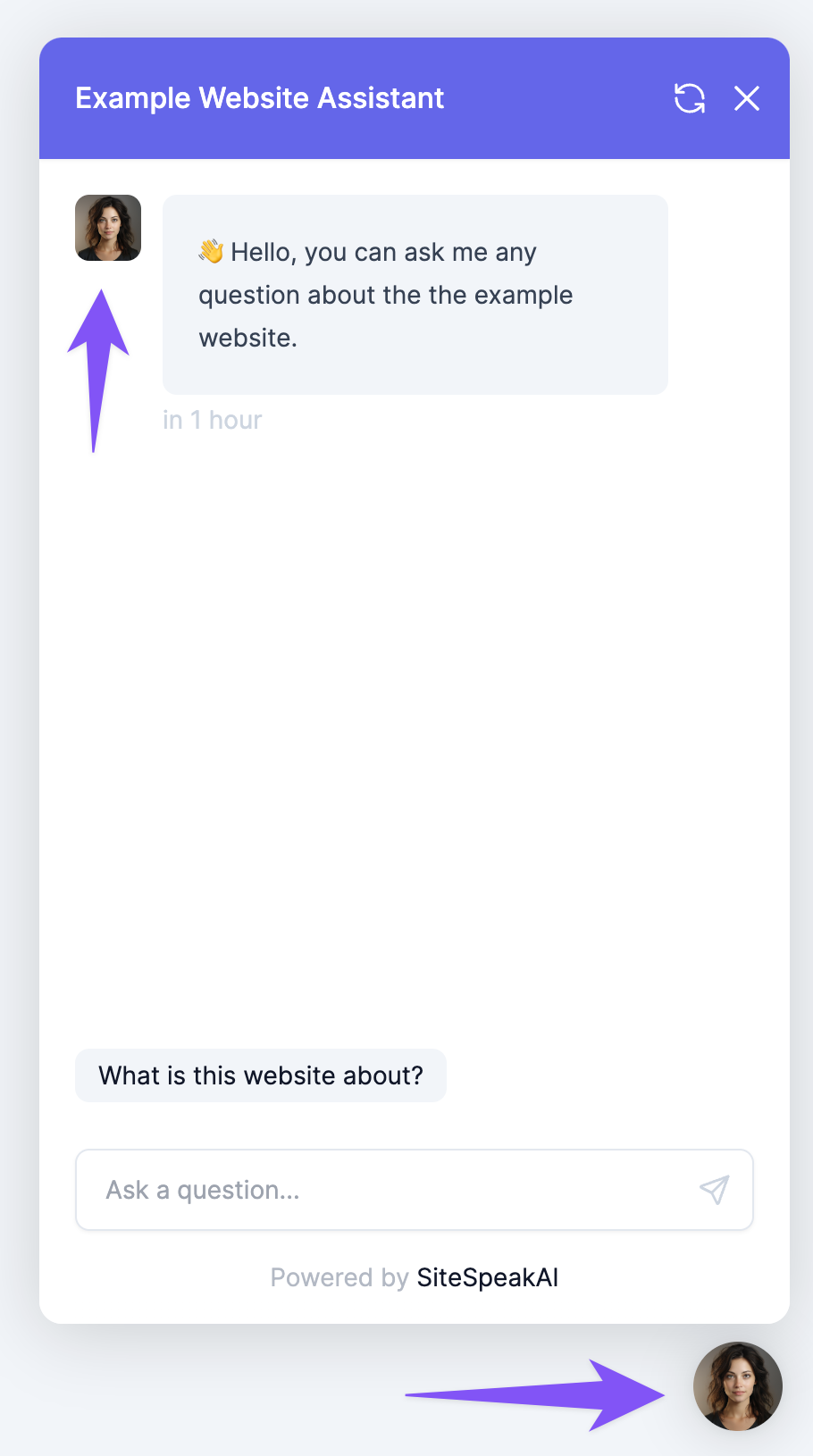
Launcher icon images now cover the entire launcher button when no text is set. This creates a much nicer button and experience for your visitors. Create your AI virtual assistant 👉 https://sitespeak.ai
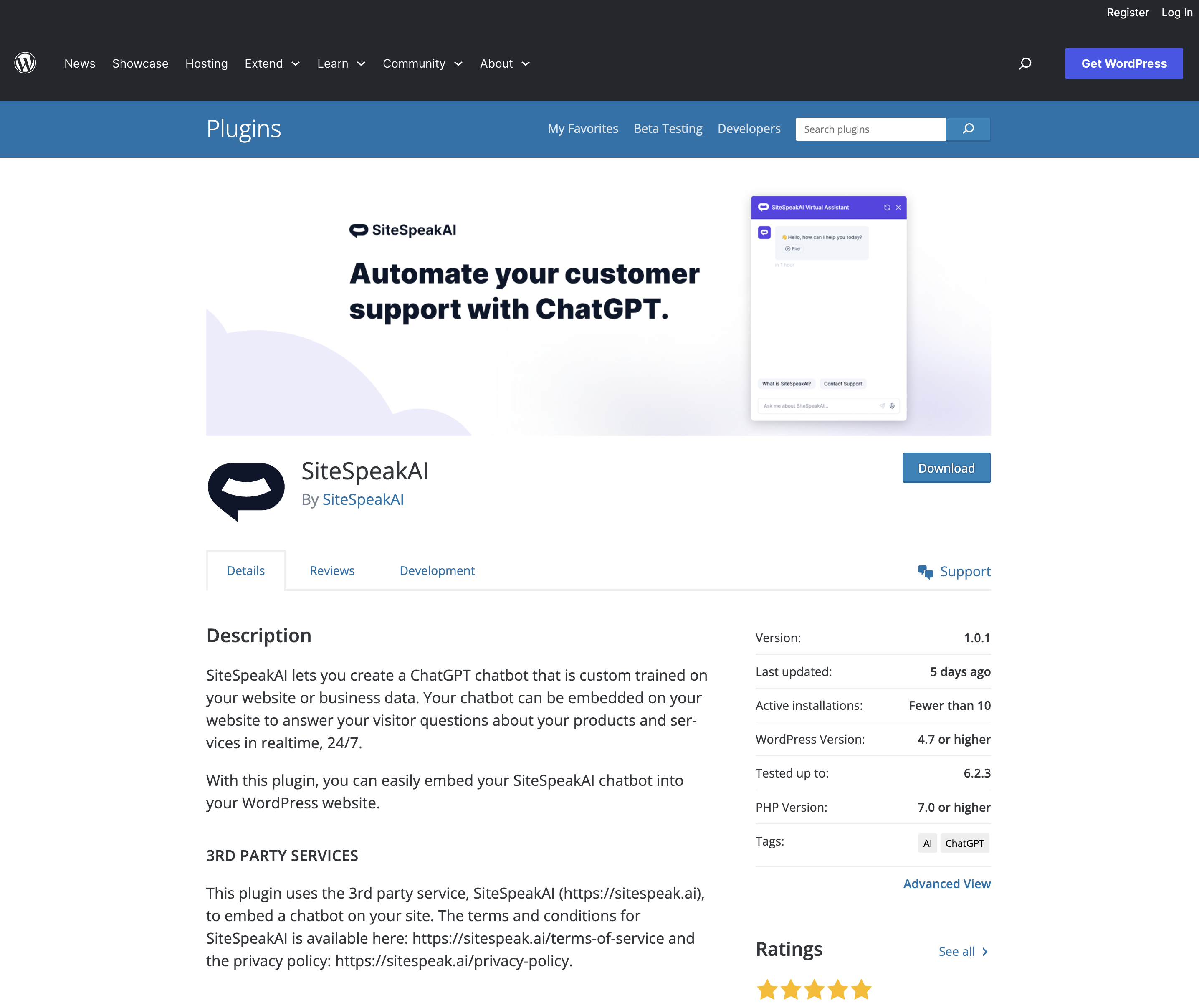
If you're using Wordpress for your website, you can now easily install ChatGPT on your website using the Wordpress plugin: https://wordpress.org/plugins/sitespeakai/.
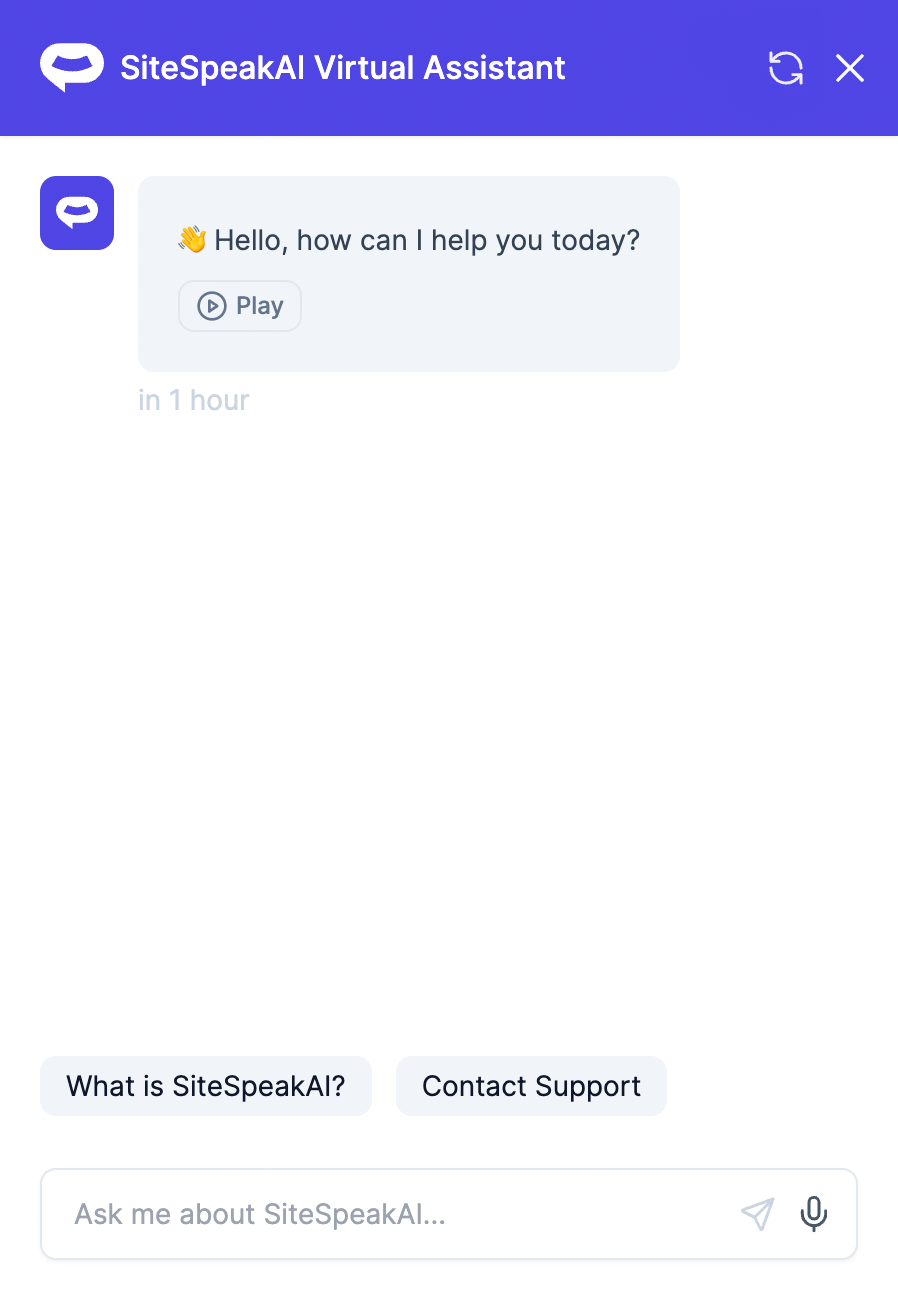
You can now let your customers and visitors interact with your support chatbot using their voice and get an audio answer back. To enable, goto to Settings -> Advanced Settings -> Enable Speech Recognition and Settings -> Advanced Settings -> Enable Text to Speech to enable audio playback for all responses from your chatbot.
Join 1,000+ businesses across SaaS, e‑commerce, and agencies automating their customer service and other tasks with a custom-trained AI agent.
No credit card required