New
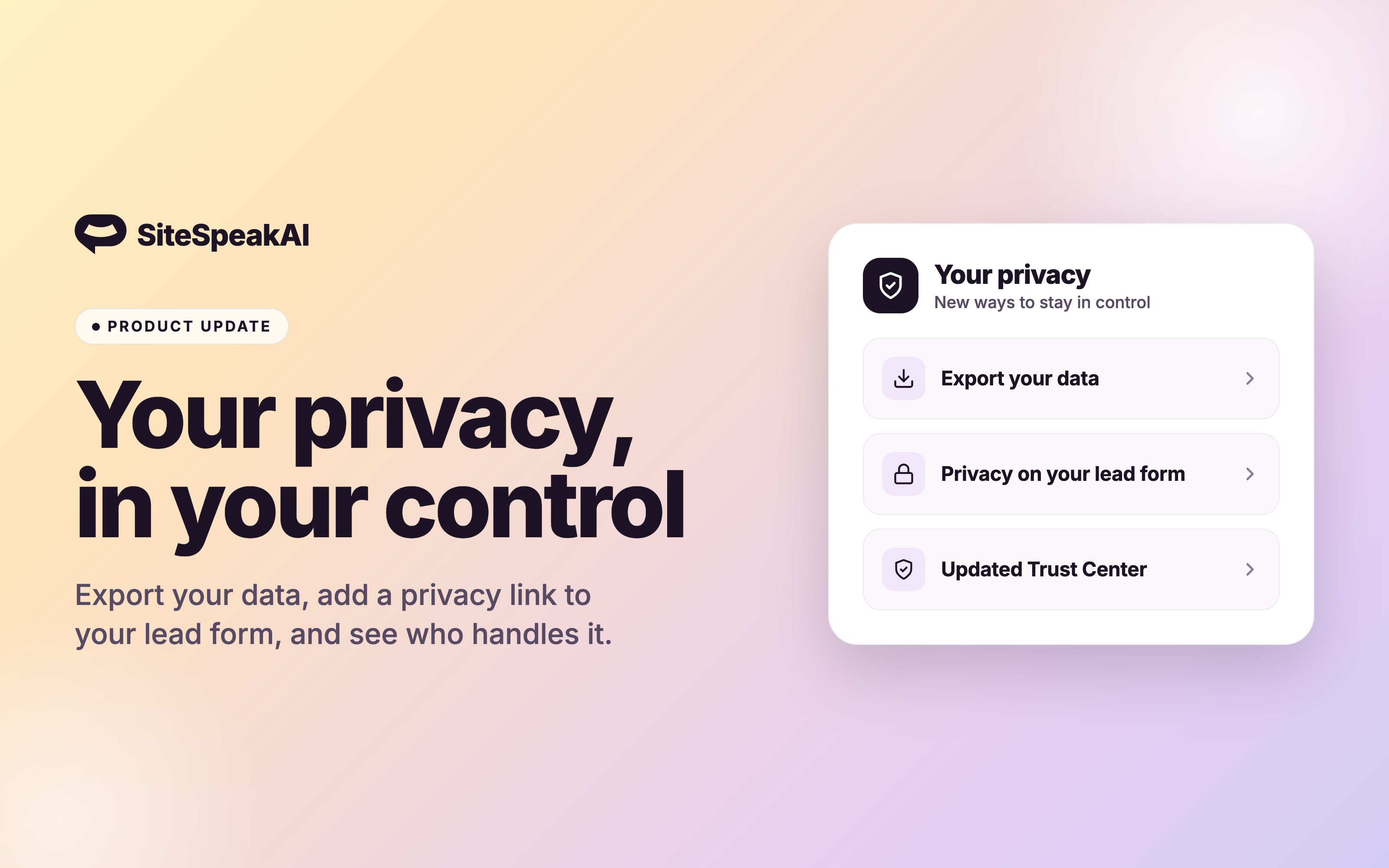
New privacy and data controls
We've added new ways to control your data and protect your visitors' privacy.
New features and improvements in SiteSpeakAI, newest first.
We've added new ways to control your data and protect your visitors' privacy.
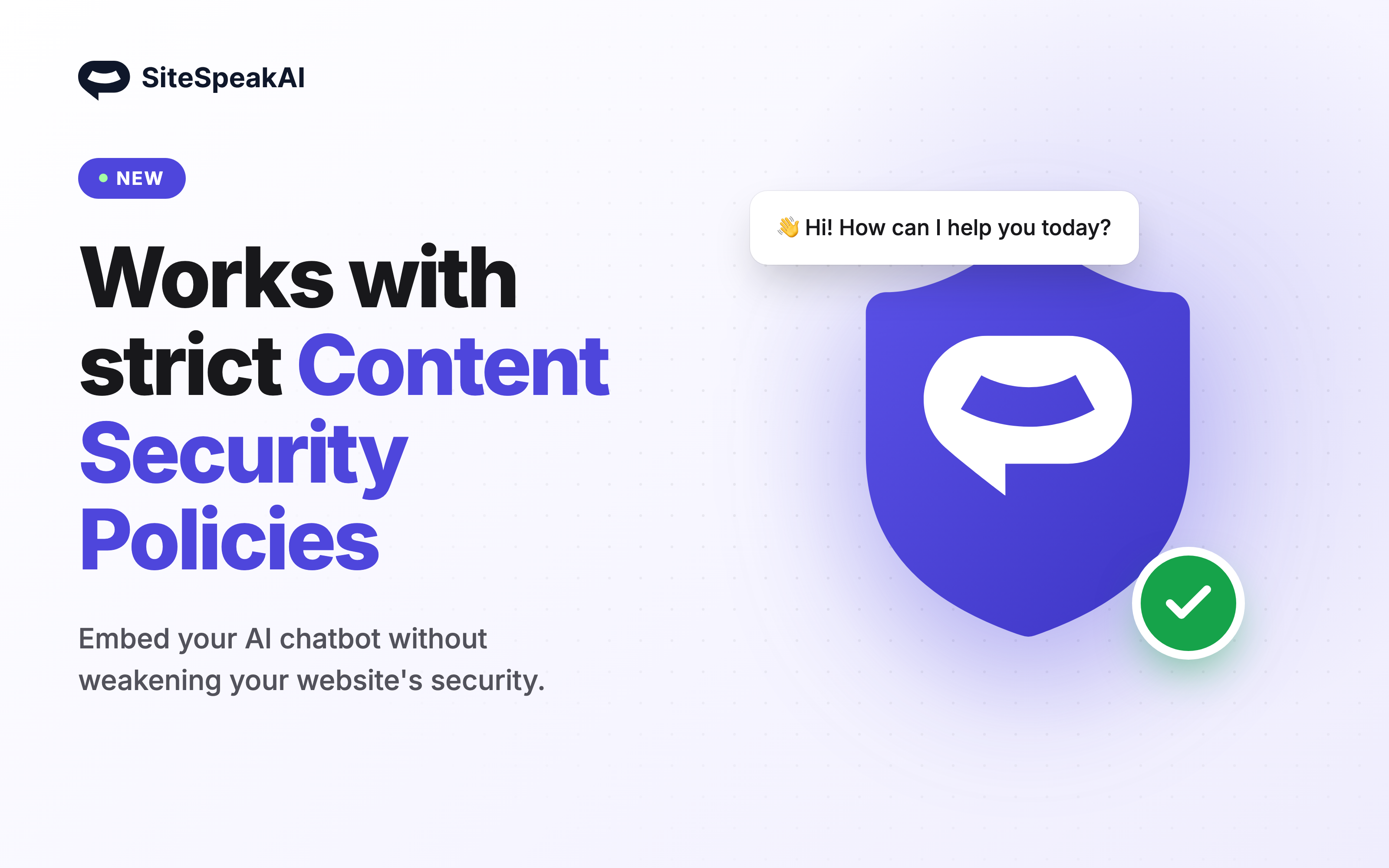
Security-focused websites lock down their Content Security Policy by removing 'unsafe-inline' from style-src. Until now that broke the chat widget: the styles it injects into the page were blocked, leaving a bare, unstyled button instead of your chatbot. The widget loader now supports CSP nonces. Pass your page's per-request nonce to the embed script and the widget applies it to everything it injects, so it works under the strictest policy with no 'unsafe-inline' required:
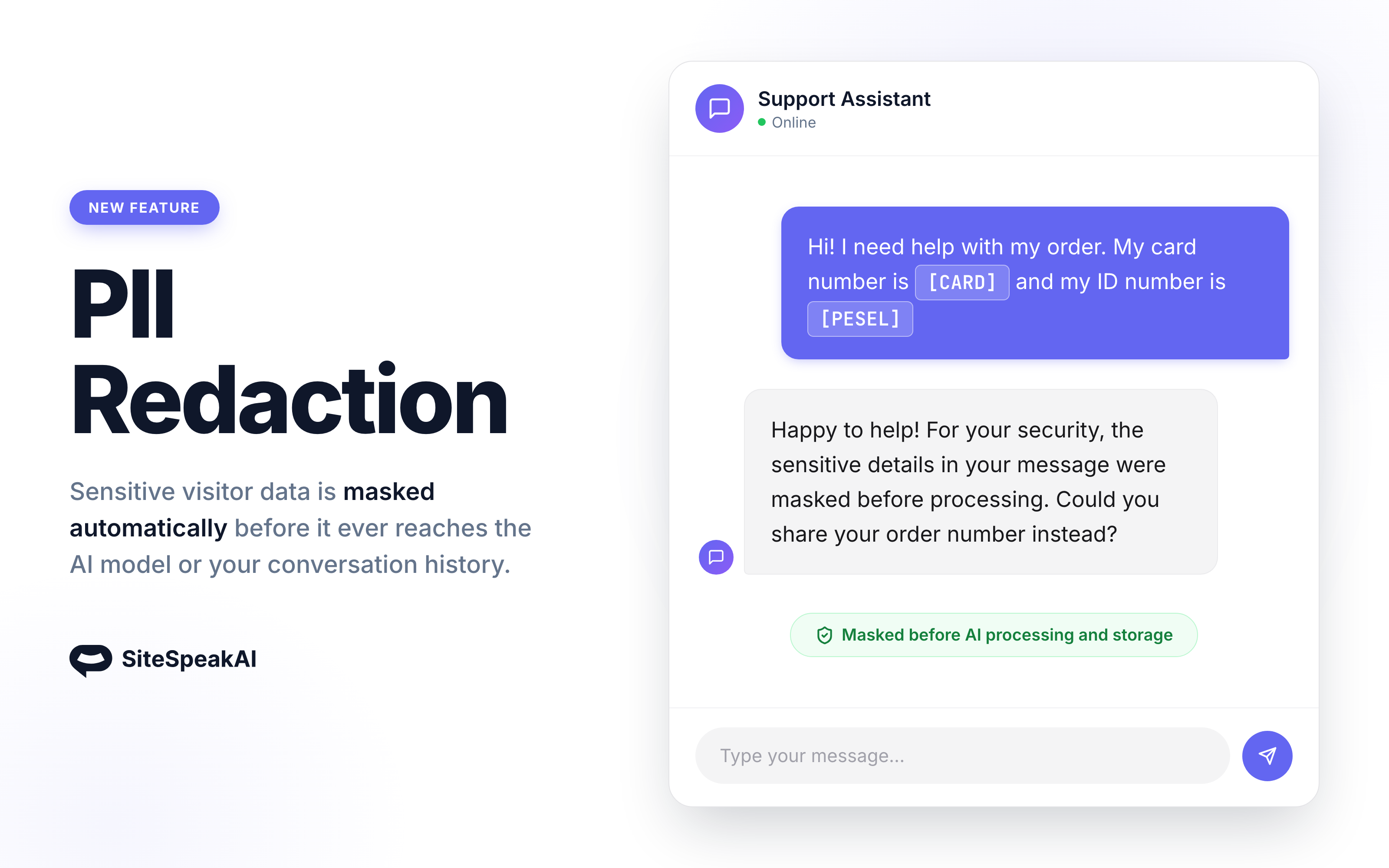
Visitors share things they shouldn't: ID numbers, payment cards, bank accounts, one-time payment codes. With PII Redaction enabled, those values are masked before they reach the AI model and before they are stored in your conversation history. How it works
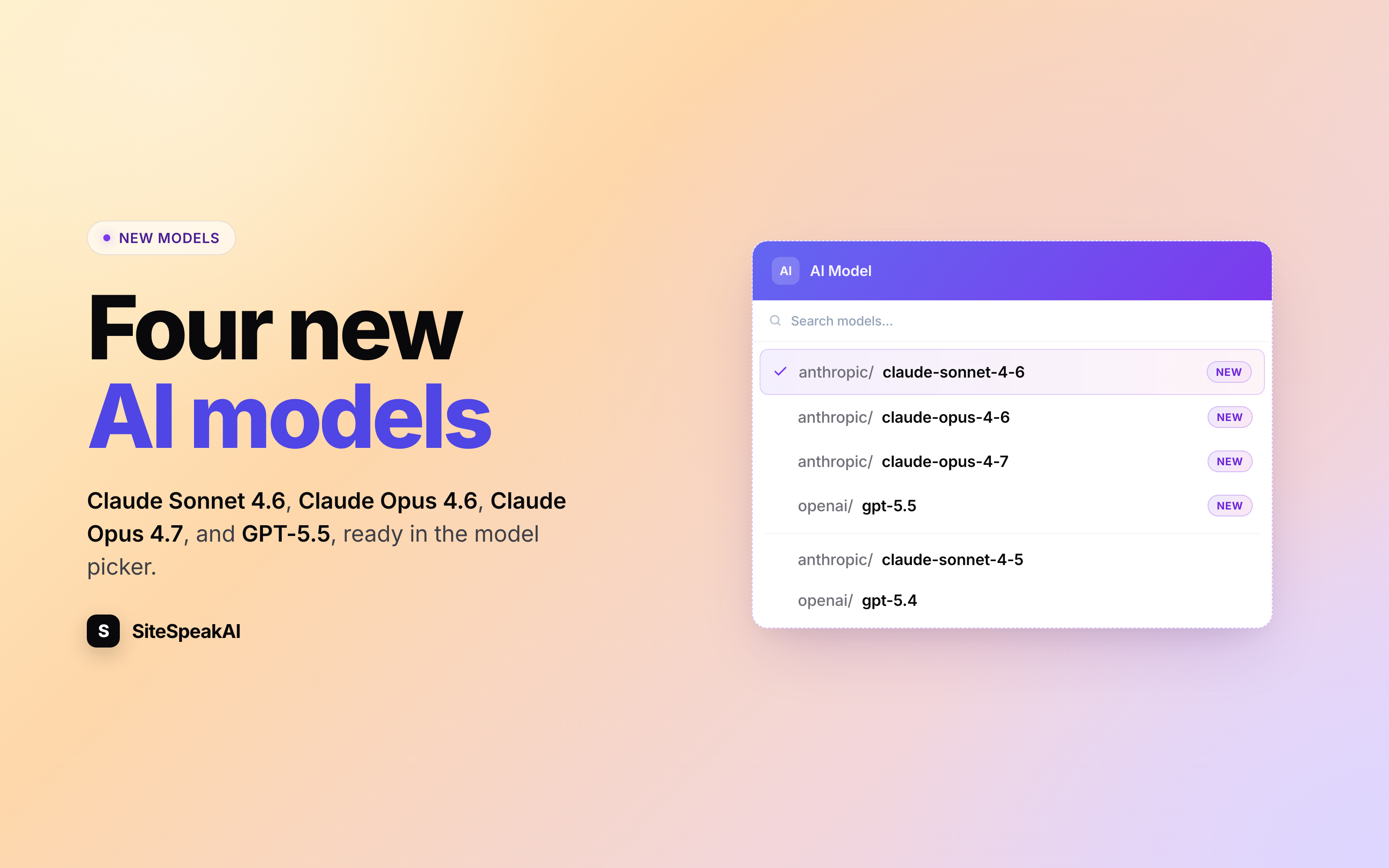
Four new AI models are now selectable in the model picker: Claude Sonnet 4.6, Claude Opus 4.6, Claude Opus 4.7, and OpenAI's GPT-5.5. What's new
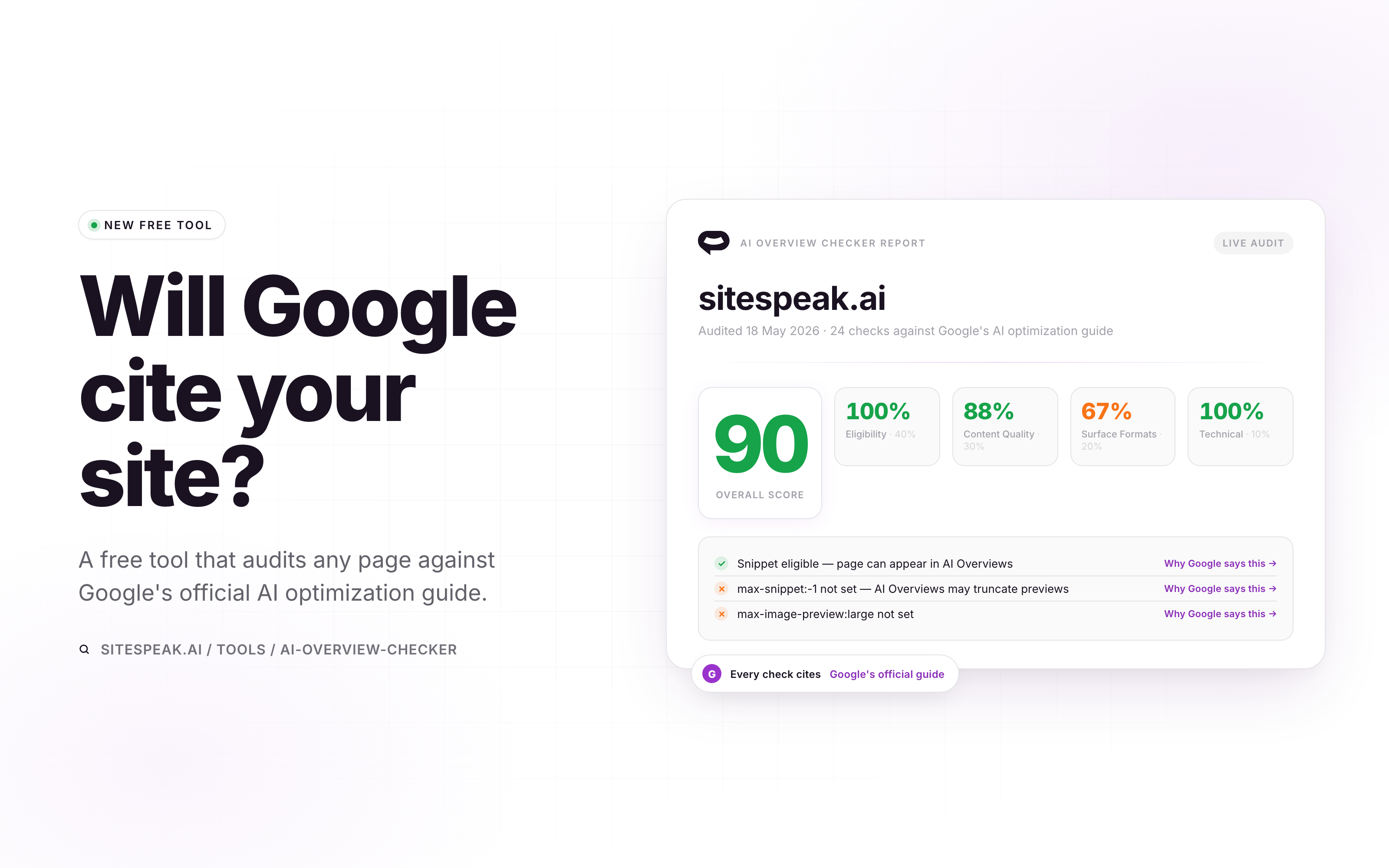
Google publishes specific rules for what gets cited in AI Overviews and AI Mode. We built a free tool that audits your pages against that exact guide. Drop in a URL and you'll see whether your pages are eligible to appear at all, where your content quality is letting you down, and which surface formats (images, video, structured data) Google can actually pull. Every failing check links straight to the paragraph in Google's docs that explains why it matters, so you can hand the fix list to your dev team without an argument.
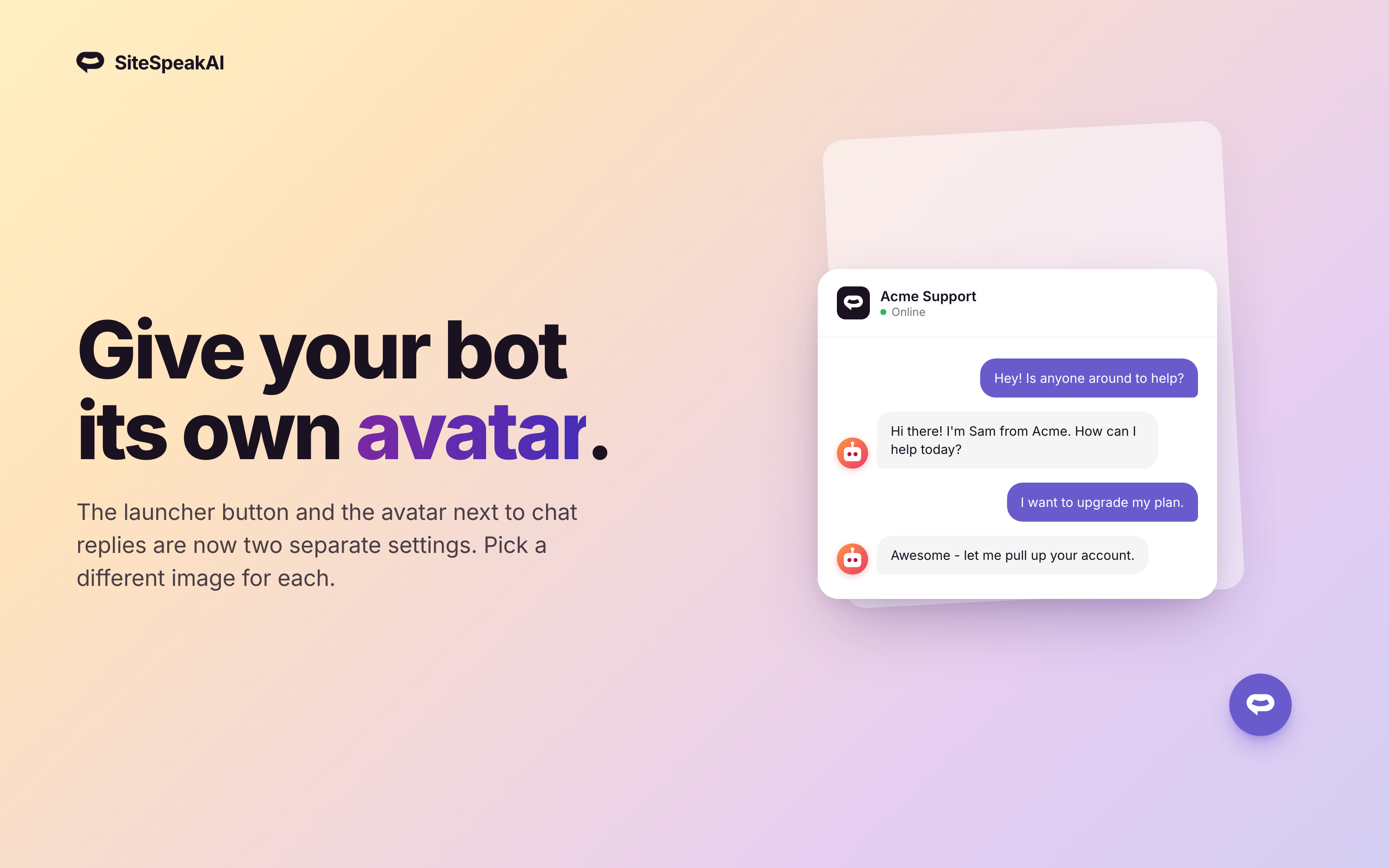
The launcher icon and the avatar shown next to your bot's messages are now two separate settings. Use a friendly chat bubble on your launcher button and your brand's logo (or a real person's photo) inside the conversation. How it works
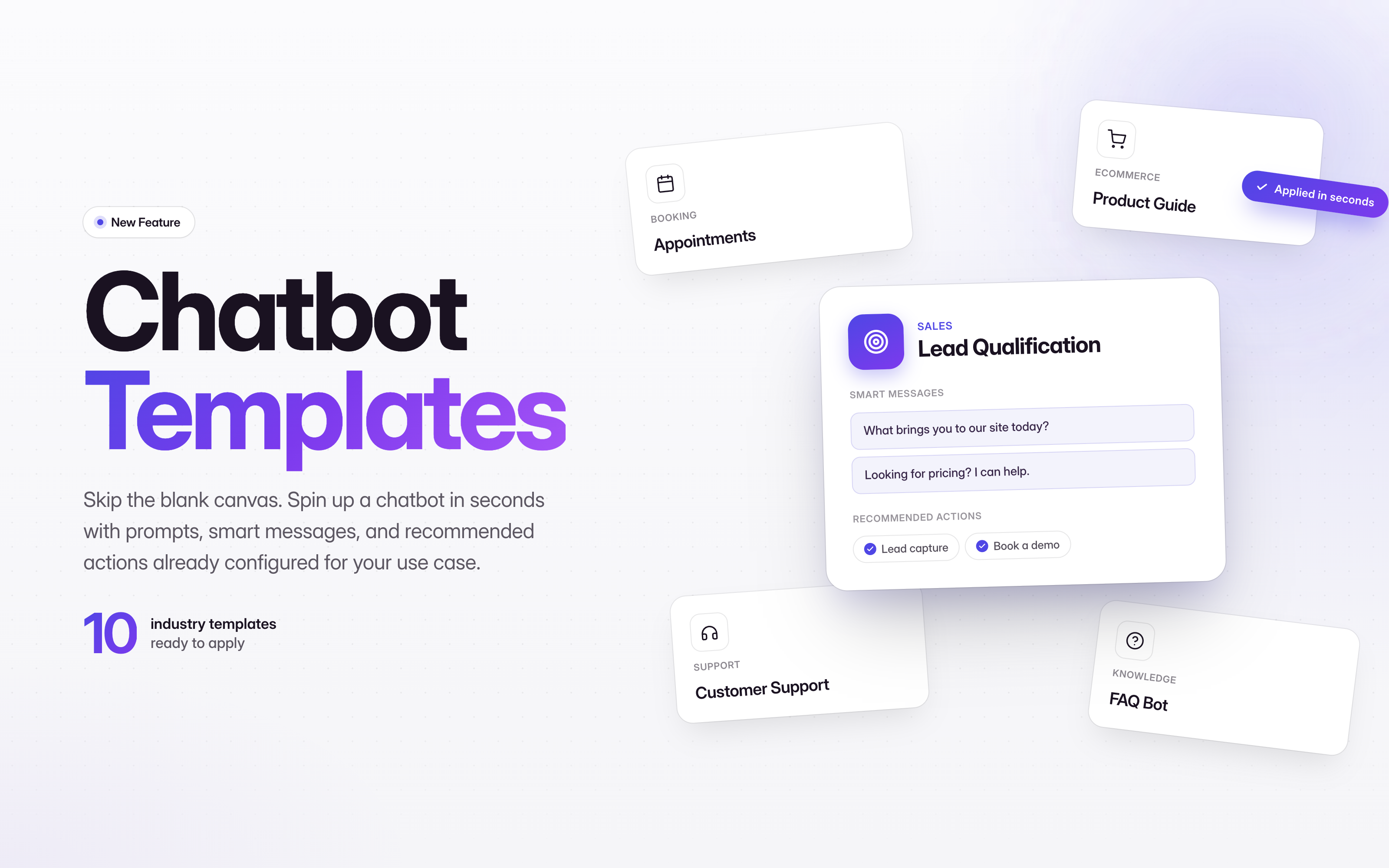
Skip the blank canvas. Pick from 10 prebuilt templates and your chatbot ships with the right prompts, welcome message, smart message suggestions, and recommended actions already tuned for your use case. How it works
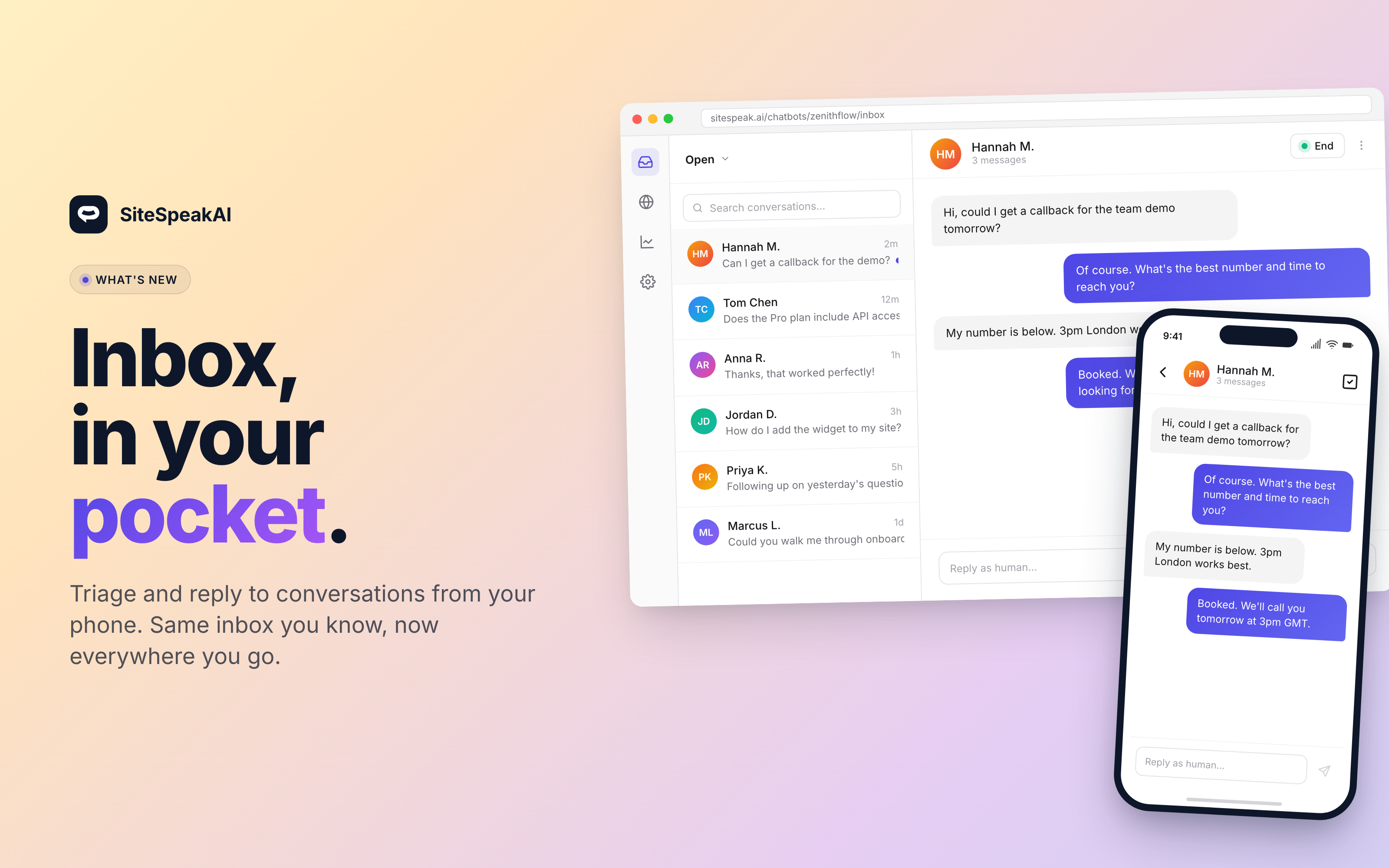
The inbox now works on phones and small tablets. Tap a conversation, read the thread, reply, and close it. The same flow as desktop, in your pocket. How it works
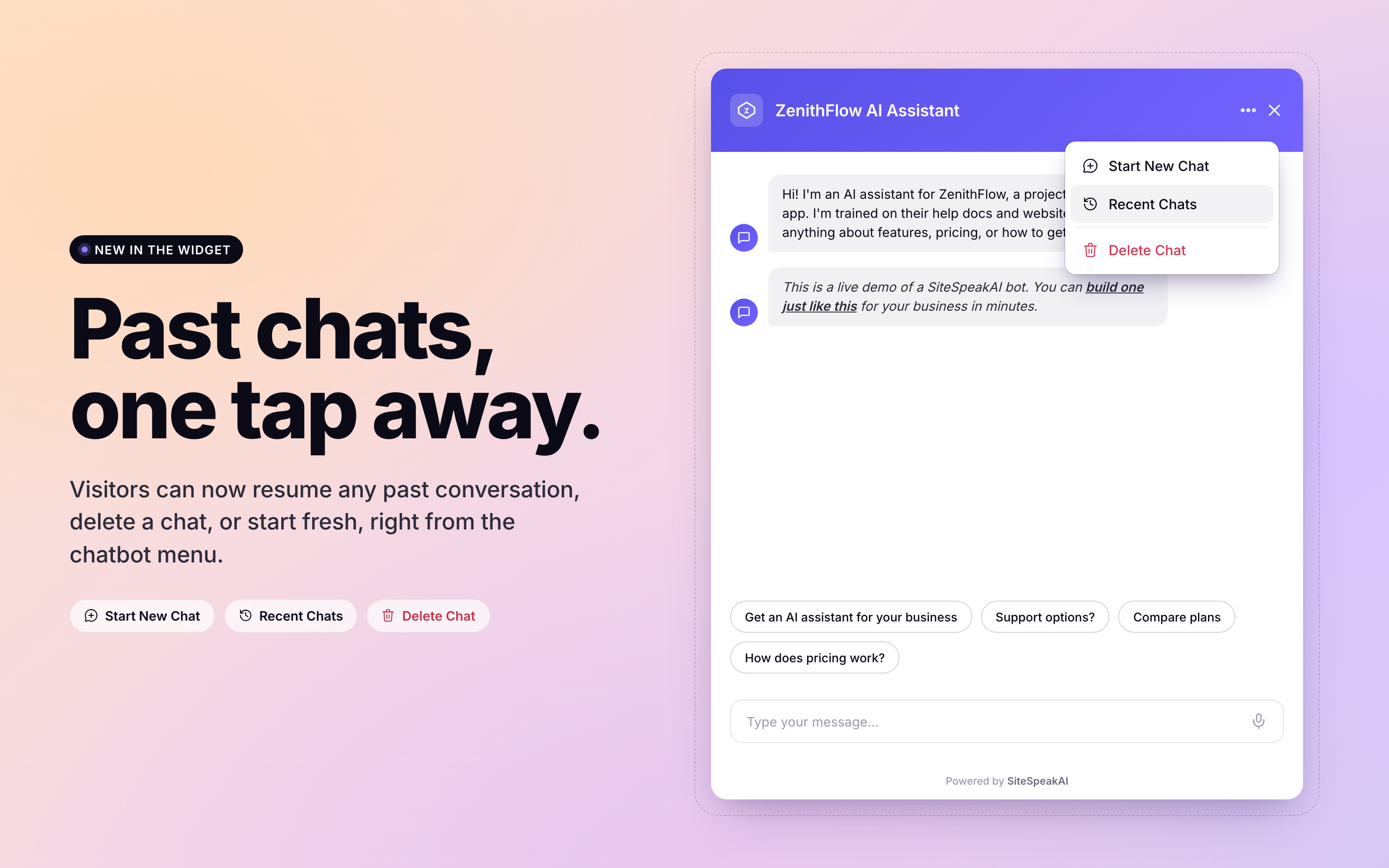
Visitors can now see their past conversations and pick up right where they left off. The chatbot widget has a new menu with three options: start a new chat, view recent chats, or delete the current chat. Resume any past conversation
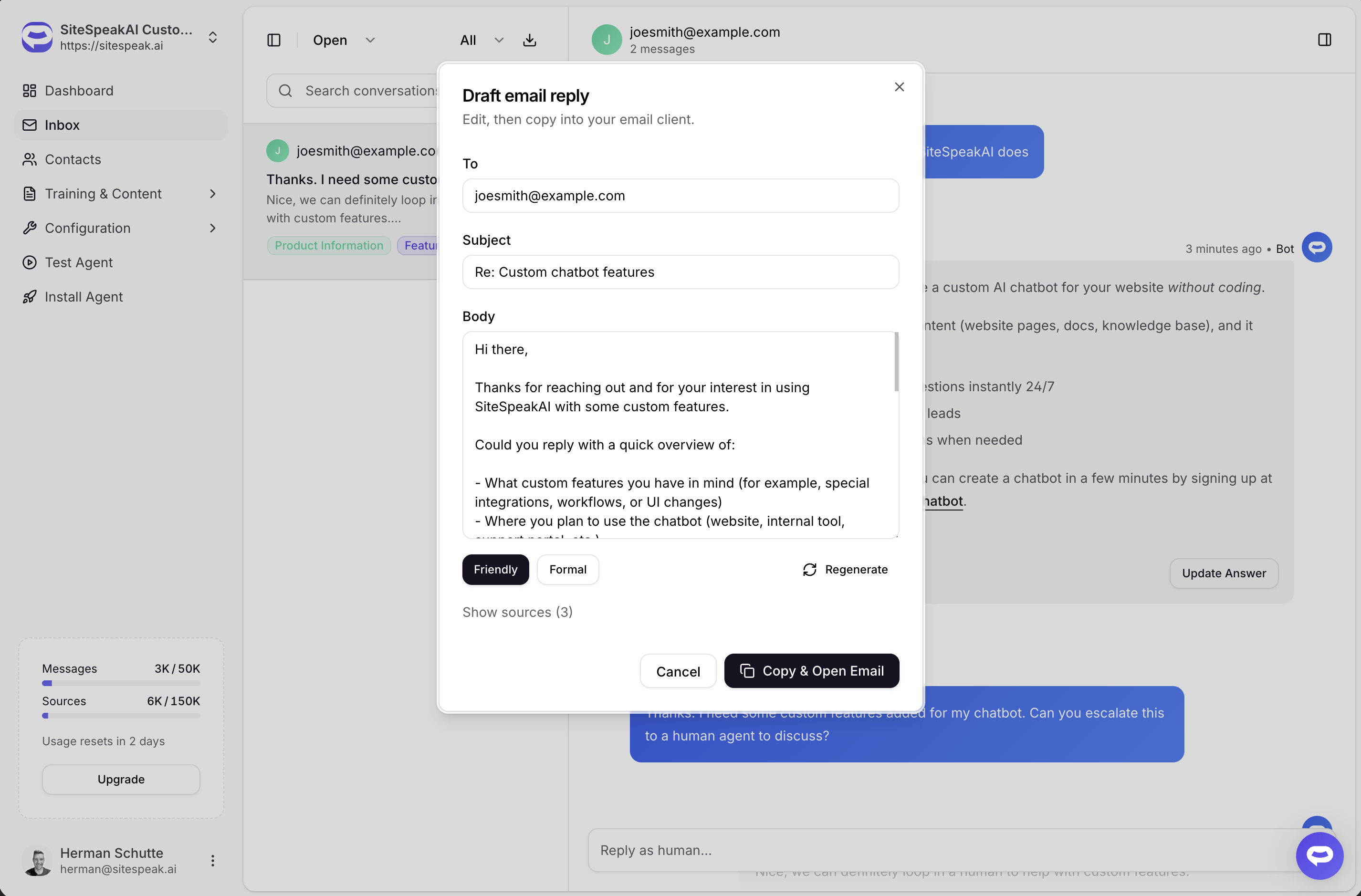
Reply to visitors by email without staring at a blank message. The new Draft email action turns any visitor question into a ready-to-send email draft, grounded in your chatbot's training data, with two clicks. How it works
Join 1,000+ businesses across SaaS, e‑commerce, and agencies automating their customer service and other tasks with a custom-trained AI agent.
No credit card required