

Add your AI support agent to your Slack workspace
In SiteSpeakAI
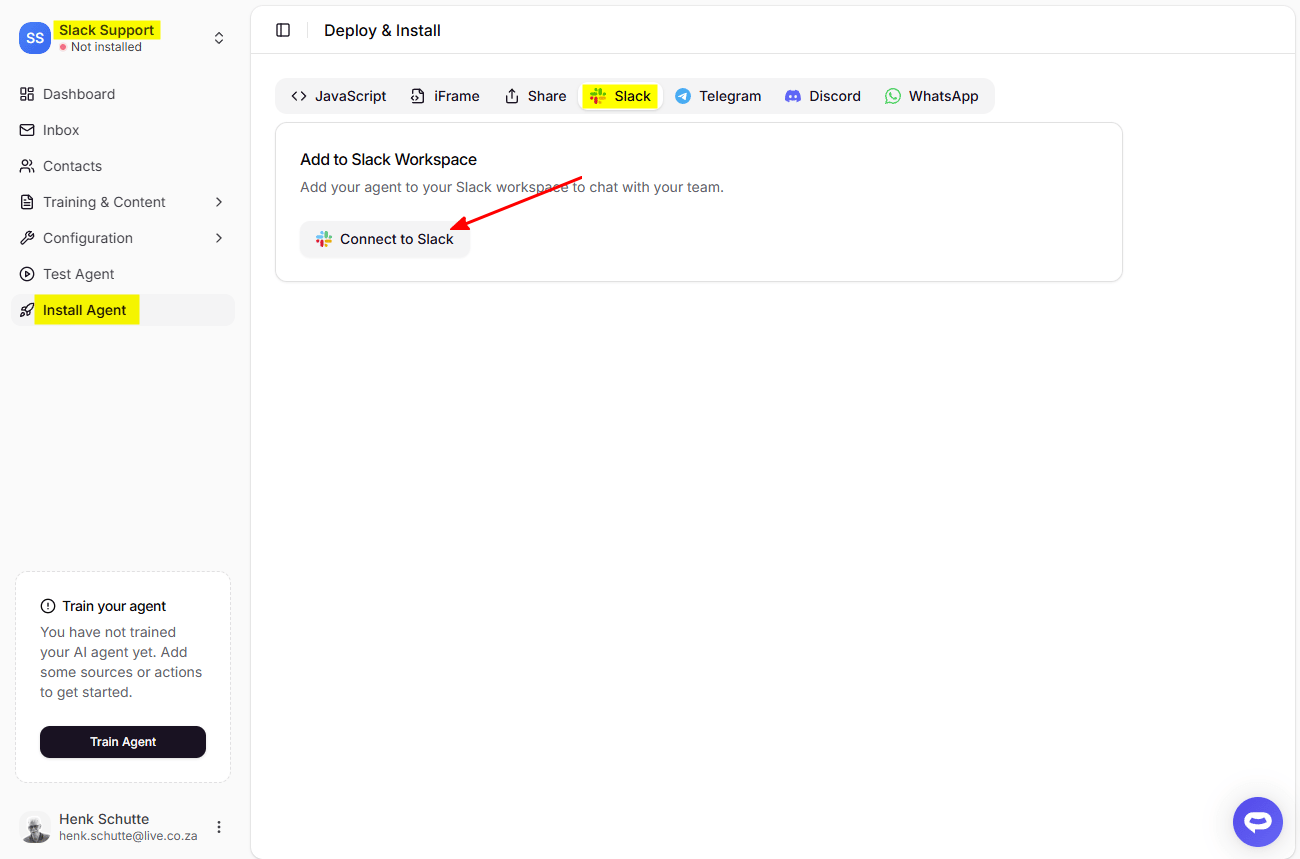
- Select your AI support agent from the dropdown menu at the top, click on the Install Agent section in the sidebar, select the Slack tab and click on the Connect to Slack button.
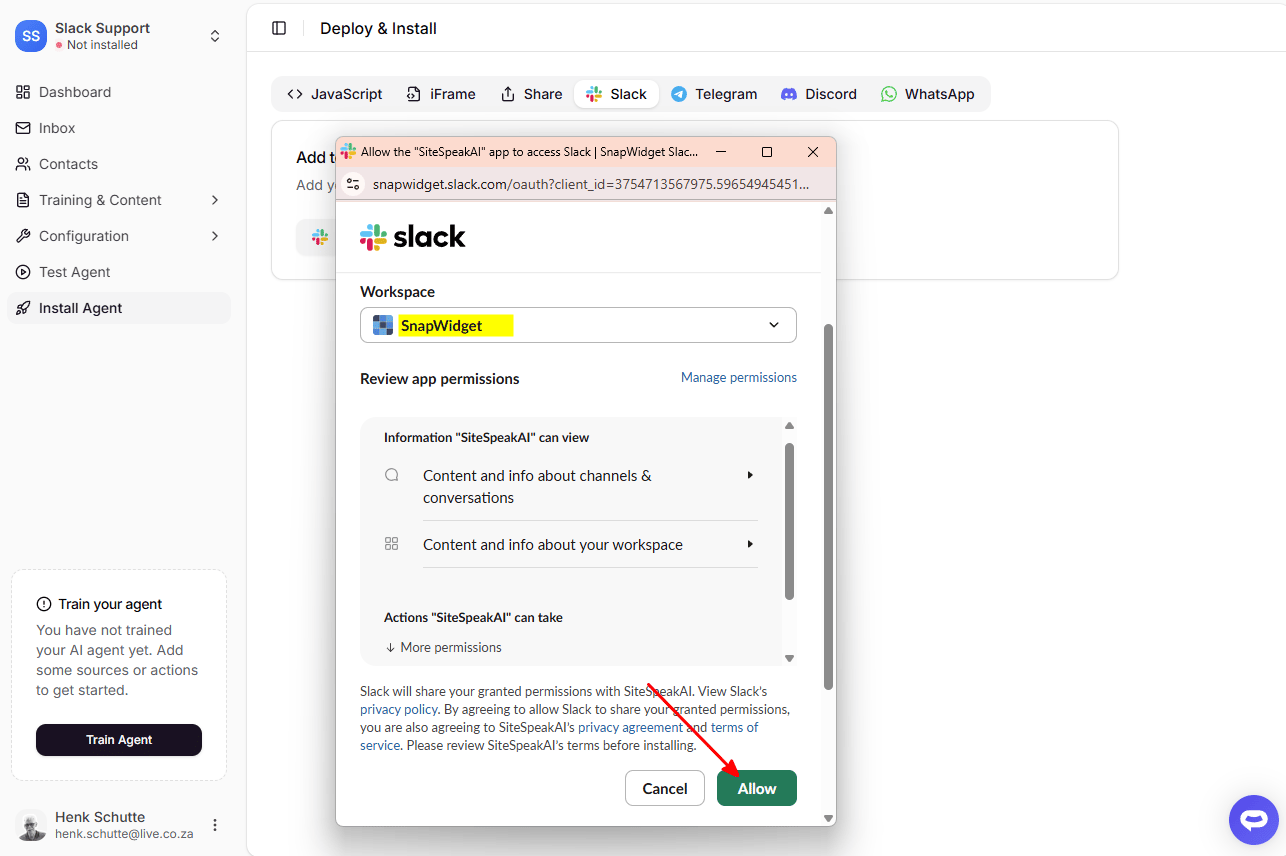
- Select the workspace you would like to add your AI support agent to from the dropdown menu, and then click on the Allow button to grant SiteSpeakAI permission to your workspace.
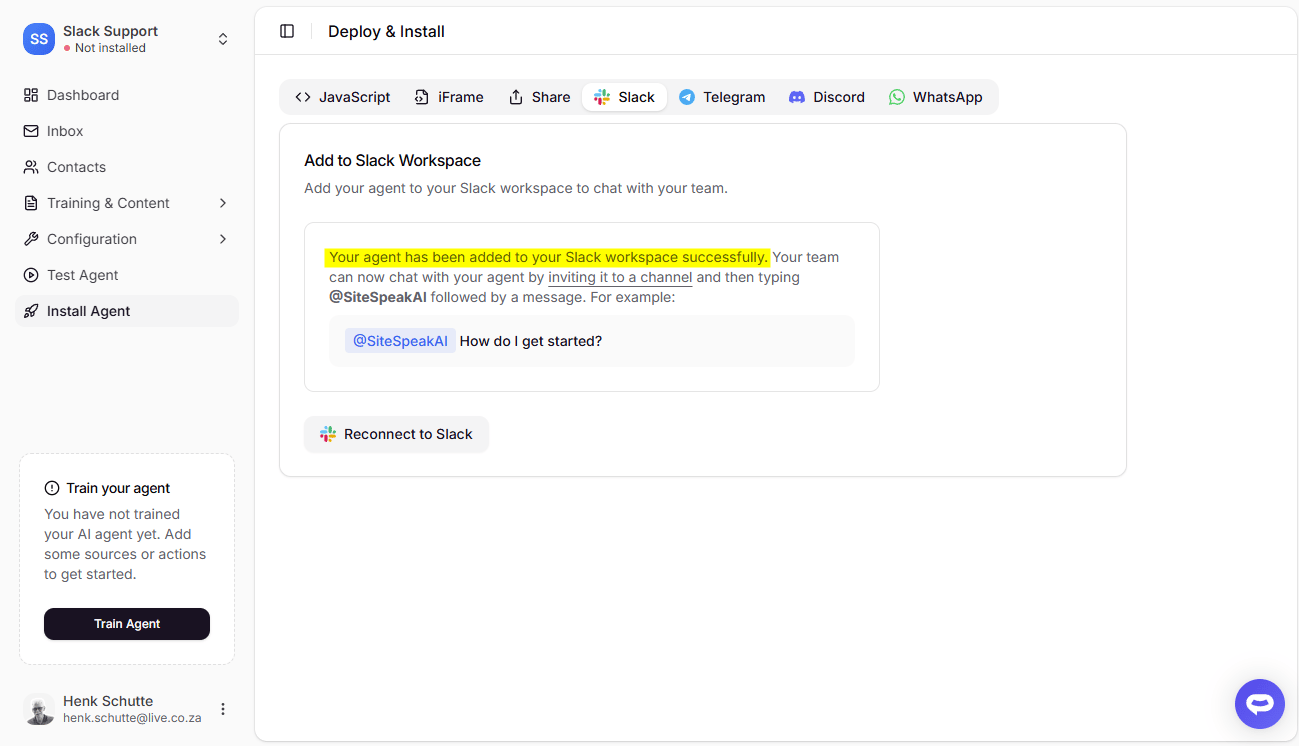
- If access was granted, you’ll see a message about how to invite the AI support agent to a channel in your workspace.
In Slack
- Select the channel you would like to add your AI support agent to.
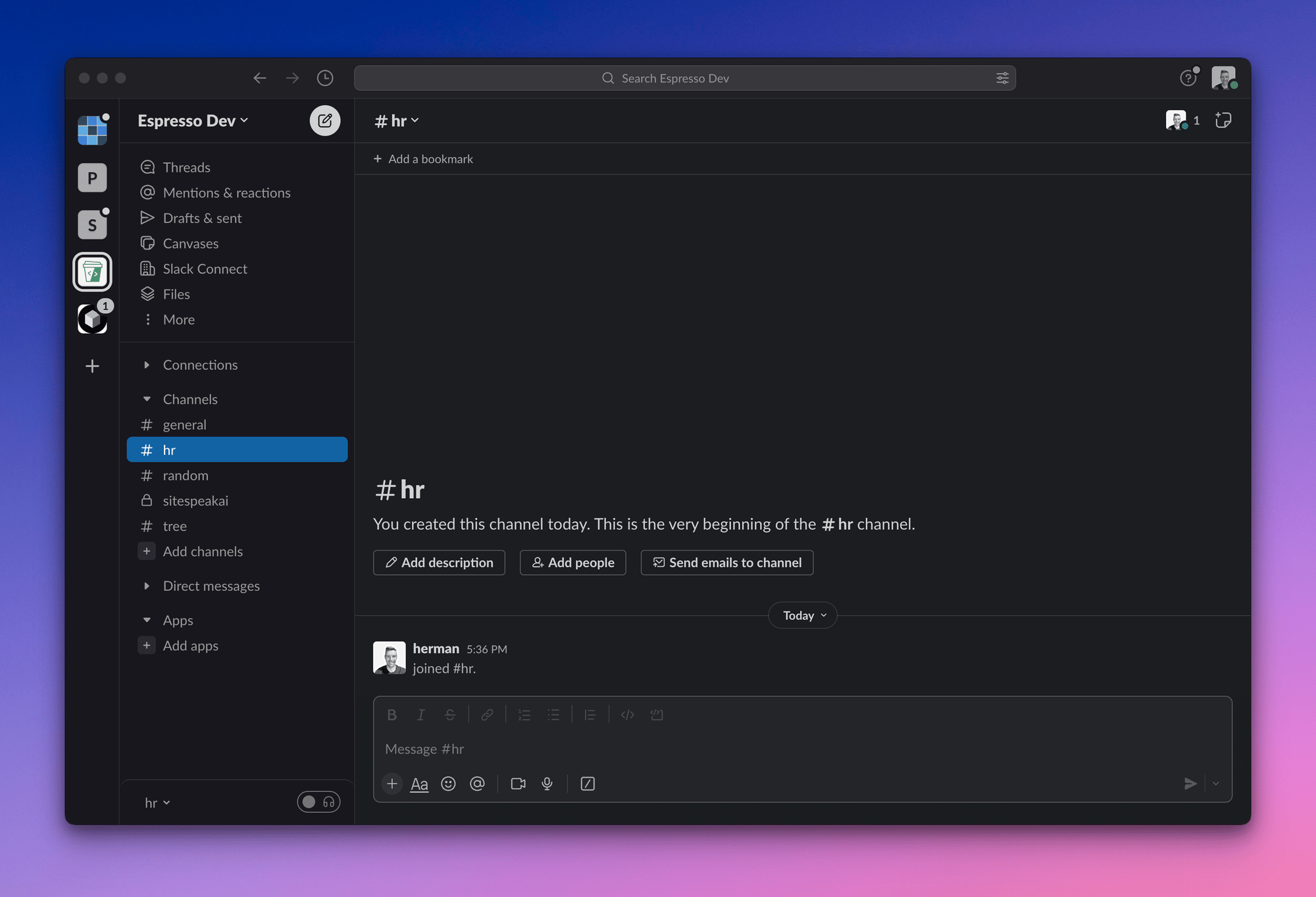
- Then invite the AI support agent by mentioning it: @SiteSpeakAI
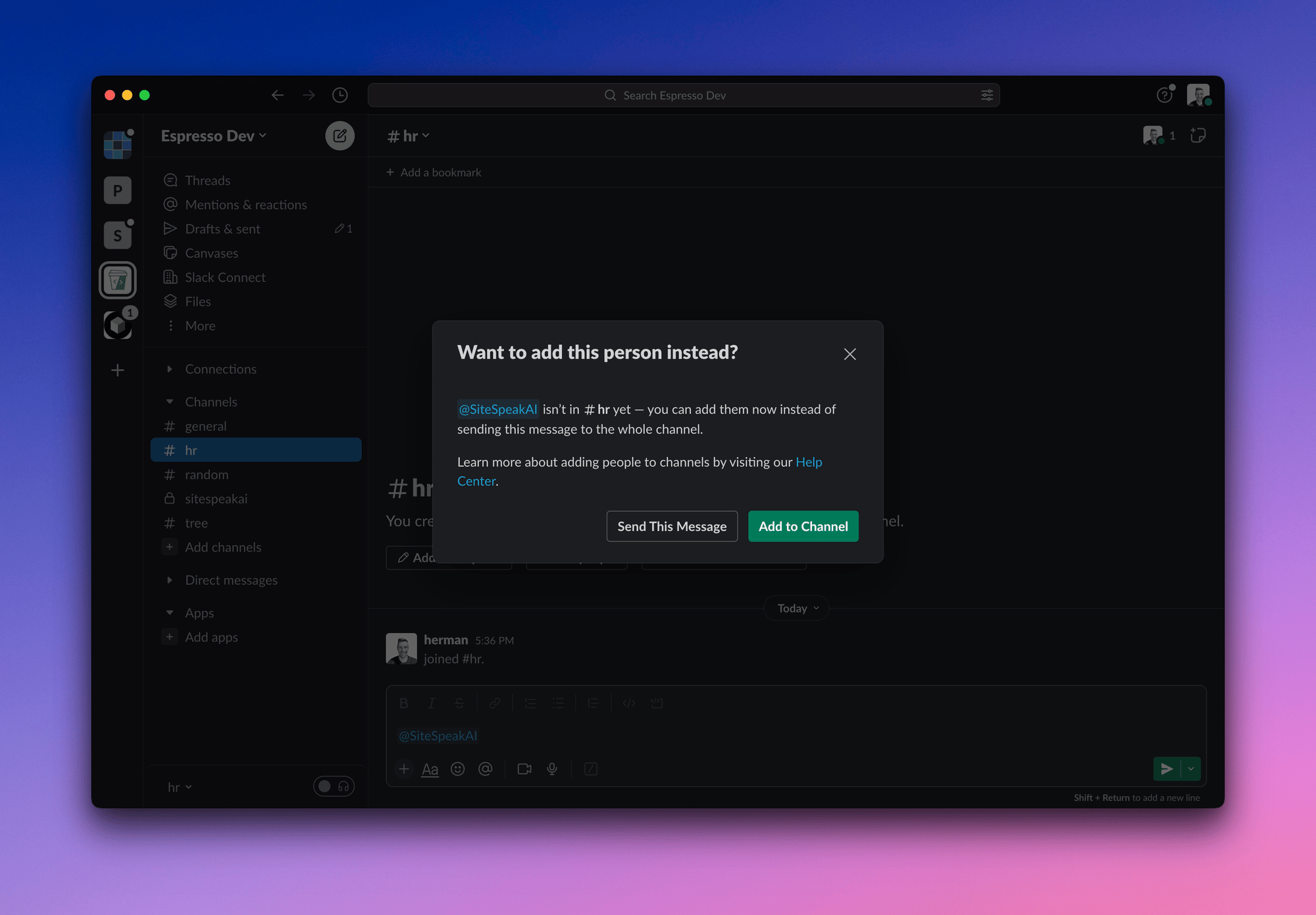
- Click the Add to Channel button.
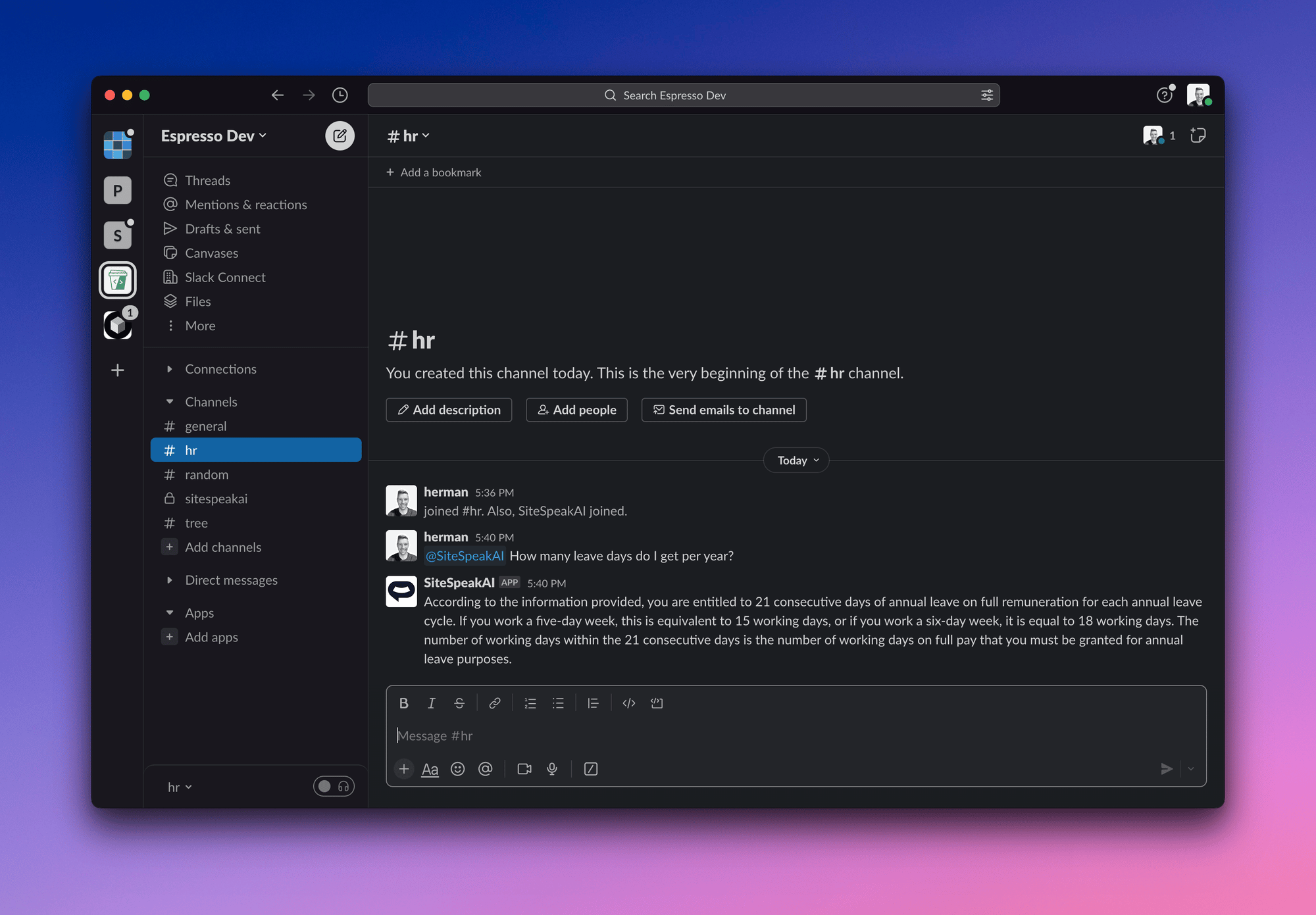
- Your AI support agent is now added and you and your team can now begin asking it questions.
Ready to automate your customer service with AI?
Join over 1000+ businesses, websites and startups automating their customer service and other tasks with a custom trained AI agent.