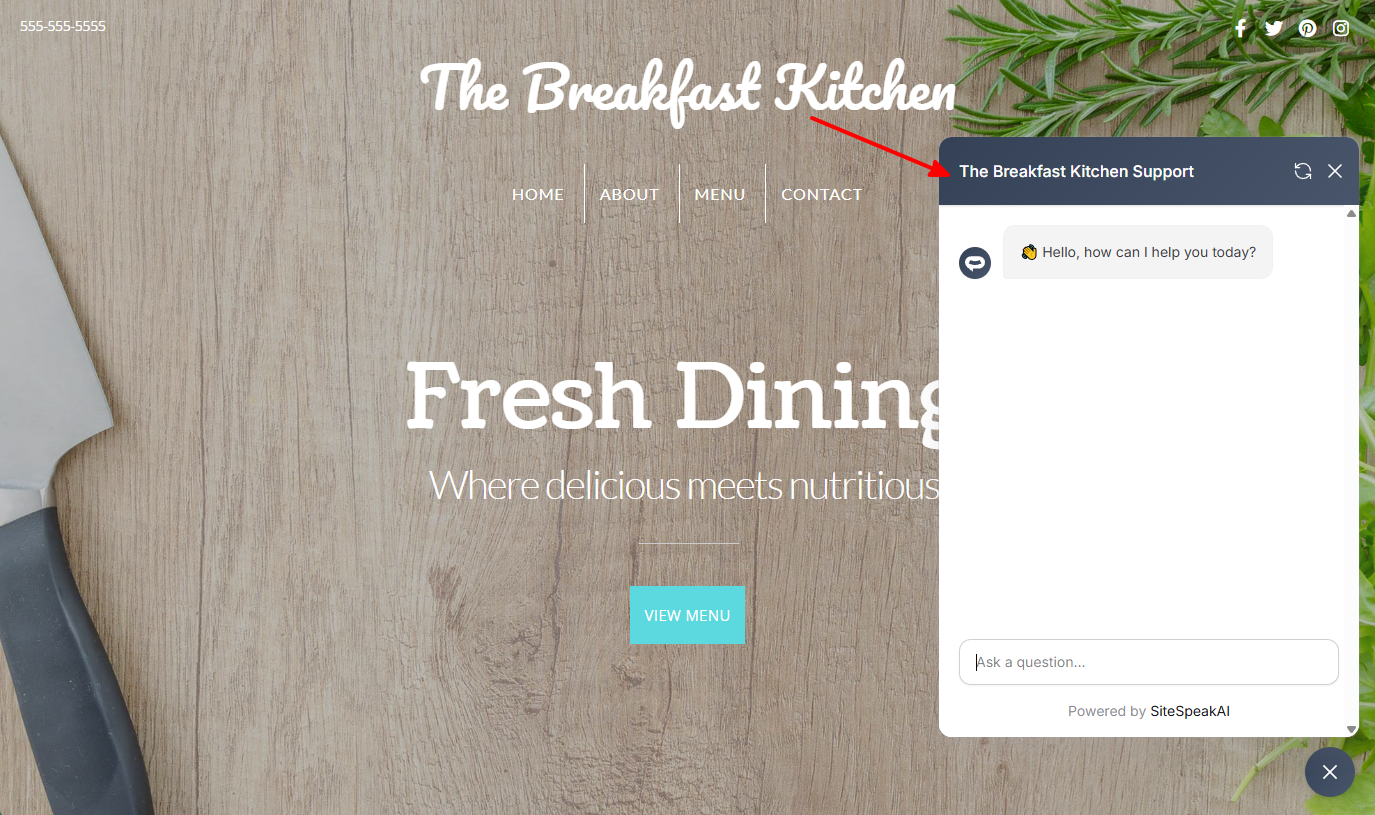
How to add your custom trained AI chatbot to your SnapPages website.
You want to embed your custom trained AI support agent in your SnapPages website page. Here’s how to add an AI support agent to SnapPages with SiteSpeakAI.SnapPages is a website builder that’s known for being really easy to use, especially for beginners. It’s a drag-and-drop platform, meaning you build your website by simply dragging elements (text boxes, images, buttons, etc.) onto a page and arranging them how you like. It automatically handles the technical stuff like hosting, security, and updates – so you don’t need to be a coder. It’s built on top of WordPress, but you don’t need to worry about managing WordPress directly.Website URL:SnapPages
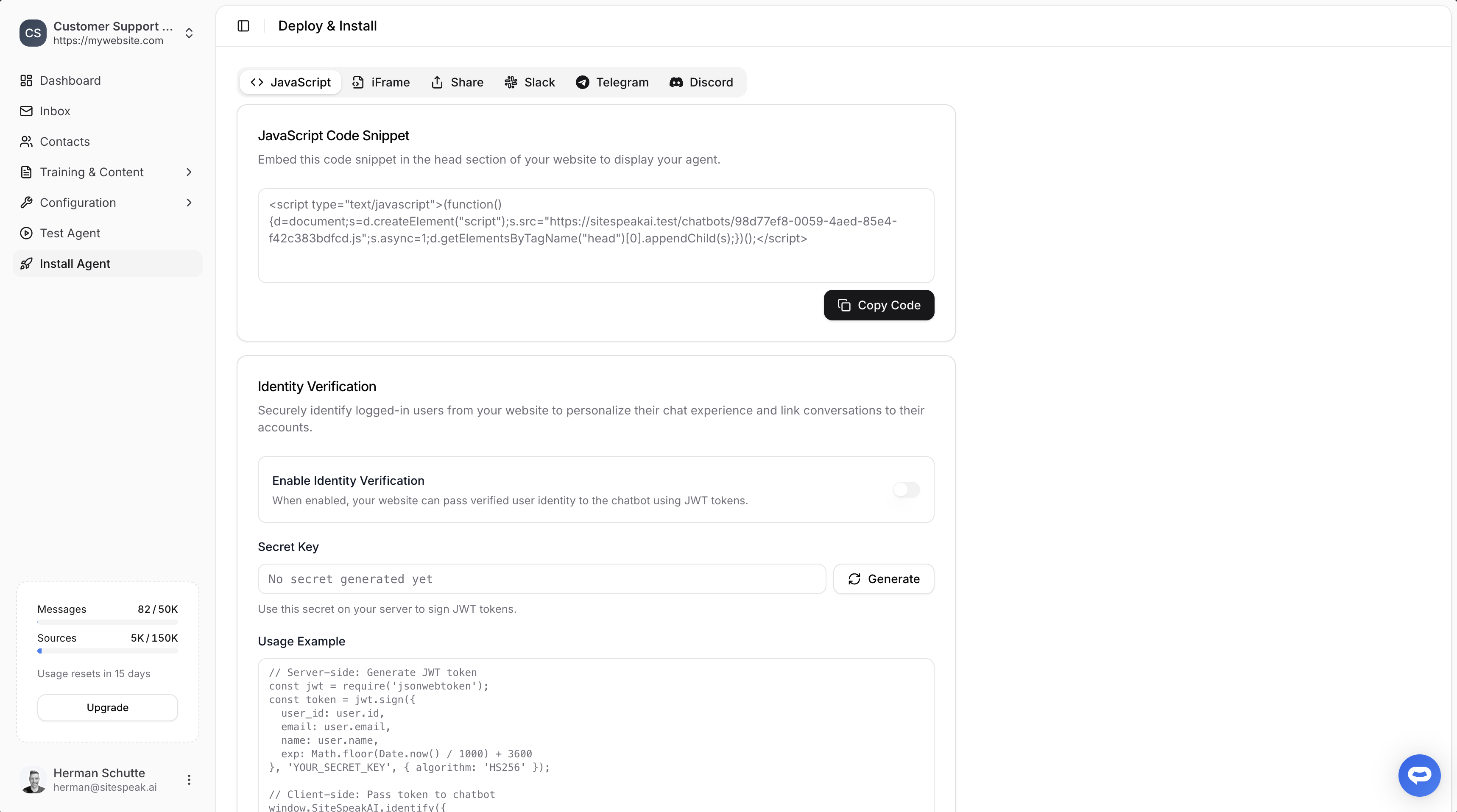
Select your chatbot from the dropdown menu at the top, click on the Install Agent section in the sidebar, then click on the Copy Code button to copy your code snippet.